

Square InstaPic is a photo-editing app for preparing images for social media, especially square posts that preserve the full original picture. Instead of cropping a long image to fit a square, it adds background space around it and provides tools to adjust the result.
How does the no-crop square conversion work?
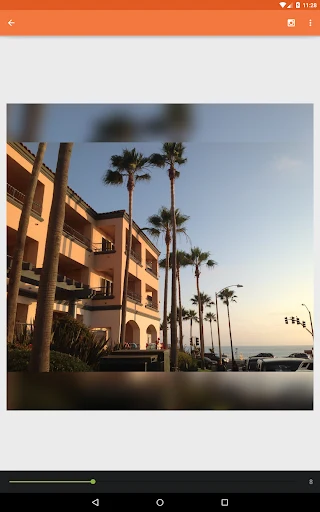
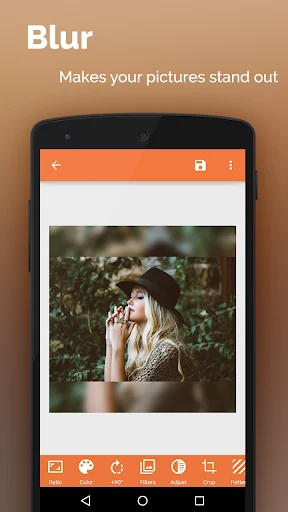
The app converts long images into square compositions while keeping their complete content visible. To fill the surrounding space, it can use blurred backgrounds, patterns, or solid colors. Its color recognition feature analyzes an image’s main tone and generates five solid-color and five gradient background choices, intended to coordinate with the photo. The description also mentions custom-color borders and artistic border designs.
What can I adjust after placing a photo?
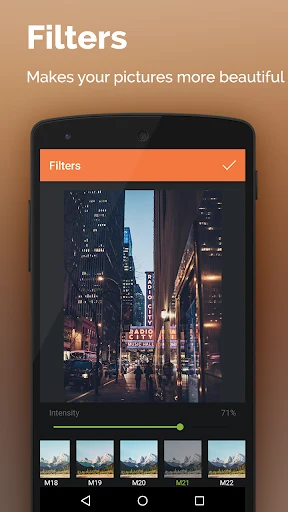
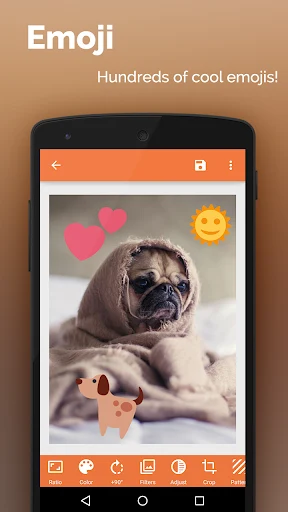
Editing controls include dragging, zooming in or out, rotating, and rounding the photo’s corners. Contrast, brightness, and saturation adjustments are available, along with filters and visual treatments such as overlays, layered frosted-glass effects, and minimalist styles. The app also supports adding typography or text to a photo, and includes emoji stickers. Blurred backgrounds and emoji stickers are specified as available on Android 4.0 and later; the supplied information does not state an overall minimum Android version for the app.
Can Square InstaPic combine several photos?
Yes. Its collage maker offers multiple layouts for arranging photos together. The description presents collages as a way to bring images into a single composition, and also mentions background patterns and colors as part of the app’s visual options.
How can I share or save an edited image?
The listed sharing options include Instagram, Facebook, Twitter, and other services. The app description also says images can be saved to the device, sent by SMS, or shared by email. These options make the app relevant to users who want to prepare a square image or collage and then choose how to pass it along.