

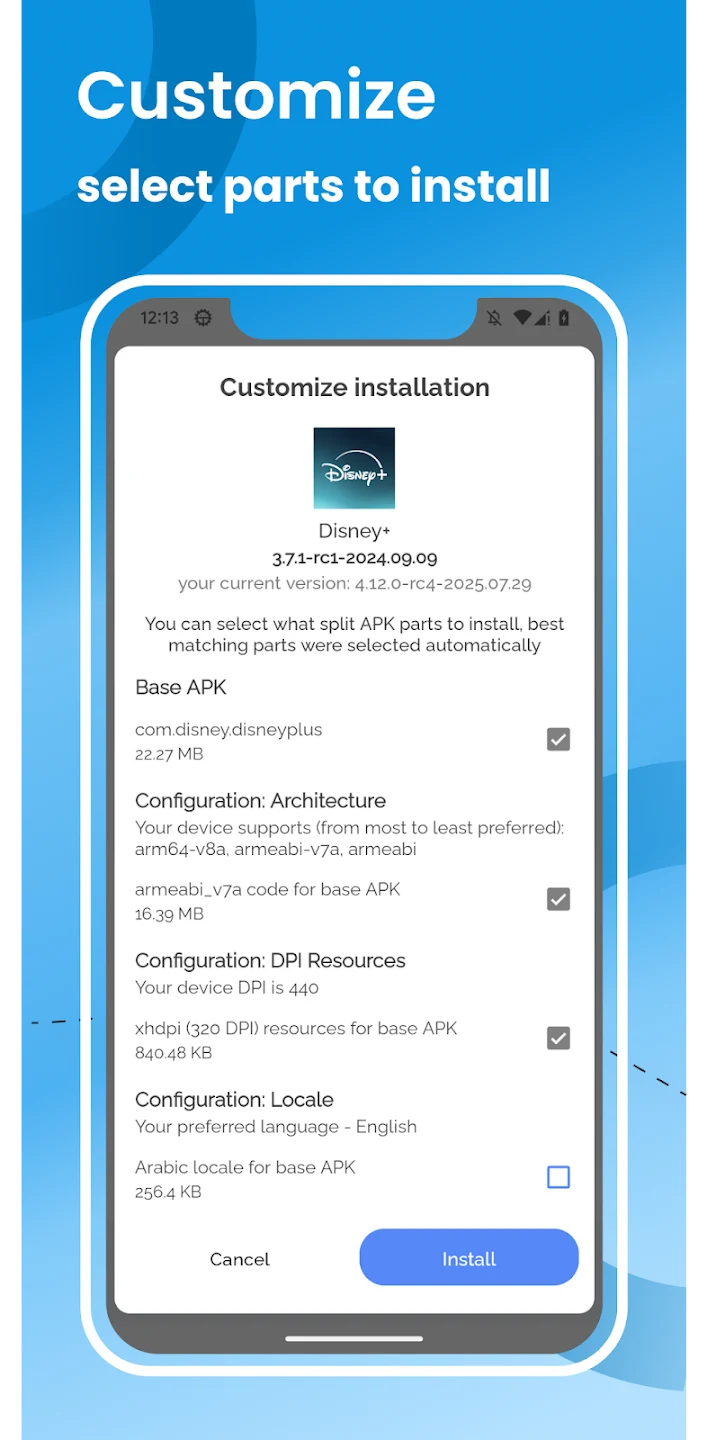
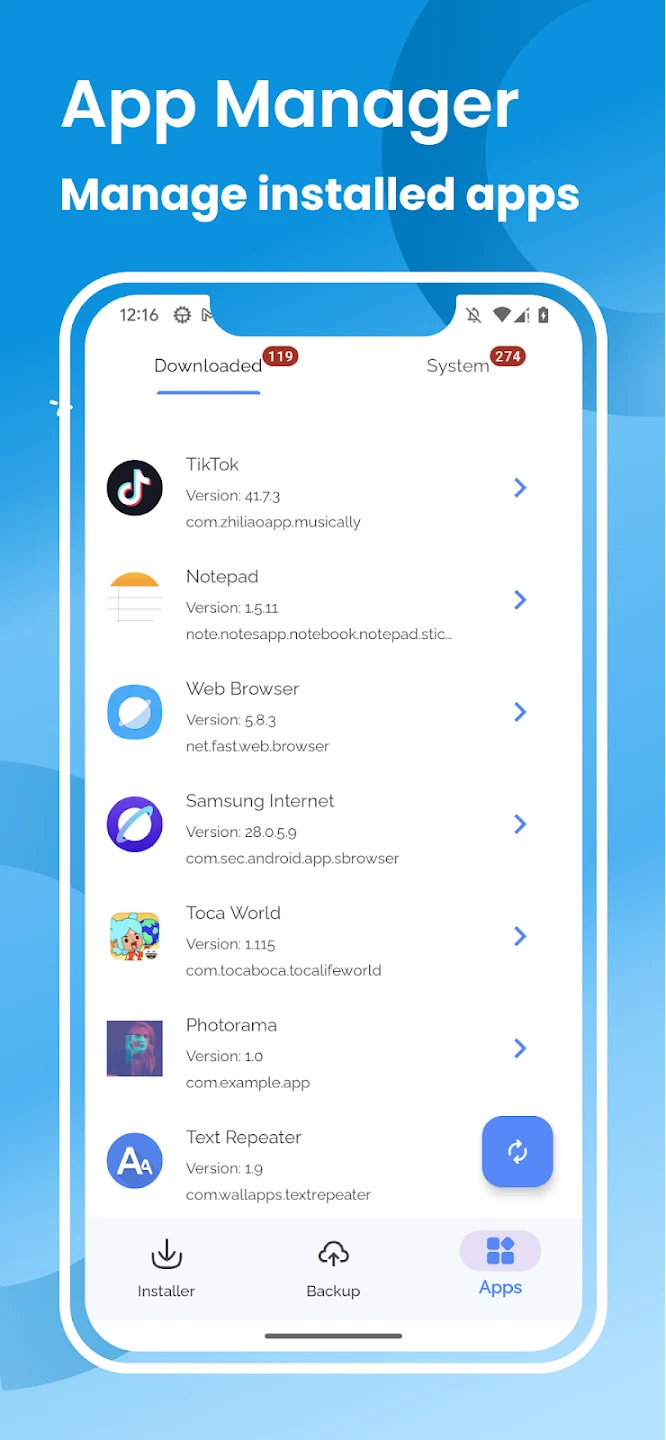
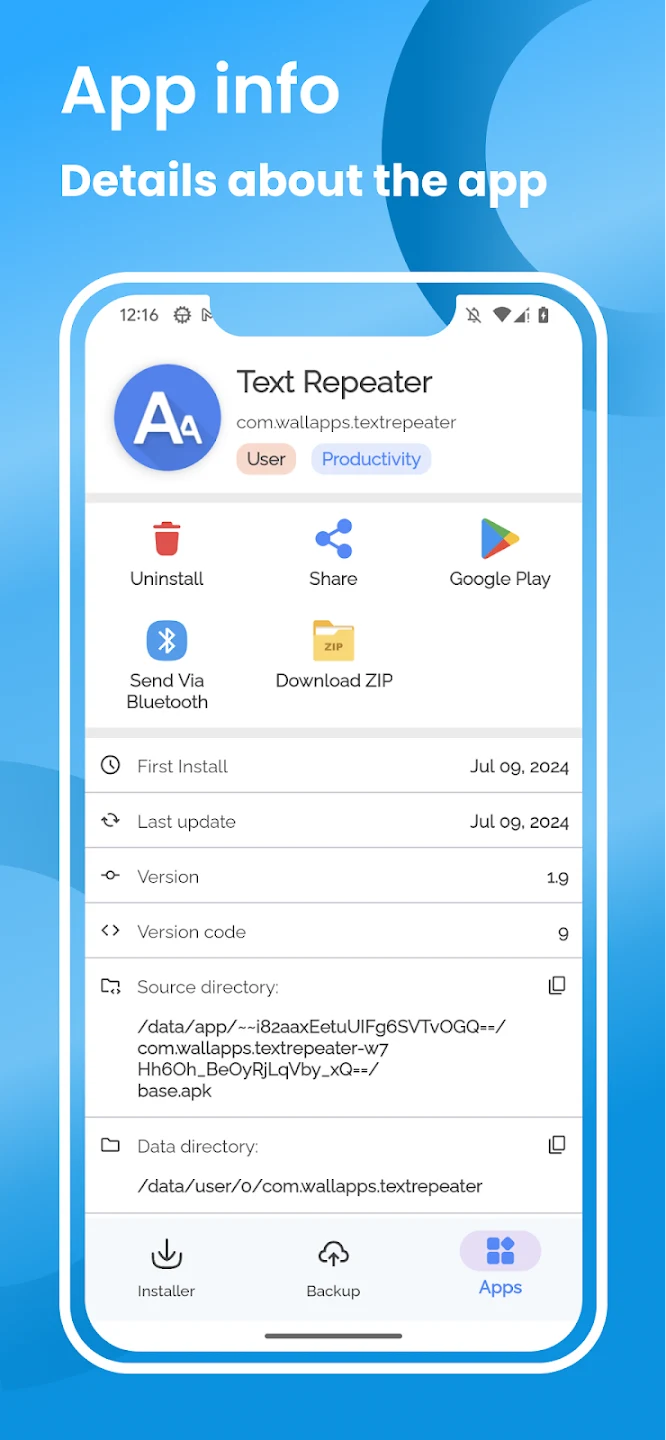
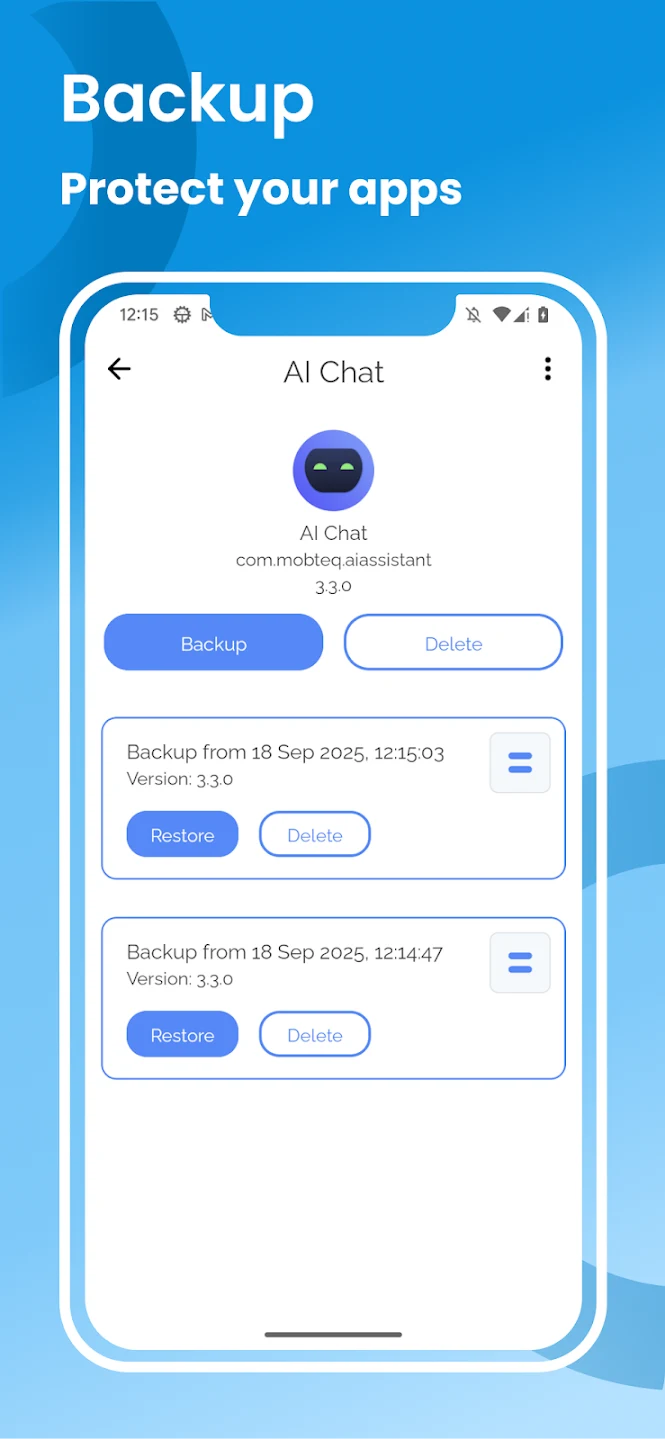
Split APKs Installer is a utility for installing applications supplied as multiple APK files instead of a single package. It brings the separate components together during installation, which can help when a standard installation attempt fails because an app uses split APKs. The app also gives you a way to work with applications already installed on the device: you can extract them as APK files, create backups, and find entries through search and filters. Its clearly labeled sections keep installation and app-management tasks in one focused tool.
Installing split and multiple APK files
The main purpose of Split APKs Installer is handling applications made up of several APK files. Rather than treating each component as an unrelated installation, the utility is designed to install the set together. It also supports installing multiple applications in one operation, which may be useful when preparing a new device or setting up several apps before travel. This batch approach reduces the need to repeat the same installation process for every package.
Extracting apps and creating backups
Split APKs Installer can extract APK files from applications that are already installed on the device. Its backup function saves an application to device storage using the .apks extension. This file is a compressed package containing multiple APKs, so the backup format is suited to applications that rely on split components rather than a single APK file. The tool therefore covers both installing supplied packages and exporting available applications for later use.
Finding and organizing installed applications
The installed-app area includes a search bar for locating a specific application by name. Filters can sort the list by installation date, application type, backup status, and update date. These options are useful when the device contains many installed apps and you need to identify a particular package or see which applications have already been backed up. Installation and management functions are presented in separate, clearly labeled tabs, making the available tasks easier to distinguish.
Root access and device support
The utility can also run with root privileges. When root access is available, it provides additional functionality and flexibility for supported operations. Root is not presented as a requirement for every task in the supplied information, so its practical role depends on the device and the operation being performed. The project is open source, with its code available on GitHub.
Important limitations
Split APKs Installer installs only files provided by the user and is not responsible for how an application behaves after installation. Some devices and ROMs are unsupported because of system API issues that cannot be fixed within the app. This means compatibility can vary, particularly across different Android system configurations. The tool is focused on APK installation, extraction, backup, and organization rather than offering a broad collection of unrelated features.