
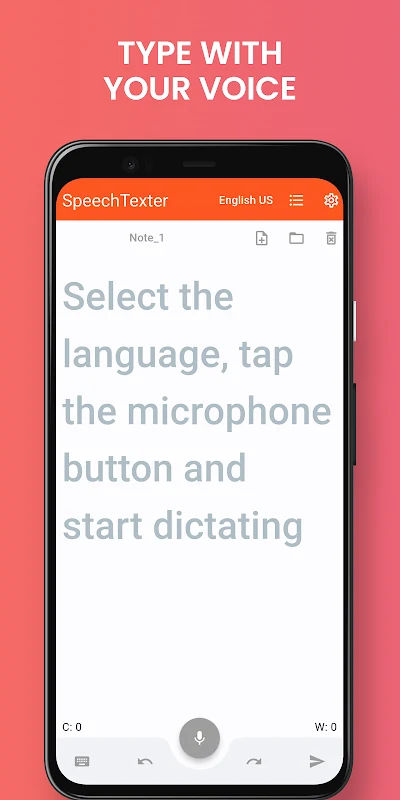
SpeechTexter is an Android app for turning spoken words into text when you want to draft a note or message by voice. Choose a language, tap the microphone, and dictate; the text appears on screen as you speak, and you can edit it with the keyboard.
Dictate notes and messages
When writing a note, SMS, email, or tweet by voice is useful, SpeechTexter transcribes the spoken input into text. The app also has a text editor, so you can make corrections or adjust the result while dictation is in progress. The keyboard remains available during voice input, allowing manual edits without stopping to switch to a separate editing step.
Use voice commands for punctuation and formatting
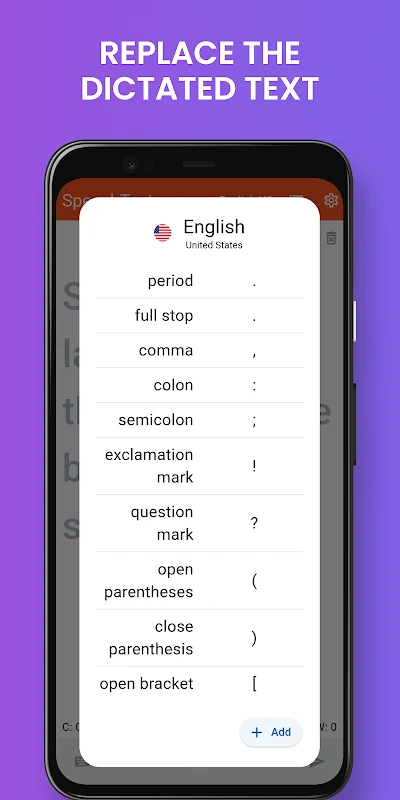
For dictation that includes punctuation or line changes, the customizable dictionary lets you associate spoken phrases with text or actions. For example, you can set “question mark” to insert “?” or define a phrase such as “new line” to create a line break. After adding a custom entry, save it for use in dictation. These commands let spoken input include selected punctuation and formatting changes, rather than requiring every change to be typed.
Save and share finished text
Once a note is ready, you can save it and share it later through social media or messaging apps. The app also supports sending text through email and exporting text files. Its file-handling options are more limited than a full document manager: the source does not describe a “Save As” option, DOC export, or controls for choosing a custom filename or save location.
Choose a language for dictation
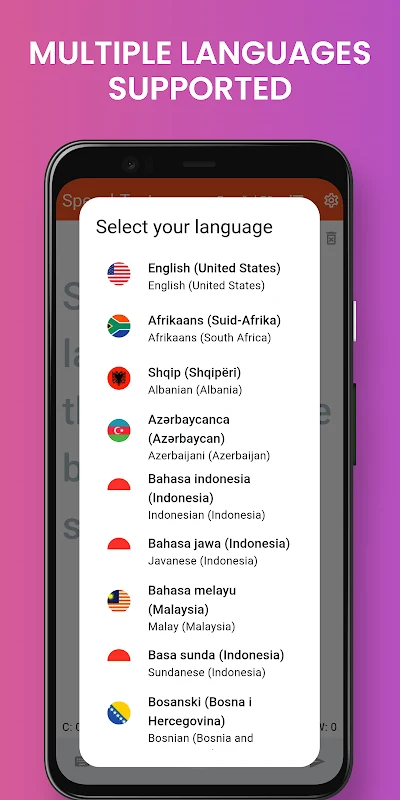
SpeechTexter supports multiple languages, with the language selected before using the microphone. The source describes recognition accuracy as dependent on conditions such as internet connectivity and surrounding noise, and notes that accuracy is lower in offline mode. It also states that the app does not require users to log in or register to begin voice input.