

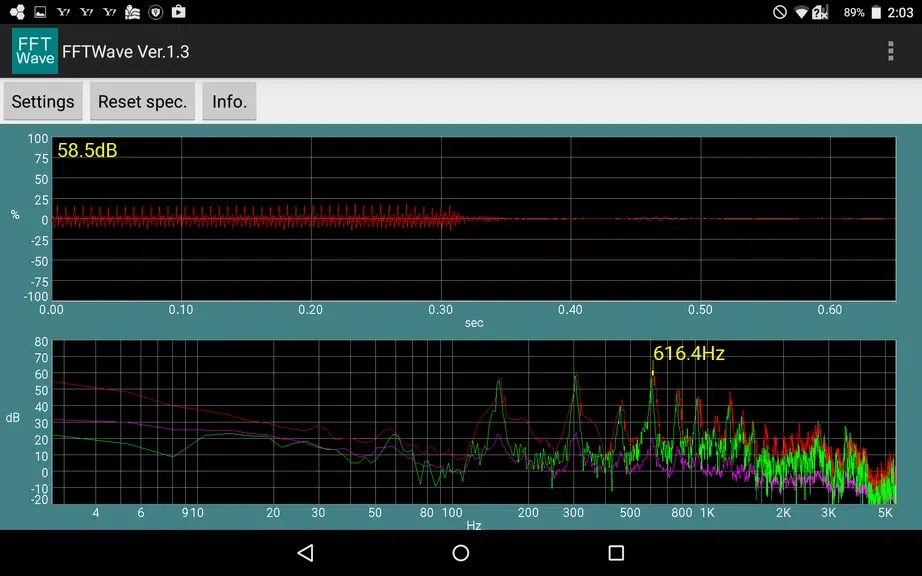
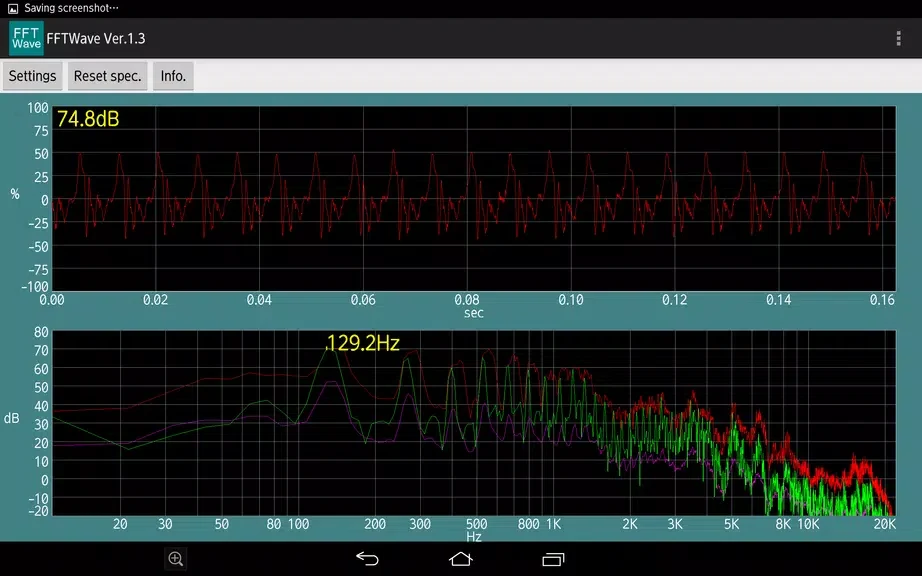
Sound monitor FFTWave displays sound captured by the microphone as a waveform and a frequency spectrum. It uses Fourier transforms to show frequency characteristics in real time, helping users examine audio while adjusting a sound source or investigating potential issues such as howling. Peak detection and peak hold provide ways to identify and retain notable high points in the display, while pinch zoom gestures let users focus on particular areas. The app is intended for visual sound monitoring and analysis; its displays can also be compared before and after changes to a sound source or settings.
What does the app show while sound is being analyzed?
The waveform display gives a visual representation of sound captured by the microphone. Alongside it, the spectrum visualization presents the sound's frequency composition through a Fourier transform. The app checks frequency characteristics in real time, so the waveform and spectrum can be observed as the sound is being monitored.
How can peak detection and peak hold help?
Peak detection and peak hold are included to help identify the highest points in the sound wave. These functions can be useful during sound adjustment and analysis when a user wants to notice prominent peaks in the display.
Can users focus on part of a waveform or spectrum?
Pinch zoom gestures let users zoom in on specific areas of the waveform or spectrum for closer inspection. This can help when examining a particular portion of the displayed audio rather than viewing the overall display at once.
When might Sound monitor FFTWave be useful?
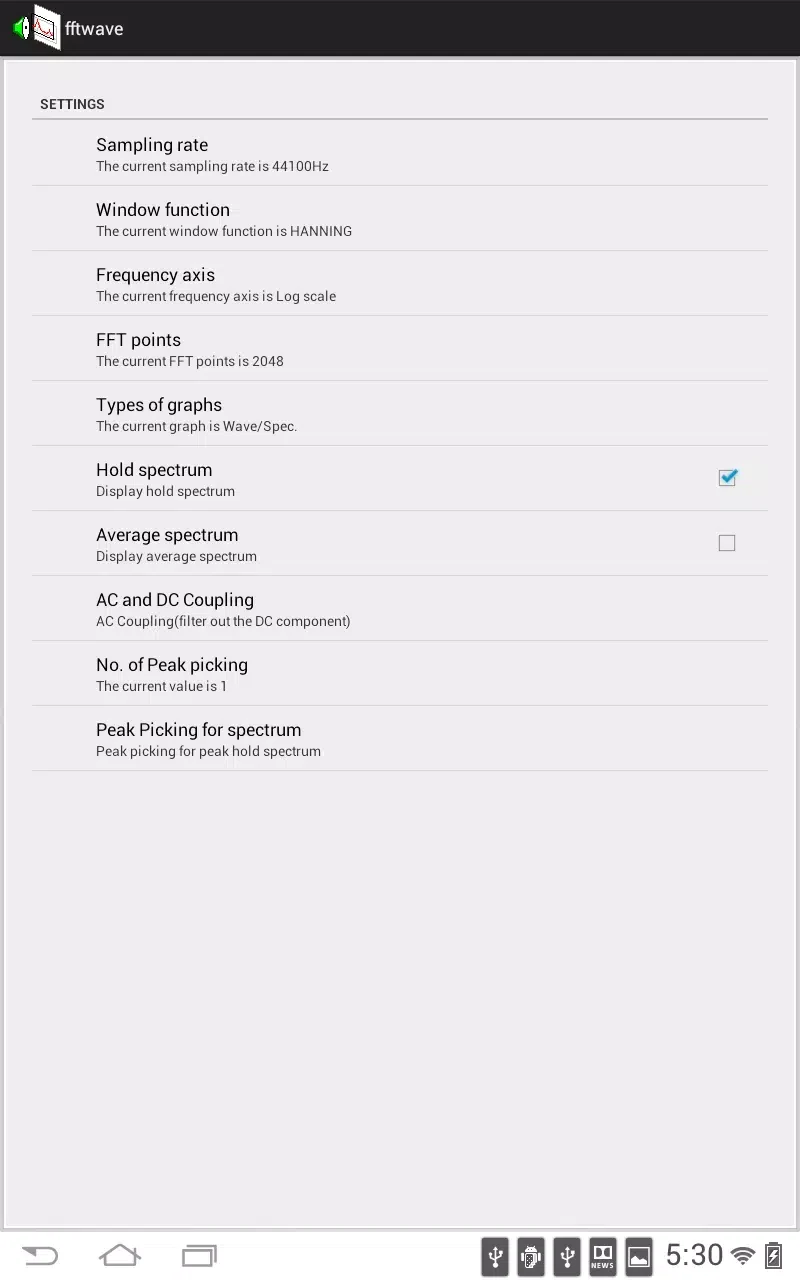
The app is aimed at people who want to inspect sound visually while adjusting audio or looking into possible issues such as howling. Users can try different sound sources, then observe how the waveform and spectrum change after adjusting the source or settings. It may suit those seeking real-time visual information about captured sound, rather than a text-only description of audio.