

Solo VPN helps Android users establish a VPN connection with one tap, giving them a straightforward way to route traffic through servers in different countries. The app is intended for browsing on public Wi-Fi, accessing websites that may be blocked, and masking the device’s public IP address. It also provides encrypted connections and does not require an account or root access. These features make its purpose easy to understand: choose a server, connect, and use the internet through the selected VPN connection.
Simple connection and server selection
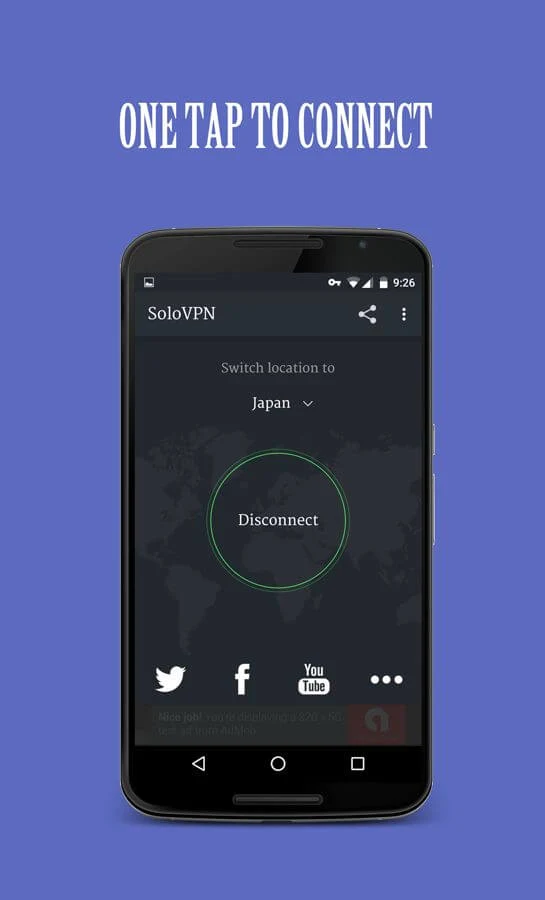
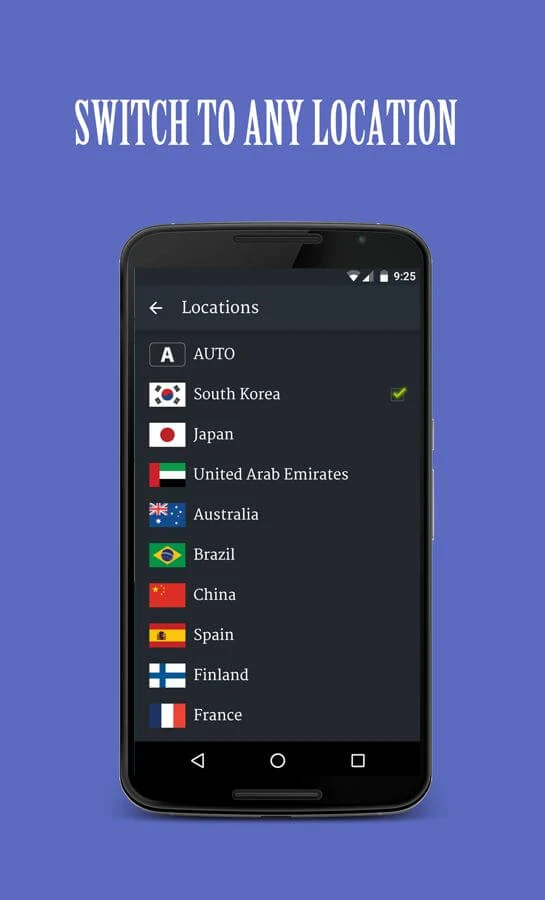
The main screen is designed around quick access to the VPN network. A single tap starts the connection, while a country list lets users choose a preferred location manually. Available locations mentioned in the source include South Korea, Japan, Australia, Spain, France, and the United Arab Emirates. After a location is selected, it becomes the default choice for later connections, so users do not need to make the same selection every time.
Automatic and international connection options
Users can either select a country themselves or use the Auto Server option. Auto Server is intended to find an optimized server for the user’s location, which may be useful when choosing a location manually is less convenient. The international server list also supports attempts to reach content affected by geographical restrictions or local firewalls, although the source does not suggest that every website or streaming service will work reliably.
Privacy features for everyday browsing
Solo VPN is described as encrypting the connection, hiding the public IP address, and protecting privacy while browsing. The app also states that it does not track browsing history. These functions can be relevant when connecting through public Wi-Fi, where users may want an encrypted connection that makes their traffic less exposed to nearby snooping. The source presents these as privacy features rather than as a substitute for broader, advanced security tools.
Free use and practical limitations
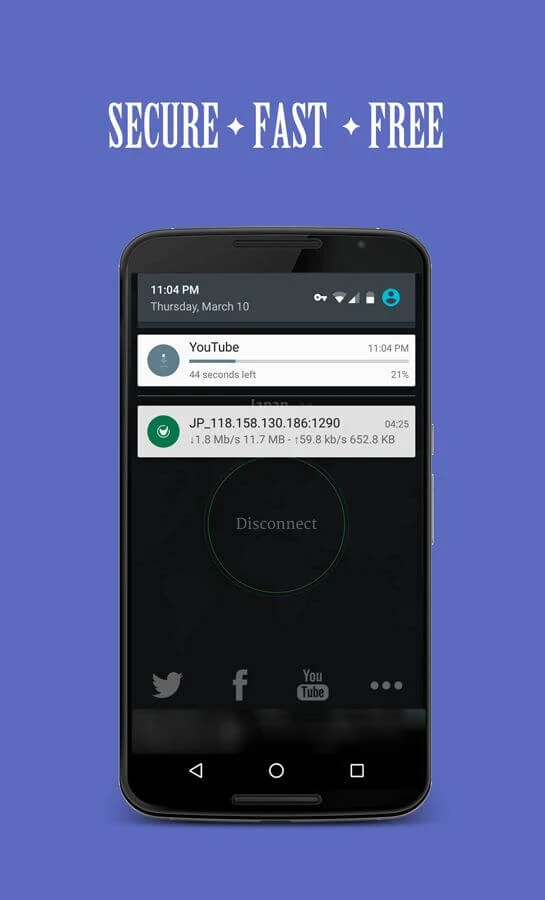
The service is presented as free, with no stated speed or bandwidth restrictions, allowing browsing and streaming without an advertised usage limit. However, the app is ad-supported, and the source notes that it lacks advanced security features. Connection setup can take time when the internet connection is unstable, and the selected server may disconnect unexpectedly or frequently. The source also warns that Solo VPN may not work consistently with all streaming services, so reliability can vary by connection and destination.
Access without an account
No registration is required before using the app, and root access is not needed. This keeps the initial setup limited to opening the app and choosing a connection method. Users who prefer a basic VPN interface may find the combination of one-tap access, manual country selection, and Auto Server easier to manage than a more complex configuration process.