



Overview
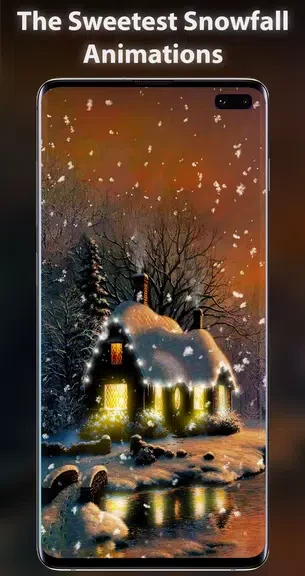
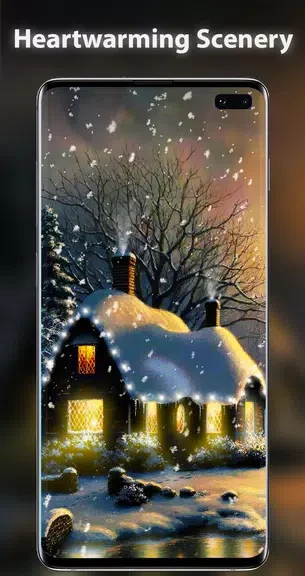
Snow Live Wallpaper turns your Android screen into a winter cottage scene. Snow falls around a house decorated with twinkling lights, while glowing windows add warmth to the setting. Rather than presenting a single fixed view, the wallpaper lets you choose between two perspectives of the cottage. You can also adjust how the snow falls, making the scene gentler or more intense to suit your preference. An optional Christmas music setting adds sound when you want it. Together, these controls make the wallpaper a way to keep a festive scene on your device while choosing how it looks and sounds.
What You Can Do
⭐ Set a snowy cottage as your live wallpaper, with falling snow providing movement across the winter scene.
⭐ Enjoy the house’s twinkling decorative lights and glowing windows as part of the display.
⭐ Switch between two viewpoints of the cottage to pick the perspective you prefer.
⭐ Adjust the snowfall’s intensity, direction, and speed to change the effect on your screen.
⭐ Turn on Christmas music from the settings menu when you want sound alongside the scene.
Using the App
The main choices are visual: select a cottage viewpoint, then tune the snowfall until its movement fits the scene you want. A lighter setting can keep the house more prominent, while a more intense flurry puts the falling snow in focus. Speed and direction offer further ways to change its appearance. Music is a separate option in the settings, so you can leave the scene as a visual wallpaper or add a Christmas tune.
Why It May Appeal
✅ The cottage, lights, and snow form a coordinated holiday scene rather than a static winter image.
✅ The two viewpoints and snowfall controls give you several ways to personalize the same setting.
Developer
Kisoft Live Wallpapers is listed as the developer of Snow Live Wallpaper.