

Overview
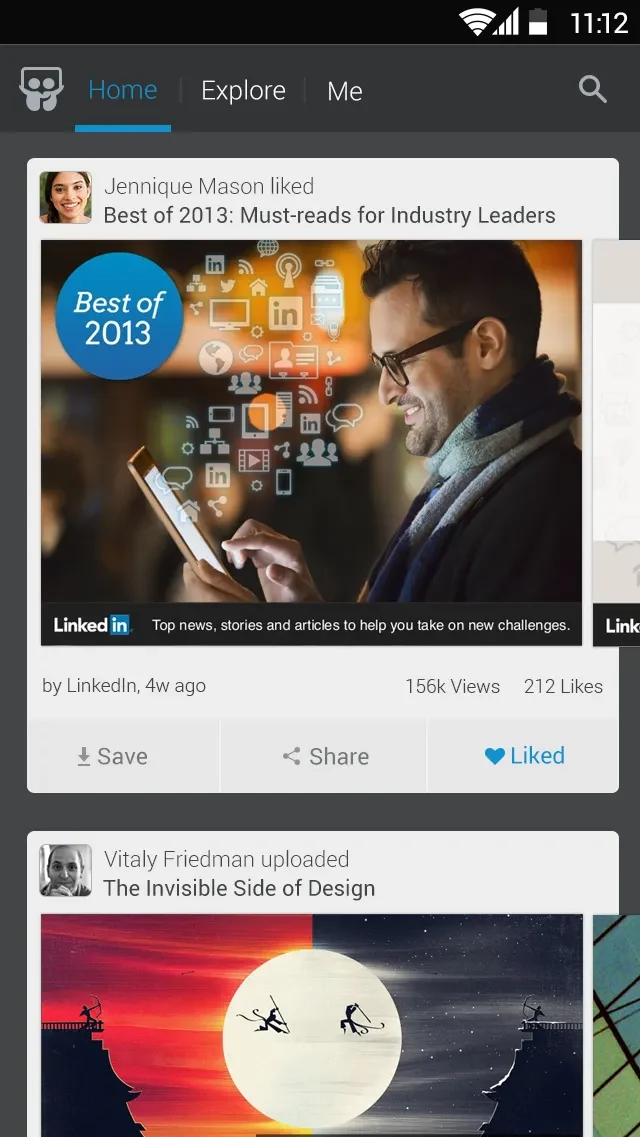
SlideShare is an Android app for browsing and sharing professional content, including presentations, videos, and infographics. Its catalog contains more than 15 million uploads, with topics such as data analytics, design, marketing, leadership, technology, engineering, and healthcare. Users can search for specific material or explore categorized content to find resources for learning, research, or professional development. The app also provides ways to save items for later, including offline viewing, and to share useful finds. Its menus are described as straightforward to navigate, helping readers move between discovery and saved content.
What You Can Do
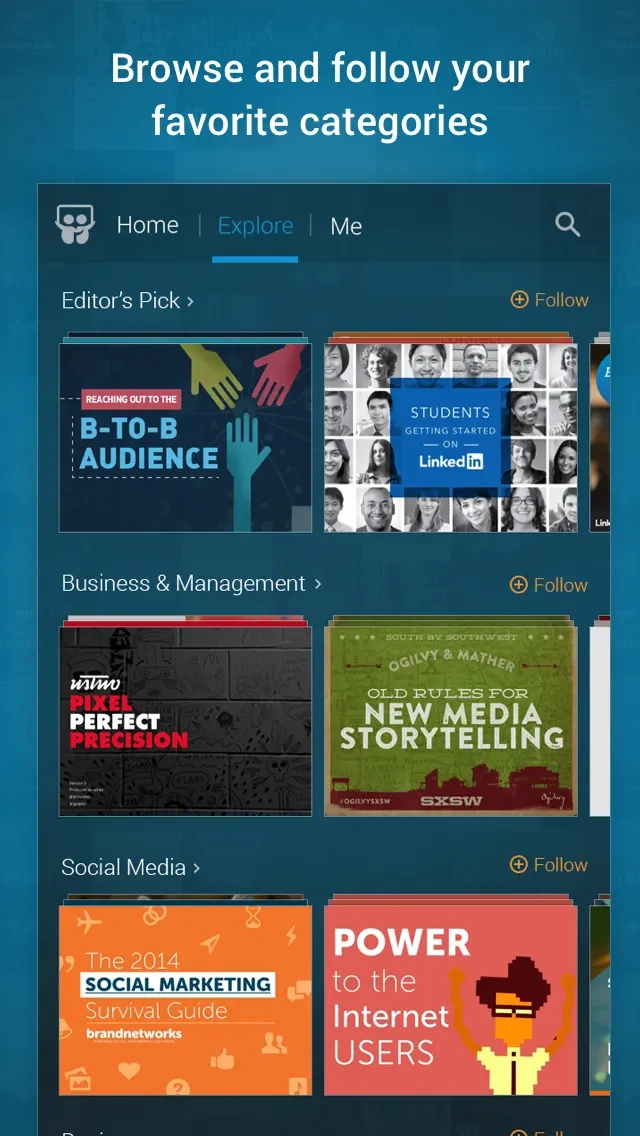
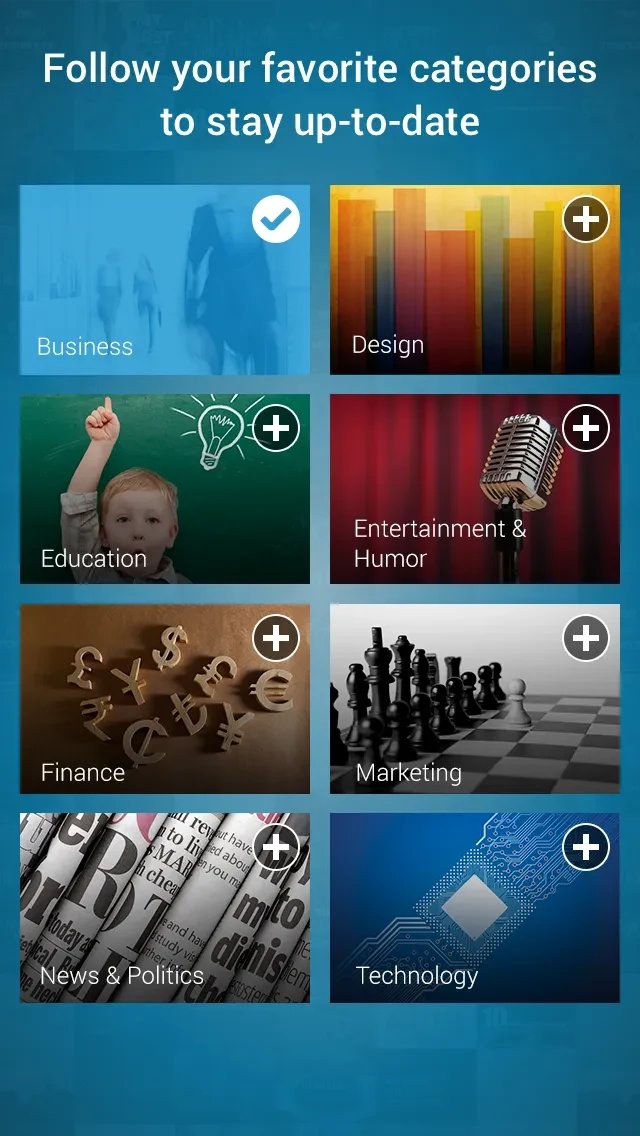
⭐ Search the catalog for specific presentations and other content, or browse more than 30 topic categories to explore subjects of interest.
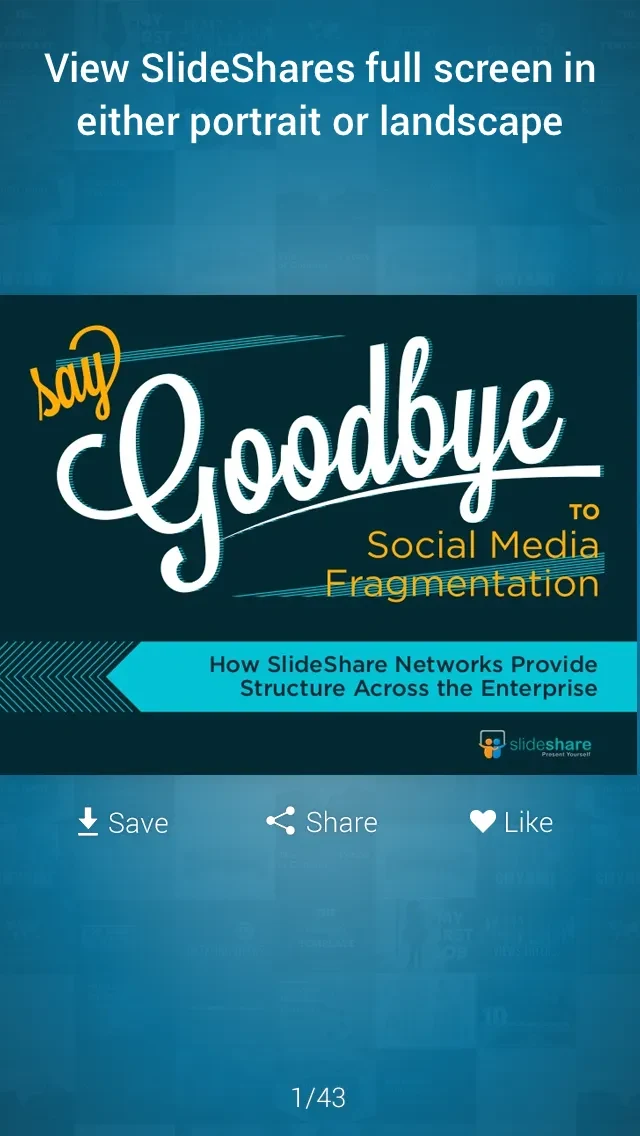
⭐ View presentations, infographics, and videos in a full-screen layout, with content from academic and professional fields.
⭐ Save presentations, videos, and infographics as favorites to revisit later. The source also describes downloading content for offline viewing.
⭐ Check presentations trending in your social network to discover material that is currently popular among your connections.
⭐ Share presentations with friends and colleagues through SlideShare, LinkedIn, Facebook, or Twitter.
⭐ Clip useful content and collect it in Clipboards, which provide a place to organize research.
Using the App
The described workflow combines search, browsing, and saving. Start with a subject category or search for a particular item, then open content to view it in full-screen format. Favorites can keep useful material together for later, while downloads allow supported items to be viewed offline. If you are gathering material for a project, clipping items into Clipboards can help organize your research in one place. The app also lets users follow content creators and share presentations, so discovery can extend beyond individual searches. The source describes the menus as easy to navigate, though it does not provide specific device performance details.
Why It May Appeal
✅ A broad range of professional and educational subjects makes the catalog useful for both research and ongoing learning.
✅ Offline saving can help users return to selected content when an internet connection is unavailable.
✅ Clipboards, favorites, and sharing offer different ways to keep, organize, and pass along material that is relevant to a task or interest.
Things to Consider
❎ The source notes that some users report login or signup problems, and that downloads may occasionally have issues.
❎ SlideShare is described primarily as a browsing and sharing resource, with few features for people creating content.
❎ The supplied minimum requirement is Android 4.1 or later.