

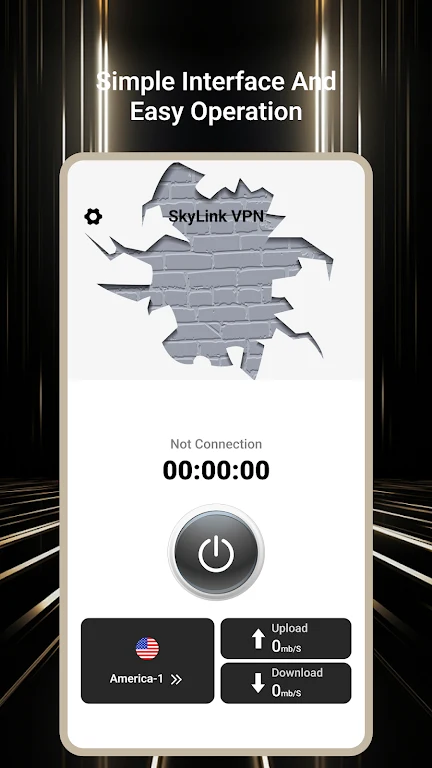
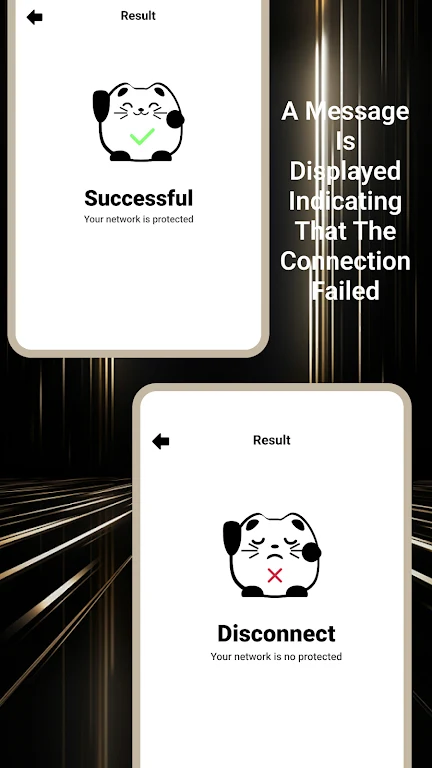
SkyLink VPN helps users protect their internet connection and browse with greater privacy from an Android device. The app is designed to make VPN access straightforward: users can connect to a server with a few taps, then use an encrypted connection while browsing, streaming, or downloading files. By masking the IP address, it can also make online activity less directly associated with the user’s usual connection. These functions may be useful at home, while travelling, or whenever someone wants more control over how their internet traffic is routed.
Connection protection and private browsing
The app uses encryption protocols to protect the internet connection from hackers and other unauthorised users, according to the supplied information. Its IP-masking function adds a separate privacy layer by presenting a VPN server’s address instead of the user’s regular IP address. Together, these tools are intended to support more private web use rather than simply providing a different route to online content.
A simple way to connect
SkyLink VPN focuses on a user-friendly connection process. Users can select a server and connect without navigating a complicated setup, which makes the app accessible to people who are new to VPN services. Once connected, the VPN can be used while visiting websites, streaming content, or downloading files. The source describes the connections as fast and stable, with the aim of reducing interruptions during these activities.
Choosing a server for performance
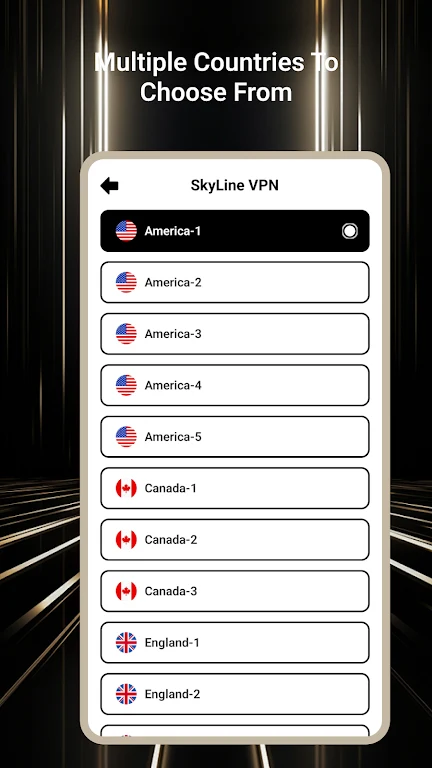
Server selection can affect the experience. The supplied guidance recommends choosing a server close to the user’s location to reduce latency and improve connection speed. When the goal is to reach a website or other content restricted to a particular region, users can instead switch to a server in another country. This gives the server location a practical role: a nearby server may be preferable for performance, while a different-country server may be relevant for regional access.
Selective routing with split tunneling
Split tunneling allows users to decide which apps or websites use the VPN connection and which connect directly to the internet. This is useful when VPN protection is needed for only selected activities rather than the entire device connection. It also works alongside server selection: users can choose a suitable server for the traffic sent through the VPN while leaving other traffic outside that connection. The source presents this as an option for more targeted control over internet use.
Who may find it useful
SkyLink VPN is aimed at people who value private internet access, including travellers, remote workers, and users concerned about online tracking or regional restrictions. Its combination of one-tap connection, IP masking, encryption, server switching, and split tunneling covers both basic VPN use and more selective routing needs. The available information does not specify particular server locations, subscription terms, or device compatibility beyond its Android listing.