

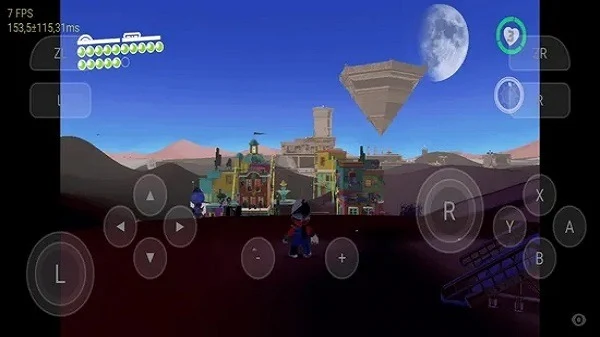
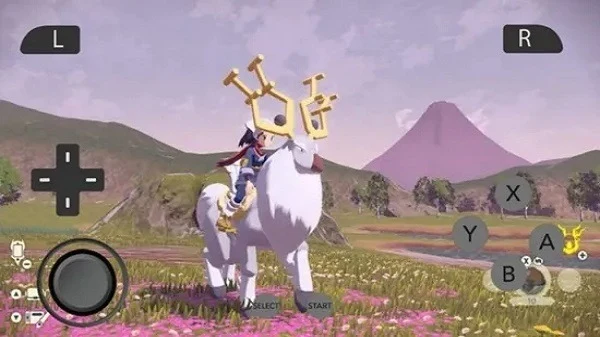
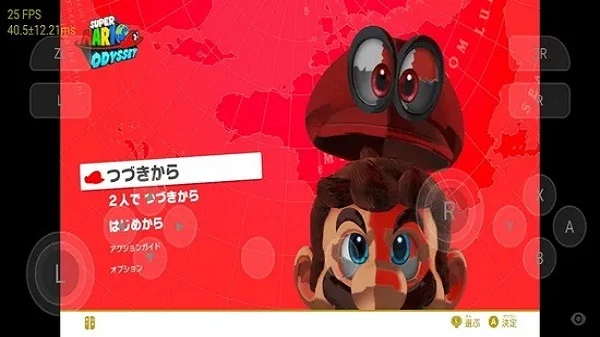
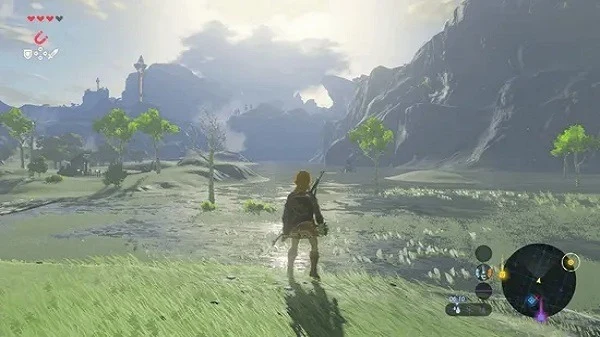
Overview
Skyline Emulator is an Android app for managing and running compatible Nintendo Switch game files on mobile devices. You can add a selected folder to a game library, choose a title, and launch it from the app. The source lists support for NSP, XCI, NRO, NSO, and NCA files, along with touch controls and settings for adjusting key bindings and graphics. These options give users some flexibility when setting up a game for their device. The stated minimum requirement is Android 10; the source also describes the emulator as intended for ARMv8 Android devices.
What You Can Do
⭐ Add a selected folder to the library so its games can be organized in one place. The app can scan selected folders, letting you browse titles from the library rather than locating each file whenever you want to play.
⭐ Launch compatible games from the library. The source lists NSP, XCI, NRO, NSO, and NCA among the supported file formats.
⭐ Use touch controls to play on an Android device, and adjust key bindings to suit your preferred control setup.
⭐ Change graphics and performance-related settings. The source describes options affecting rendering and gameplay output, which can be adjusted when a title needs a different setup.
⭐ Configure a docked-style mode for titles that respond better to higher power settings. Results can depend on the game and device, so this is an option to try rather than a guarantee of improved performance.
Using the App
The setup instructions begin with creating a folder in the app, opening it, and choosing the option to use that folder. Skyline then asks for permission to access the files, followed by confirmation of a notice. The source also describes going to settings to set up Production and Title Keys and configure GPU drivers before launching games. Once the library is ready, you can select a title and make adjustments through the settings panel. This involves more preparation than simply opening a game, particularly when configuring keys or drivers.
Why It May Appeal
✅ Its library and folder-scanning workflow brings selected game files together for browsing and launching on an Android device.
✅ Controls and graphics settings can be adjusted within the app, offering options to tailor the setup to a particular game or device.
✅ The source describes Skyline Emulator as open-source and designed specifically for Android use.
Things to Consider
❎ Game results are not uniform: the source notes that some titles may need settings adjustments, while others may not run as smoothly. Compatibility and performance should not be assumed for every game or device.
❎ Initial setup can require folder access, Production and Title Keys, and GPU driver configuration. The listed minimum operating system is Android 10.