
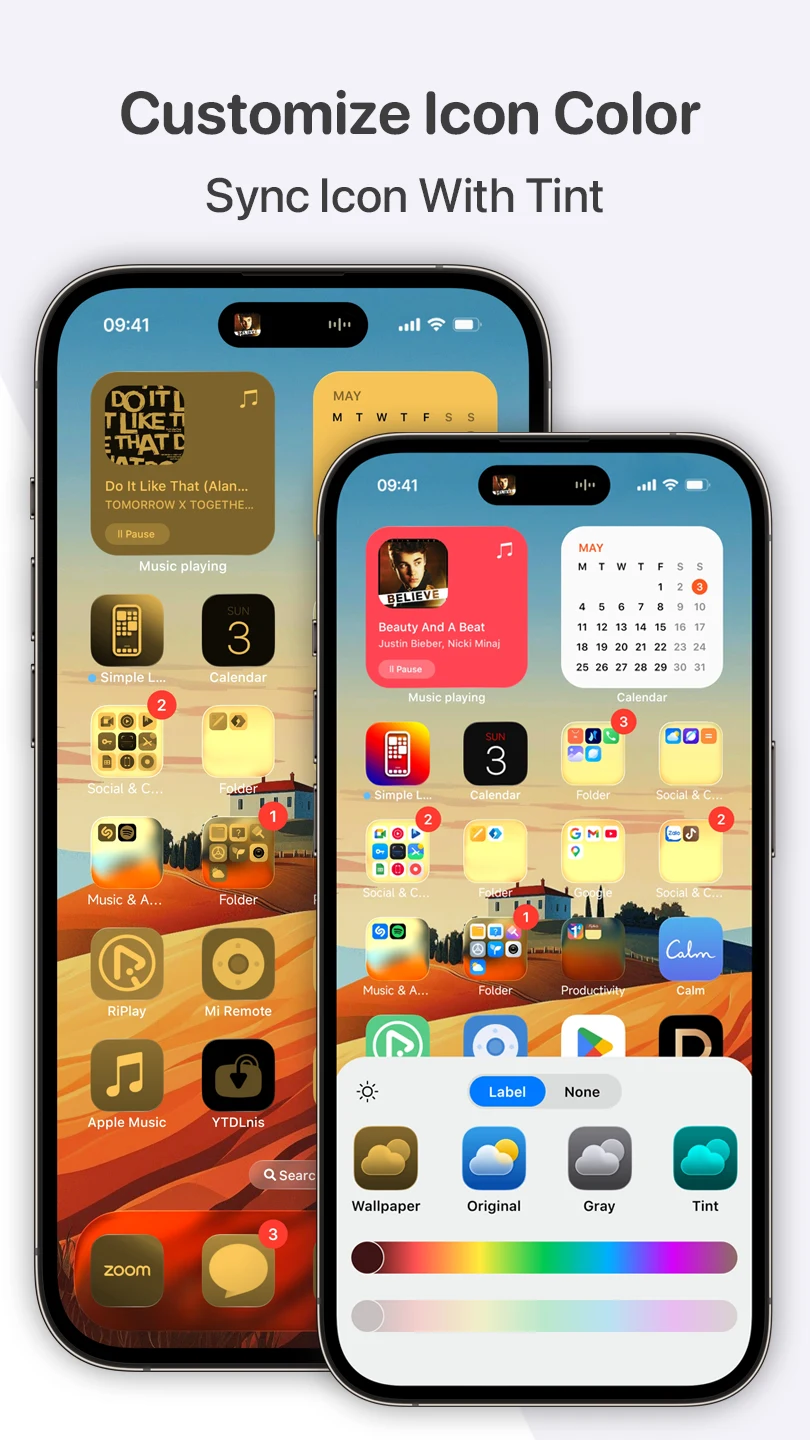
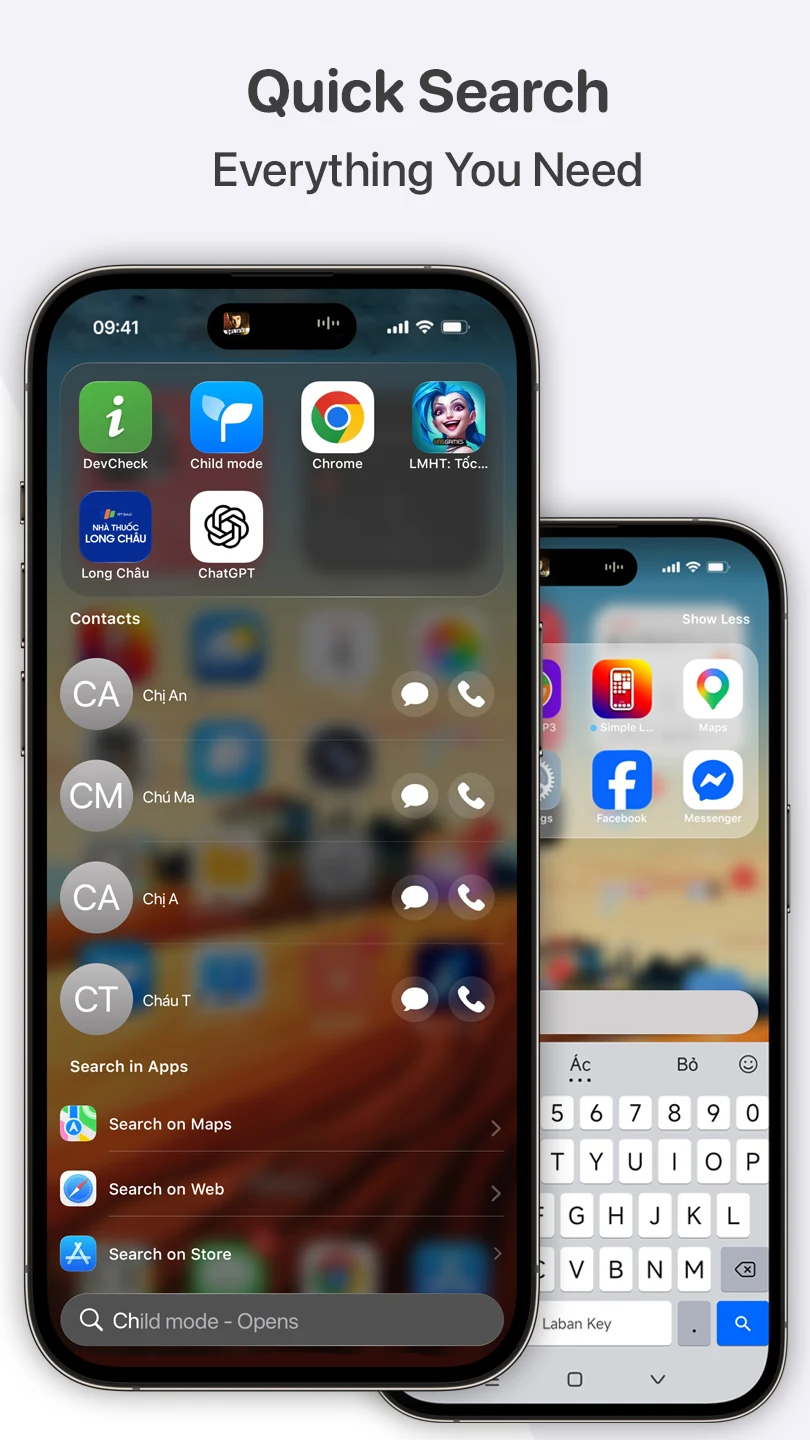
Simple Launcher helps users create a more organized Android home screen by combining app management, widgets, wallpapers, and navigation controls in one interface. Its main purpose is to reduce visual clutter and make frequently used content easier to reach. The launcher presents a minimalist layout and supports tools for adjusting what appears on the home screen, how applications are grouped, and how users move between common actions.
A cleaner home-screen layout
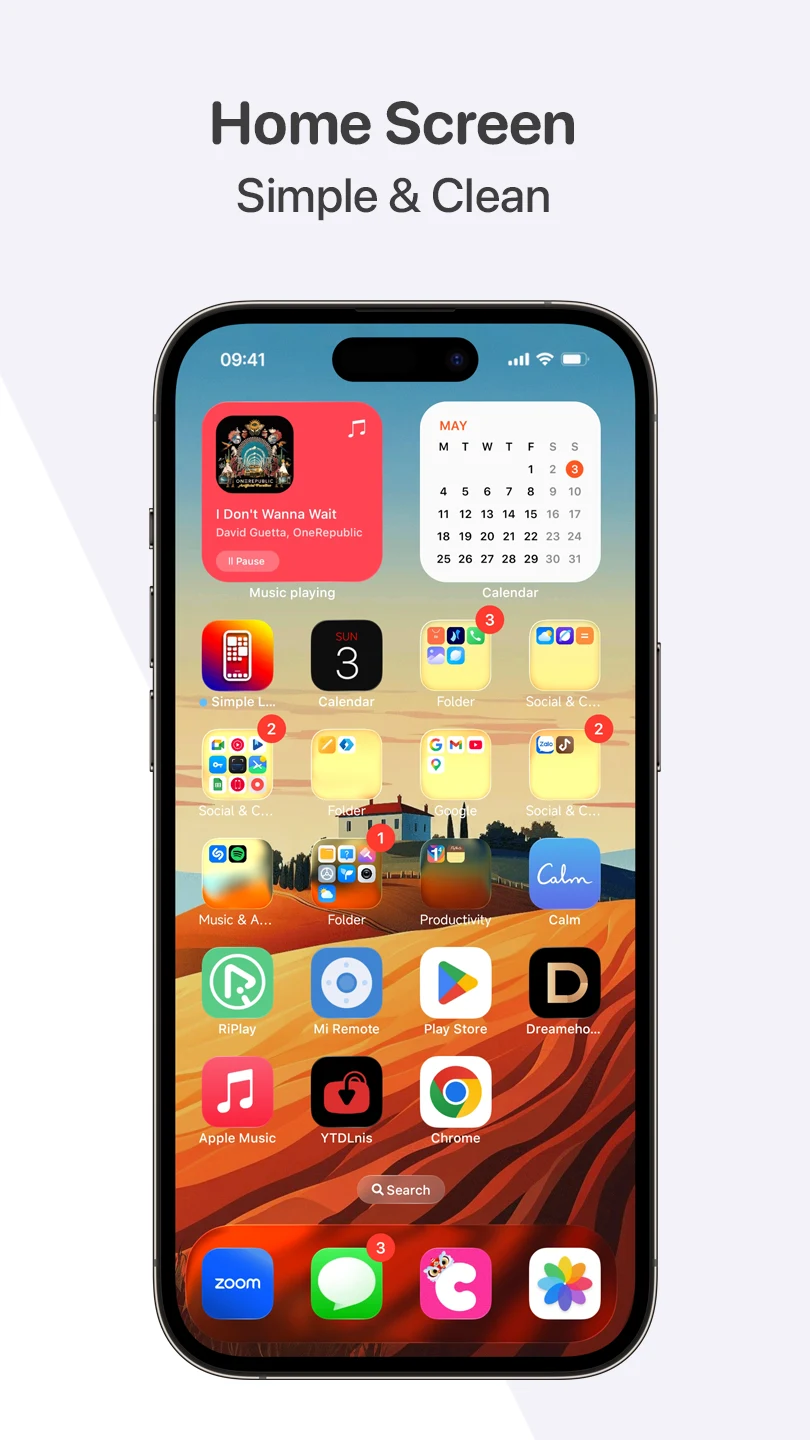
The launcher is designed around a simple interface intended to keep attention on essential applications and information. Users can arrange the home screen to suit their preferences instead of relying on a fixed collection of icons. Applications can be placed into folders, while widgets can be positioned and resized to create a layout that fits the available screen space.
Simple Launcher also includes gesture controls. Swiping in different directions can be assigned to actions such as opening favorite applications, accessing settings, or performing other supported shortcuts. These controls provide an alternative to searching through screens or folders when a user wants to reach a commonly used function.
Widgets for information at a glance
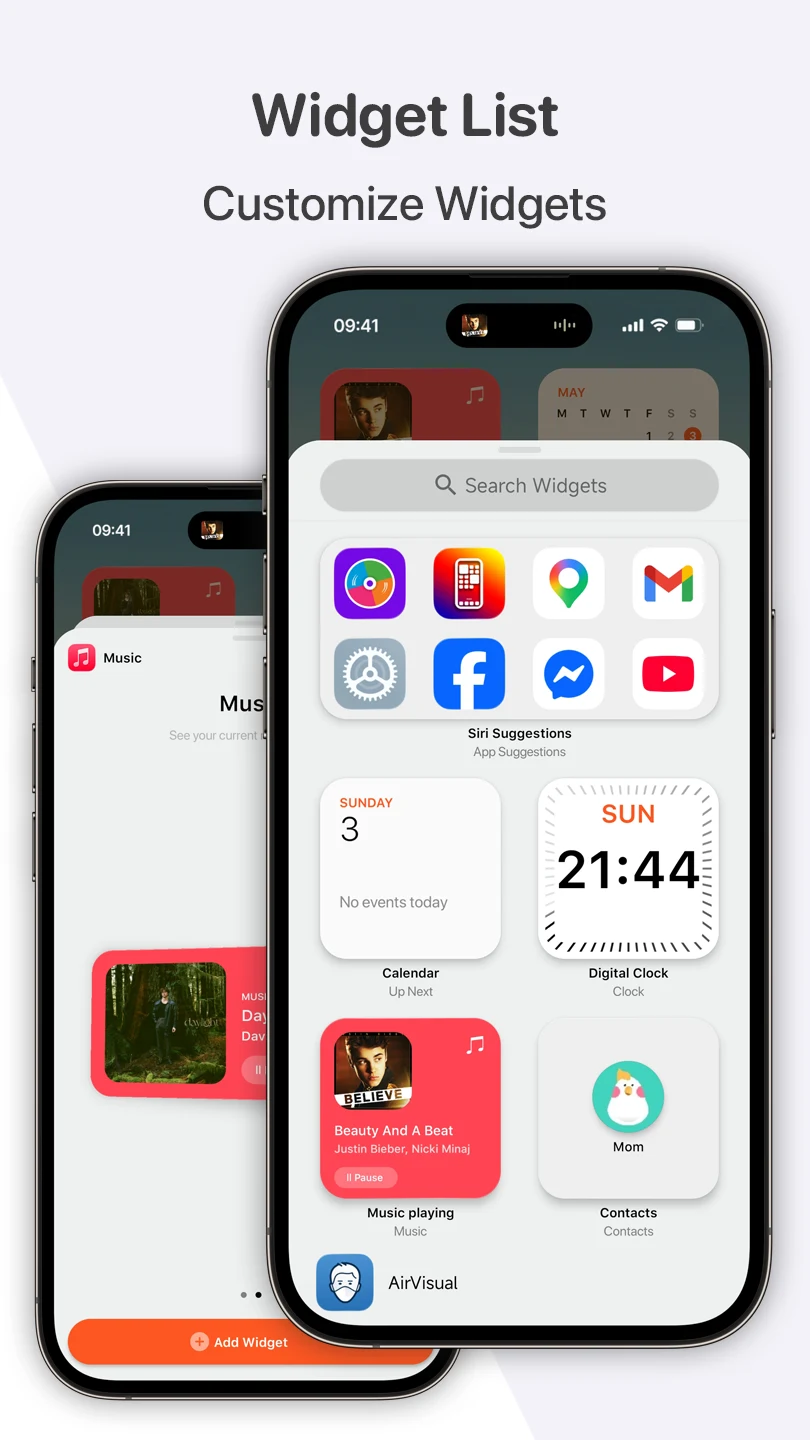
Widgets can be added directly to the home screen and adjusted in both size and position. The available examples include weather, calendar, clock, battery level, news feed, and featured-image widgets. Their information is presented on the home screen so users can view supported details without opening each related application.
The widget area includes a search function for finding a desired widget by name. Users can rearrange widgets when they want to change the layout and remove items that are no longer needed. This makes it possible to keep frequently consulted information visible while reserving space for applications and other controls.
Application folders and categories
Simple Launcher can group applications with similar purposes into folders and categories. Examples described for the launcher include social media, entertainment, tools, and work. This organization is intended to make applications easier to locate than scrolling through a long sequence of separate icons.
The launcher can also prioritize frequently accessed applications and display them more prominently. Users can customize the resulting folders by renaming or rearranging them, giving them control over how categories are labeled and ordered. Automatic grouping and manual adjustments therefore work together: the launcher provides an initial structure, while the user can refine it for personal use.
Wallpaper selection and personal images
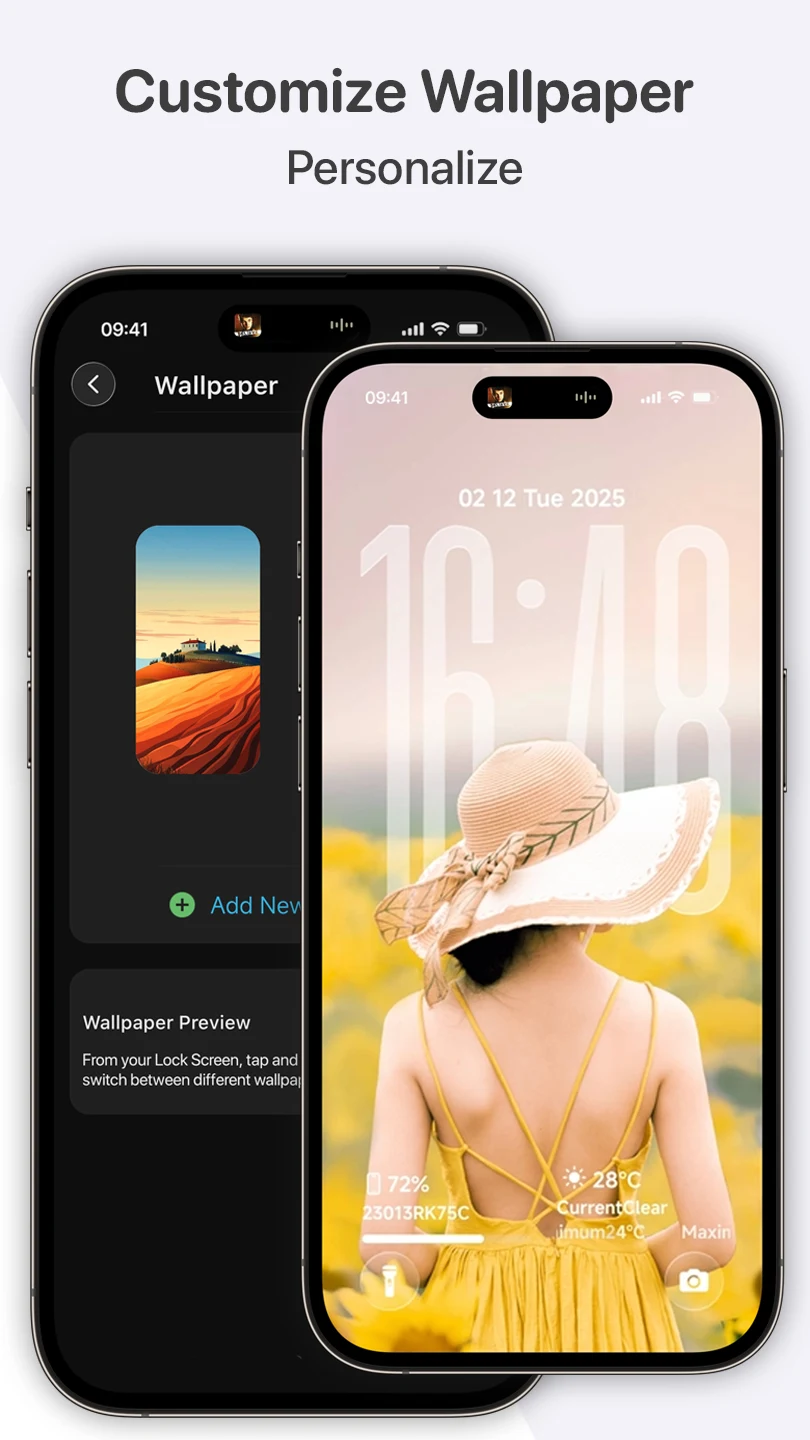
The wallpaper section includes a collection organized around themes such as Emoji and Colors. Users can preview a wallpaper before applying it, which helps them check how the background works with the clock, widgets, and application icons. The preview is particularly relevant when a detailed background could compete with information placed on top of it.
In addition to the included choices, users can add wallpapers from their own collection. The process described for adding a new option is to open the Wallpaper section and select Add New Wallpaper. This gives the home screen both ready-made background choices and the option to use a personal image.
Resource-conscious design
The supplied description presents Simple Launcher as a small, streamlined launcher with smooth animations and attention to resource use. It is described as being optimized for responsive interaction, including on older or lower-end phones, and as using less battery than a more resource-intensive design. These are product claims in the listing rather than independent performance measurements, but they explain the intended balance between visual simplicity and everyday home-screen controls.