

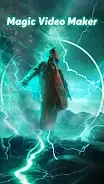
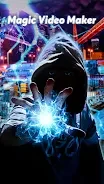
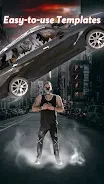
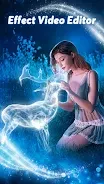

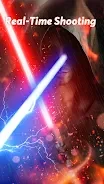
Shot FX is for creating videos with visual effects, whether you are starting with one of its templates or enhancing a clip already saved in your album. Its templates depict imaginary scenes such as dragons, magic circles, space, and planets.
When starting with a template
Choose a pre-designed FX video template to set up an imaginative scene for a video. Each template includes a shooting guide with instructions for recording the footage, so the process is tied to the particular effect you selected. The available examples include dragons, magic circles, and space-themed scenes.
When adding effects to a saved clip
If you want to work with footage you have already recorded, select a video clip from your album and add effects to it. Shot FX also provides effects and filters that can be applied after shooting, giving you another way to alter a video without beginning from a template.
When adjusting how an effect appears
Effect stickers can be rotated or zoomed to fit the video. These controls let you change the sticker's orientation and size as part of arranging the effect in your clip. The app description also says that new effects are added every week, including additions to its collection of video effects.