

Overview
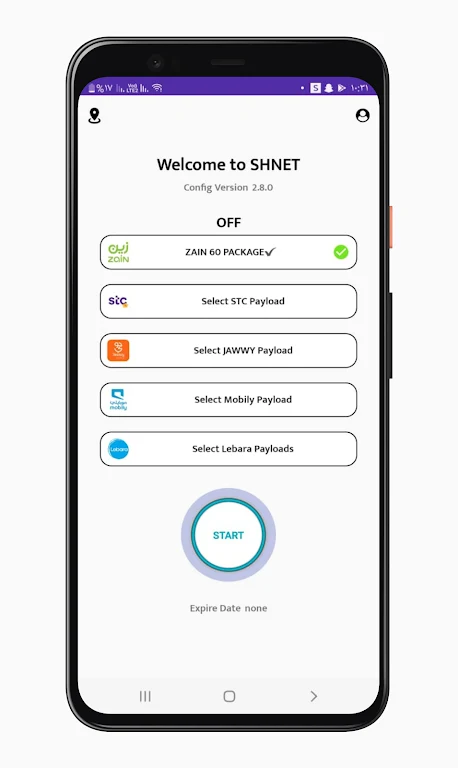
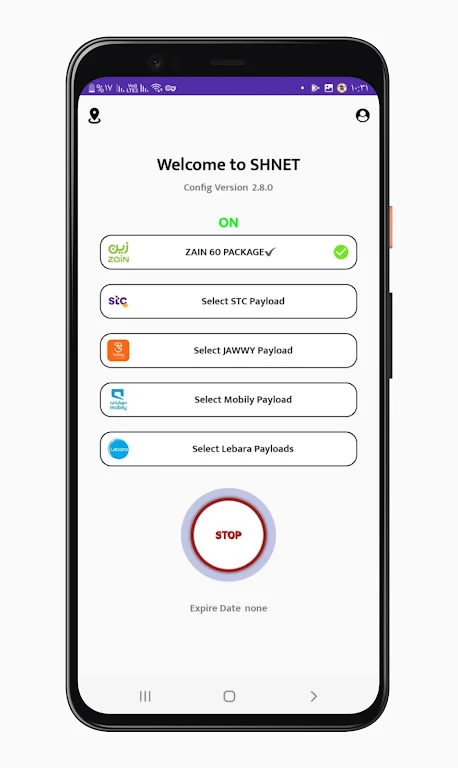
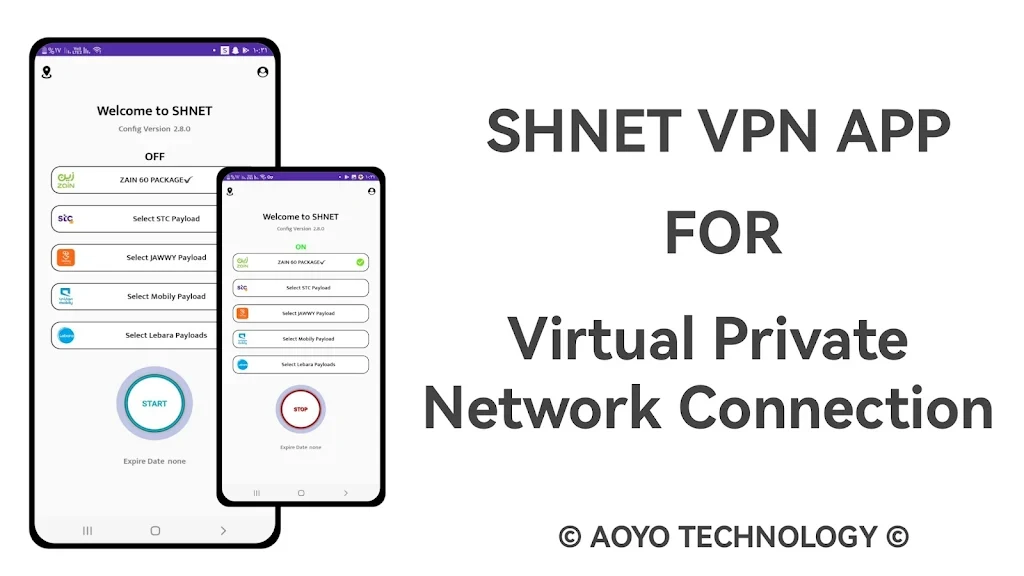
shnet vpn app is a VPN app for connecting to the internet through a selected server. Its main control is a start button, so users can begin a connection with a tap, then choose from available networks and servers to suit their needs. The app description lists encryption and a no-logs policy as privacy-related features, though it does not provide technical details about either. It also presents server choice as a way to adjust the connection, and suggests trying a server near the user's physical location for speed. The app is aimed at people who want server selection and a straightforward way to start a VPN connection while browsing.
What You Can Do
⭐ Start a VPN connection using the app's one-click start button.
⭐ Choose from a selection of servers described as being in locations around the world.
⭐ Select among available networks to find an option that suits your connection needs.
⭐ Use the listed encryption feature, which the app description presents as a way to protect internet activity.
⭐ The description states that the app has a no-logs policy and does not record or track browsing history and data.
Using the App
The described workflow is to open the app, select a network or server if needed, and tap the start button to connect. The source suggests trying a server close to your physical location for faster connection speeds, then comparing network choices if another option better fits your needs. It does not specify connection settings, server counts, or whether the app works offline.
Why It May Appeal
✅ The start button and selectable servers offer a simple connection workflow with some choice over where to connect.
✅ Network selection gives users another option for adjusting their connection rather than relying on a single listed network.
Developer and Version
The supplied listing names Aoyo Technology as the developer and identifies version 1.0.0.