

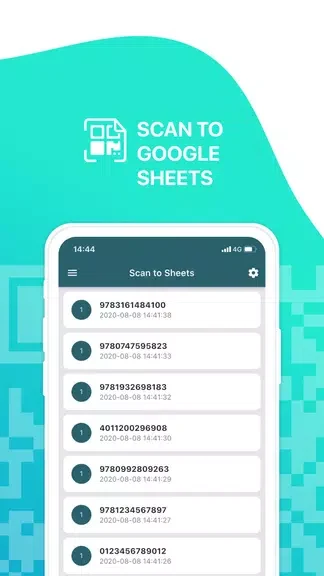
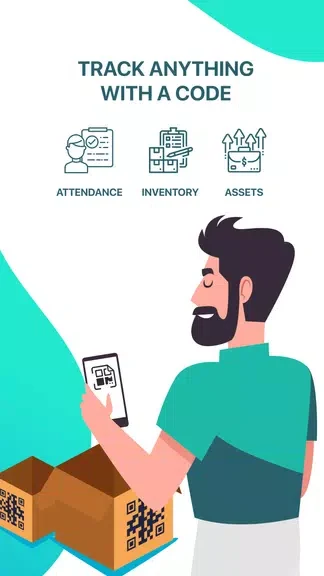
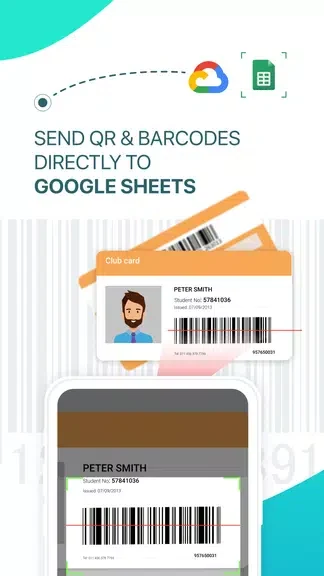
Sheetify:Scan to Google Sheets turns an Android phone into a scanner for attendance and inventory records. It lets you scan QR codes and barcodes and send the captured information directly to Google Sheets, reducing the need for manual entry. The app can be used for tracking attendance at classes or events, or for keeping inventory records in a shop. Users can customize the structure of their Google Sheet, choose between public spreadsheets and a connected Google account, and connect an external scanner when another scanning method is more suitable.
How can Sheetify help with attendance and inventory records?
Sheetify is designed for two clearly supported tasks: recording attendance and tracking inventory. Scanning codes directly into a spreadsheet can help keep these records together in Google Sheets instead of entering each record manually.
The scanning process supports both QR codes and barcodes, making the app suitable for records that use either code format. The source describes support for a large variety of QR code and barcode types.
Where do the scanned records go?
Scans are sent directly to Google Sheets, giving users a central place to organize and manage the resulting data. The app can connect to a Google account so users can access their Google Sheets from within Sheetify.
Users can also choose to work with public spreadsheets. This provides two documented ways to connect the scanner with a spreadsheet, depending on whether a Google account connection or a public sheet is being used.
Can the spreadsheet structure be customized?
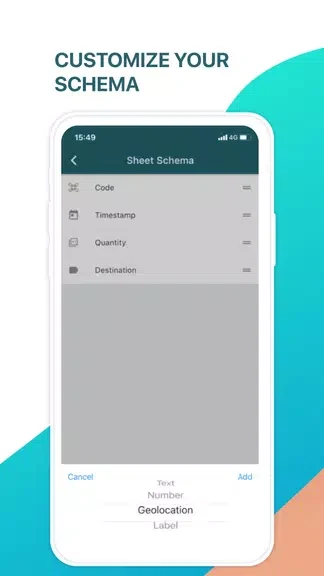
Yes. Sheetify provides customizable Google Sheet schemas, allowing the sheet structure to be adapted to a particular scanning task. This can help users arrange scanned information according to the needs of an attendance or inventory record rather than relying on one fixed format.
Does Sheetify support an external scanner?
Sheetify can connect to external scanners attached to the phone. This gives users an additional scanning option alongside the phone-based scanner and may be useful when their workflow involves a separate scanning device.
Who may find this scanner useful?
Sheetify may suit people who need to record attendance at classes or events, as well as shop users who manage inventory with QR codes or barcodes. It is also relevant for anyone who wants scans organized in Google Sheets and needs control over the sheet schema or spreadsheet connection.