

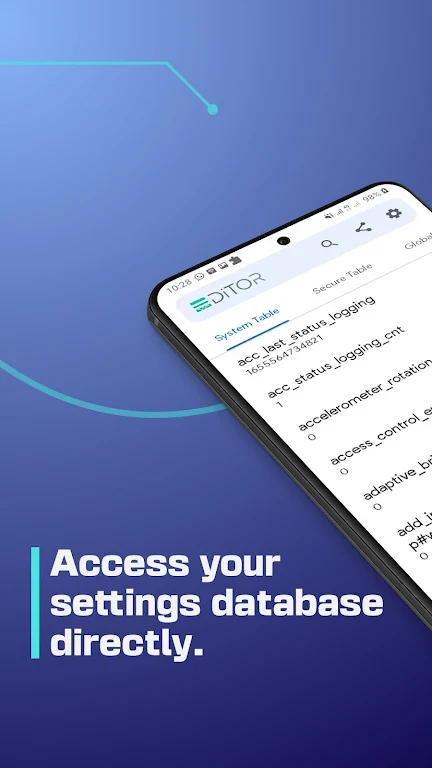
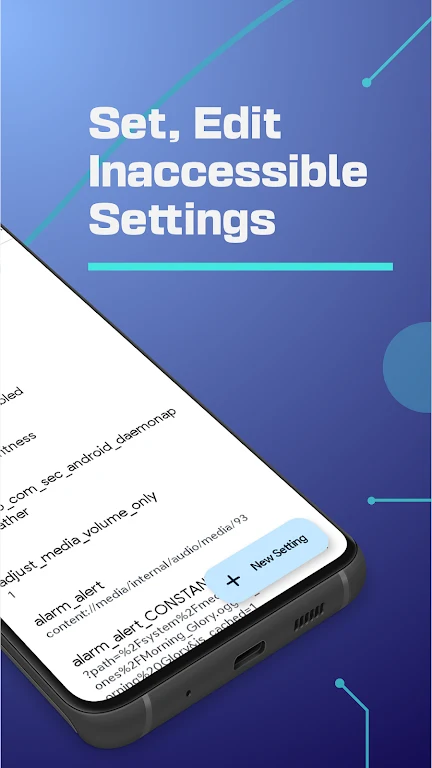
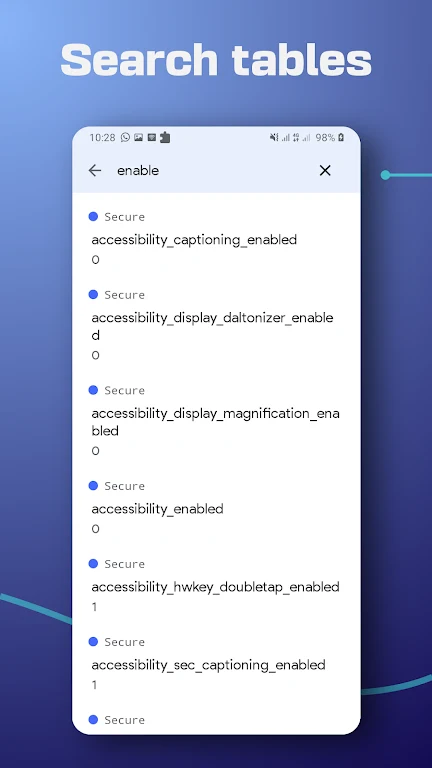
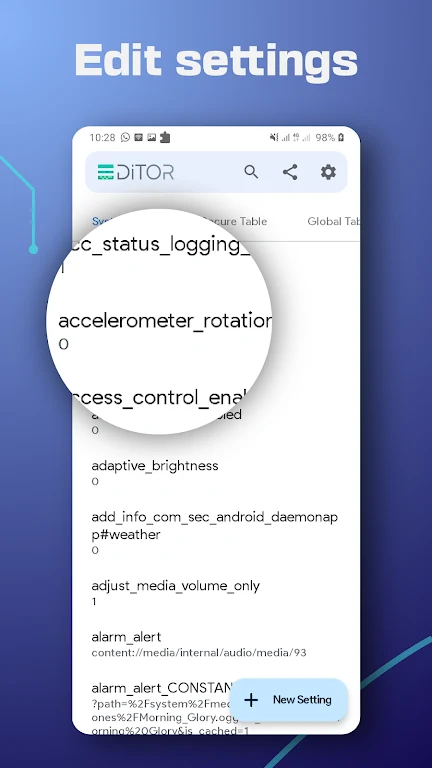
SetEdit: Settings Editor displays Android settings database entries as key-value pairs, giving users a way to inspect and change properties when they need to adjust how their device looks or behaves. The app can set, edit, delete, or add properties in the SYSTEM, GLOBAL, SECURE, or ANDROID tables.
When adjusting a particular device setting
If a setting you want to change is represented by a database property, SetEdit provides a way to work with that entry directly. The source describes uses including changing display size, brightness warnings, refresh rates, text size, ringtone volume, vibration, notification sounds, and language. The specific settings available depend on the device’s system software: database keys vary between devices, so a key found on one phone may not be present on another.
When customizing the interface
For changes to the system interface, the described options include adjusting Control Center or toolbar buttons, toggling dark or light mode, and showing or hiding the camera notch. Other listed interface-related tweaks include changing controller color, hiding navigation buttons, and replacing them with a Smart Assist floating dock or other buttons. The source also mentions restoring Home screen icon animations and older OnePlus gestures; these examples do not establish that every option is available on every device.
When changing connectivity or device behavior
The listed settings also cover locking the network band mode to 4G LTE, controlling the battery-saver trigger level, enabling tethering and hotspot, and controlling screen pinning. Additional examples include muting the camera shutter, disabling fingerprint animations, and enabling a mousepad on BlackBerry KeyOne phones. These are described as settings to adjust, not as automatic actions performed by the app.
Before editing properties
Some settings require permission to write secure settings through ADB. The app’s description says its instructions for granting that permission are provided within the app. It also warns that changing unfamiliar settings can cause problems, and that uninstalling the app may result in losing changes. Because the relevant keys depend on system software and device, edits should be made with care rather than assuming a property will behave identically across phones.