




SDC is a lightweight Android app designed to simplify secure file storage and sharing, combining end-to-end encryption, cloud sync, and intuitive file management in one place.
Secure storage for sensitive files
Users store documents, media, and backups in encrypted vaults protected by AES-256 encryption with keys managed locally. Biometric unlocking and strong PIN support provide fast private access while an optional local-only mode keeps all data on the device without cloud interaction.
Cloud synchronization and backups
Automatic background sync connects to popular cloud providers with transport-level protection during transfers. Scheduled backups protect against loss, and transfers resume automatically after interruptions while throttling prevents battery drain. Offline caching keeps frequently used files available without network access.
File organization and navigation
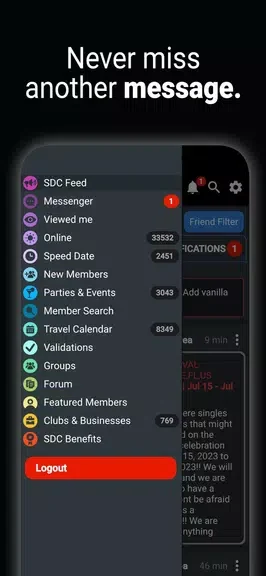
A central dashboard shows recent and starred items with a menu for vaults, cloud accounts, and settings. Drag-and-drop gestures organize folders, multi-select operations handle batches of files, and contextual menus adapt to file type. Built-in search indexes content for faster retrieval while tags and favorites speed up organization.
Sharing and collaboration controls
Password-protected links with expiration and download limits allow temporary access. Collaborators receive read or edit privileges on specific folders, and role-based sharing with an activity log tracks uploads, downloads, and permission changes. Direct sharing to other apps is supported through intent-based integration.
Device performance and compatibility
The app runs on low-resource devices and handles large libraries without lag. It supports Android versions back to mid-range levels and uses newer APIs for improved file handling on recent devices. Quick previews cover common document and media formats, and a built-in viewer reduces the need to switch applications.
Customization options
Preferences include light or dark theme selection, automatic cleanup rules, configurable sync schedules, and thumbnail generation settings. Granular notification controls alert users to events such as failed backups or shared-folder invitations without routine updates.