

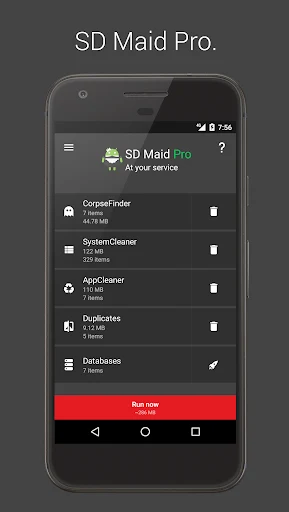
SD Maid 1 Pro is a practical Android management tool for cleaning storage and organizing files left behind by everyday app use. Its main task is to identify residual files from uninstalled applications, unnecessary data, duplicate content, and other clutter that can make storage harder to manage. The app also helps users oversee installed applications, search files by several criteria, inspect storage usage, optimize application databases, and schedule routine tools. These functions make it relevant to people who frequently install and remove apps or want more detailed control over their device files.
How does SD Maid 1 Pro find leftover and unnecessary files?
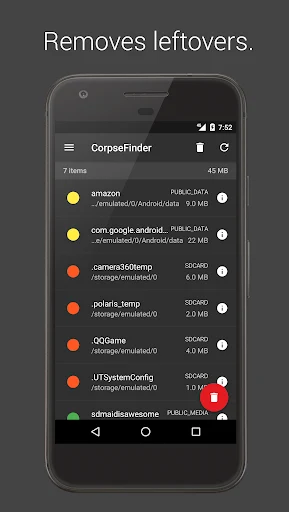
The app can look for files left behind after applications are uninstalled. These remnants may remain in phone folders because of the way the Android system handles app removal. SD Maid 1 Pro is designed to detect those files so users can review and remove clutter associated with applications that are no longer installed.
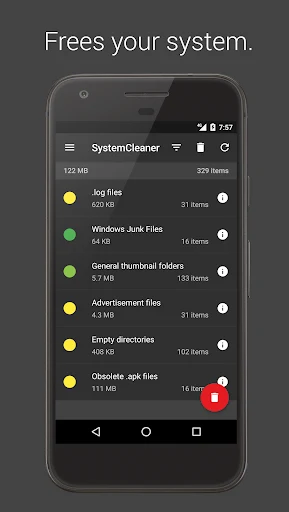
It also performs app cleaning beyond basic cache handling by removing expendable files that may not be needed for applications to operate. This gives users a way to manage unnecessary data rather than limiting cleanup to a single cache category. The source material describes the user as making the final decision about items such as duplicate, empty, or leftover files.
Can it manage installed applications and search files?
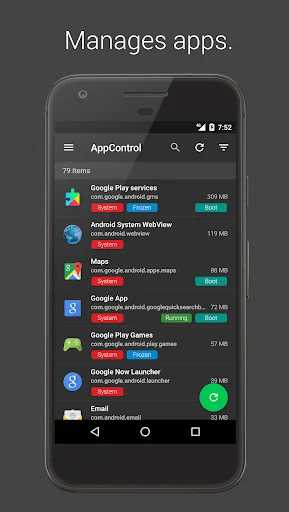
SD Maid 1 Pro provides oversight of both user-installed and system applications. Users can browse these applications as part of broader device management, and the app can force-stop specific applications when that action is needed. A file explorer is also listed among its management tools, allowing users to browse and manipulate system files.
File searches can use different criteria, including file name, file content, or date. Date-based filtering can help narrow results when looking for recently changed items, while name and content searches provide other ways to locate specific files. The app also offers a detailed view of device storage, helping users examine how available space is being used.
How does it handle duplicate photos and other files?
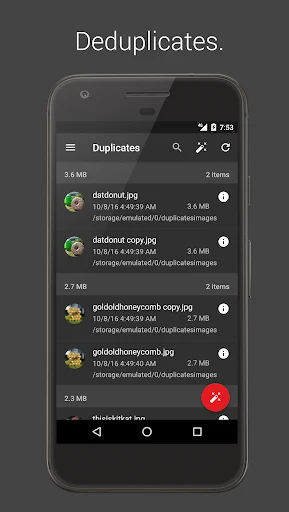
The duplicate finder can detect repeated files including pictures, music, and documents. According to the source, this process does not depend on file names or storage locations, so files with different names or files stored in separate folders can still be considered during the search.
After duplicate content is identified, users can use the results to support further file management and decide what should be removed. The feature is useful for reviewing repeated media and documents, particularly when several copies have accumulated across different folders.
Can routine maintenance be automated?
For users who do not want to start every tool manually, SD Maid 1 Pro includes options to run tools automatically on a schedule or through widgets. Scheduled tasks can support recurring maintenance, while widgets provide another way to access the cleaning functions from the device interface.
The app also includes database optimization for application databases. This function is intended to maintain database performance and can be used alongside file cleanup and storage inspection. Together, these tools cover several types of maintenance rather than focusing only on residual files.
What should users know about the available features?
The source lists a safe folder for managing confidential and essential files, but it does not provide enough technical detail to describe its protection methods or make security guarantees. Users should therefore treat it as a file-management feature and review its behavior before placing important content there.
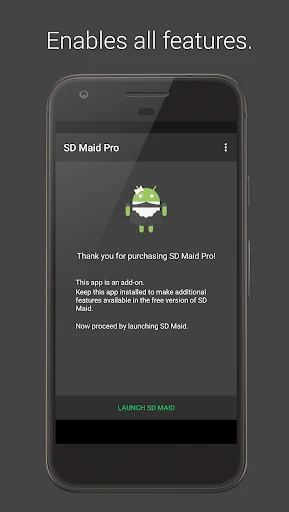
Some advanced features may require root access to use fully, and the Pro version requires an additional purchase for advanced features. These points matter for users deciding whether the available controls match their device setup and intended use. Overall, SD Maid 1 Pro may suit people who want detailed control over installed apps, system files, storage searches, duplicates, databases, and recurring cleanup rather than a tool limited to basic cache removal.