

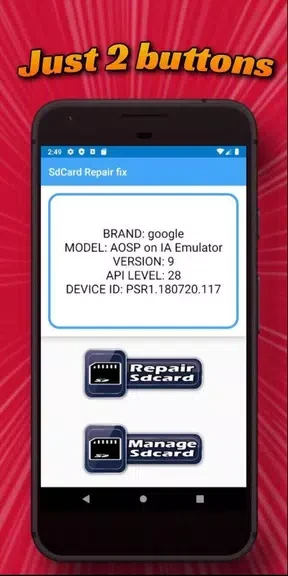
Sd card files manager is a file-management app for organizing files and folders on an SD card and transferring data between the card and a device’s internal memory. It supports everyday tasks such as creating, renaming, and deleting files, and can install APK applications stored on the SD card. The app also shows used and free card space, while folder shortcuts and configurable ListView or Grid View settings provide additional ways to access and browse files. It is described as free to download and use.
What file tasks can you perform?
You can manage files and folders on the SD card by creating, renaming, or deleting items. The app is also described as a way to move files between internal memory and the card; the source specifically mentions photos, videos, documents, and other file types moving from internal memory to the SD card. These functions may suit users who want to organize stored content or shift files between storage locations.
Can it install apps from an SD card?
The app supports installing .APK applications directly from files stored on the SD card. This is a separate use from transferring and organizing ordinary files, and the supplied description does not specify further installation requirements.
How can you check storage and reach folders?
A space-information feature reports the free and used space on the SD card, helping you keep track of its capacity. You can also create home-screen shortcuts to favorite folders for quicker access, rather than navigating to those folders each time.
Can you change how files are displayed?
The app supports both ListView and Grid View, and its description says you can configure the view settings to suit your preferences. The source describes it as free to download and use, with no hidden fees or in-app purchases. Its stated functions make it relevant to people looking for SD card file organization, storage tracking, and folder access in one app.