

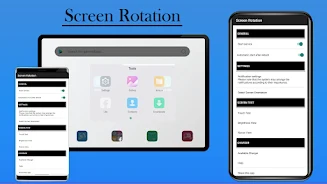
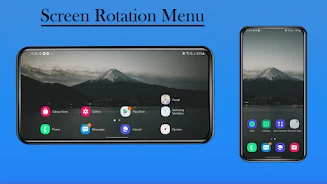
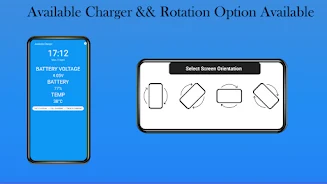
Screen Rotation For Android is a Tools app for people who want more say over how their Android screen rotates. Its description focuses on three practical jobs: choosing a screen orientation, keeping other apps from changing it, and running a repair feature when the touch screen lags or stops responding. The app is listed under the Tools category with version 1.0.13.
Controlling orientation from the notification bar
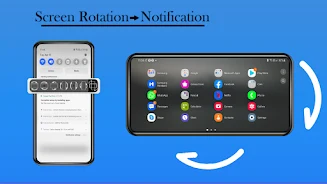
According to the description, the app lets you change the screen orientation of your Android device directly from the notification bar. You select the orientation you want, such as portrait or landscape, without opening a separate settings screen each time.
Preventing unwanted rotation
The listing says you can stop other applications from rotating the screen or triggering touch screen actions by choosing a fixed orientation. This is the feature most relevant to someone who finds the display flipping while reading, watching video, or using a particular app.
Sensor-based auto-rotation and orientation options
For automatic behaviour, the description states that the app uses the device's physical orientation sensor to adjust the screen based on how the device is held. The listed options include landscape, portrait, reverse landscape, and reverse portrait. The listing also says sensor orientation supports auto-rotation on both phones and tablets.
Touch screen repair and storage use
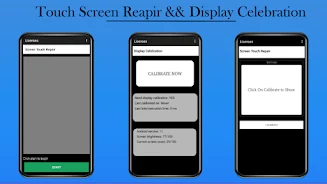
The description includes a screen repair feature that it says can address lag or unresponsiveness on the touch screen. The listing does not explain how the repair works or which devices it has been tested on, so the result may vary by device. The developer also states that the app does not require much storage space.