

Stream Media and Files to Your TV
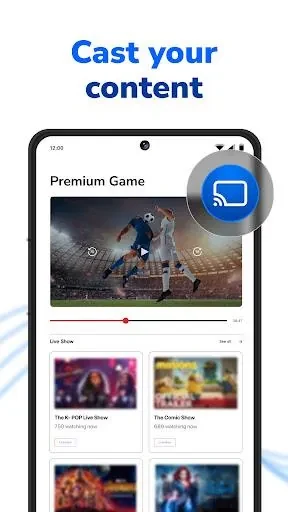
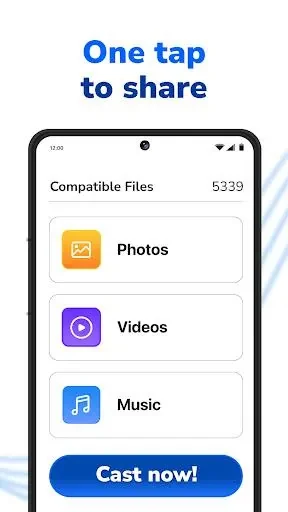
Screen Mirroring & TV Miracast enables users to project content from a smartphone directly onto a Chromecast television screen. The application supports casting various types of media, including online images, movies, music, and personal videos. By transferring content to a larger display, individuals can view files comfortably without needing to crowd around a mobile device.
Supported Content Sources
The utility accommodates a broad range of files beyond local device storage. Users can stream online videos from platforms like YouTube, view photos, play music, and access documents stored in cloud services such as Dropbox and Google Drive. This versatility makes it straightforward to display different formats of digital content on a compatible smart display.
Network Requirements for Stable Casting
Successful performance relies on proper network configuration between the smartphone and the receiving television. The source device and the Chromecast TV must connect to the same local network for the application to function correctly. Additionally, the developers recommend avoiding multiple VLAN setups during use to maintain an uninterrupted connection and prevent delays or interference during data transmission.