
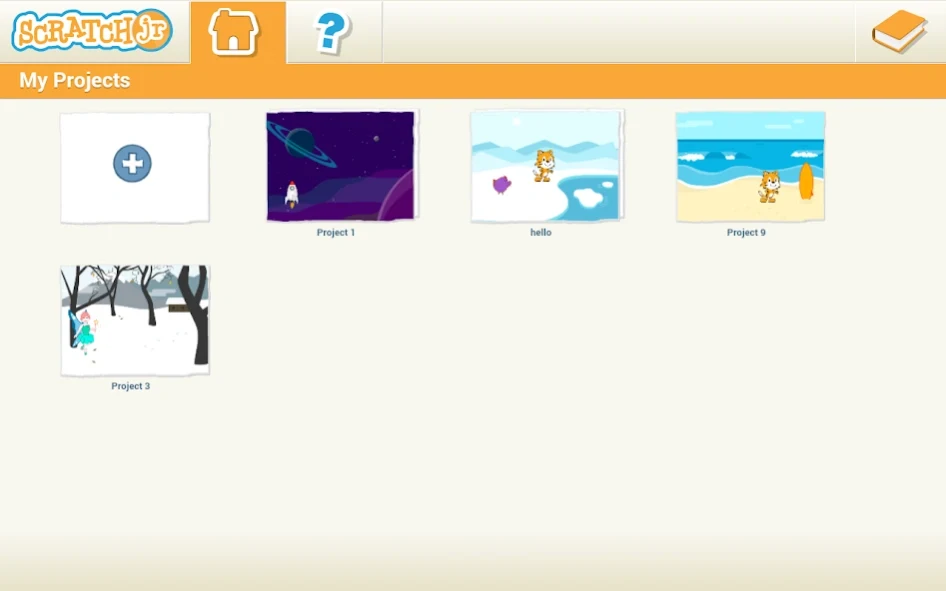
Overview
ScratchJr is an introductory programming app that helps children aged five and up create interactive stories and games. Instead of requiring complex written instructions, it uses large, color-coded blocks that can be snapped together to control characters on the screen. Children can make characters move, jump, dance, or sing, then combine those actions with drawings, recorded voices, sound effects, and photos. The result is a hands-on space for exploring programming while also practicing creative expression. Short projects allow young learners to experiment with sequences, observe results, and develop confidence at their own pace.
What You Can Do
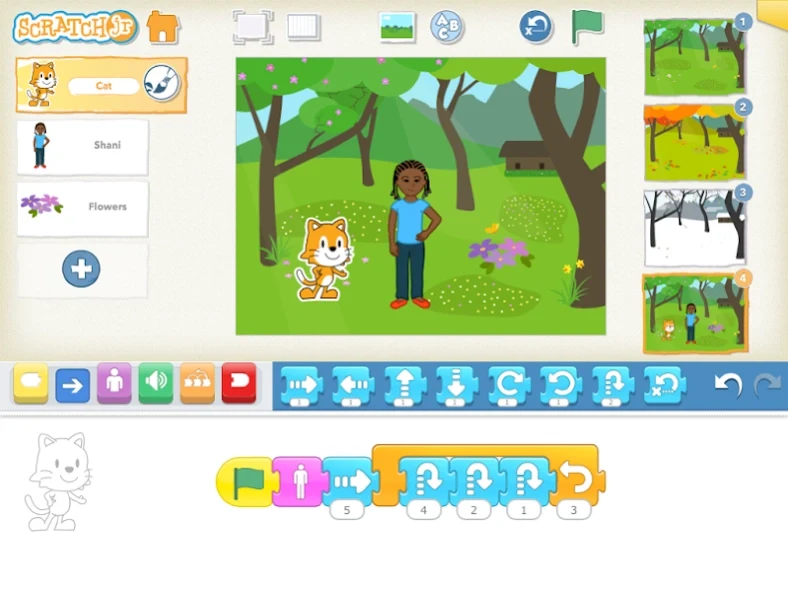
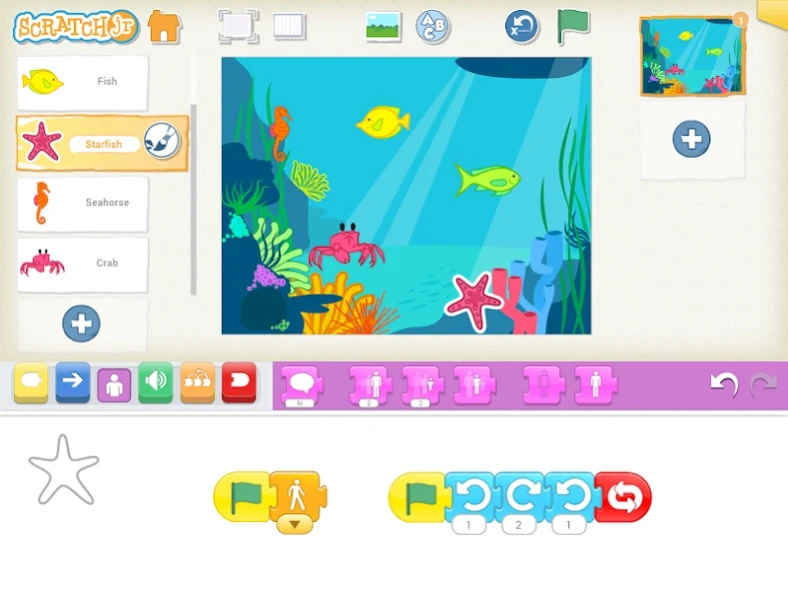
⭐ Build simple programs with visual coding blocks. Children drag blocks from the palette and connect them to create action sequences for characters, making it possible to explore movement and basic cause and effect without reading complex code.
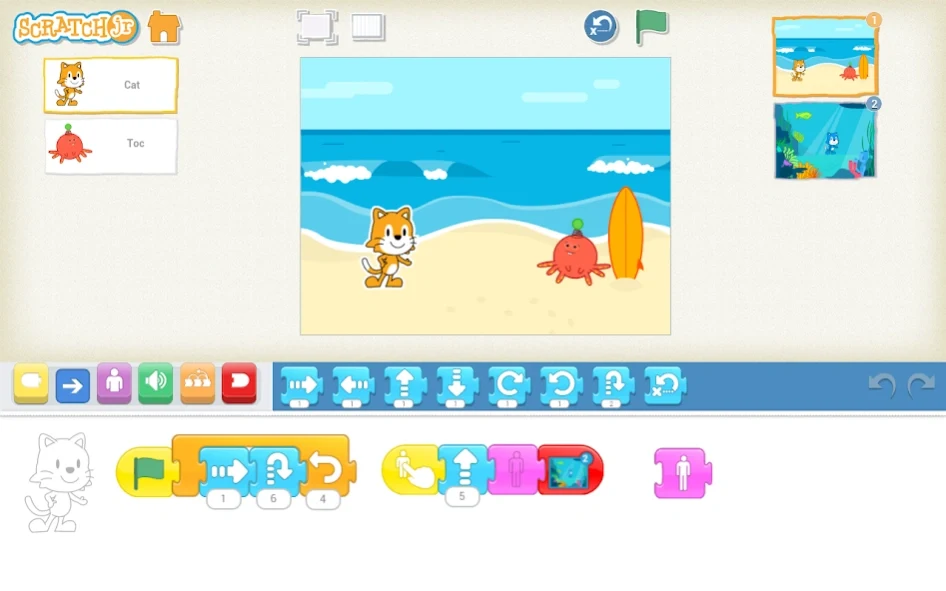
⭐ Create interactive stories and games. Once a scene is arranged, users can program characters to perform actions such as moving, jumping, dancing, and singing, turning an idea into a short playable or animated project.
⭐ Edit characters with the drawing tools. The built-in paint editor lets children modify characters and other visual elements so their projects can reflect their own ideas rather than relying only on preset designs.
⭐ Add personal voices and sound effects. Users can record their own audio and connect it with programmed scenes, giving characters and stories a more personal presentation.
⭐ Insert photos into projects. External images can be included alongside drawings and characters, providing another way to customize scenes and combine real-world material with programmed actions.
Using the App
The workspace is organized around a stage, a programming area, and a block palette. Large colorful icons and visual cues keep the controls accessible to early learners, including children who are not yet comfortable with written instructions. A child can choose blocks, drag them into the programming area, snap them together, and observe the result on the stage. Tutorials and sample projects provide starting points for learning the layout and trying out ideas. The simplified controls are intended to reduce accidental errors, while the ability to work at an individual pace supports repeated experimentation and reflection. The source describes graphics and actions as running smoothly on most modern Android devices, although smaller screens may make some interface elements harder to use.
Why It May Appeal
✅ ScratchJr connects early programming concepts with storytelling, art, and sound, so children can see an immediate creative result from the sequences they build.
✅ Its limited text, clear icons, and age-focused design can help pre-readers explore the main tools without depending on lengthy written directions.
✅ Projects encourage trial and error, helping learners examine how an action leads to a result while developing early problem-solving, literacy, and numeracy skills.
✅ The app has no advertisements or in-app purchases according to the supplied information, which keeps the core creative workspace free from those distractions.
Things to Consider
❎ ScratchJr is aimed at early learners, so it offers limited depth for people looking for advanced programming concepts.
❎ There are few configurable options beyond the main creative tools, and some controls may feel difficult to use on devices with small screens.