
Scientific calculator plus 991 is a calculator app designed for students who need more than basic arithmetic. It brings together everyday calculations, equations, fractions, derivatives, factorials, and high-digit calculations in one place. Its clearest benefit is the range of mathematical tasks it can handle without requiring separate tools: users can enter functions, solve different types of equations, work with advanced number formats, and visualize results through graphs. The app also includes formulas and unit conversions for mathematics, physics, and engineering-related study.
Which calculation modes does the app provide?
The app supports several calculator modes, including a basic calculator, an advanced calculator, and the Scientific calculator plus 991 mode. This allows users to move from ordinary decimal calculations to more involved mathematical work. The available tools cover fractions, roots, exponents, logarithms, factorials, and calculations involving a high number of digits.
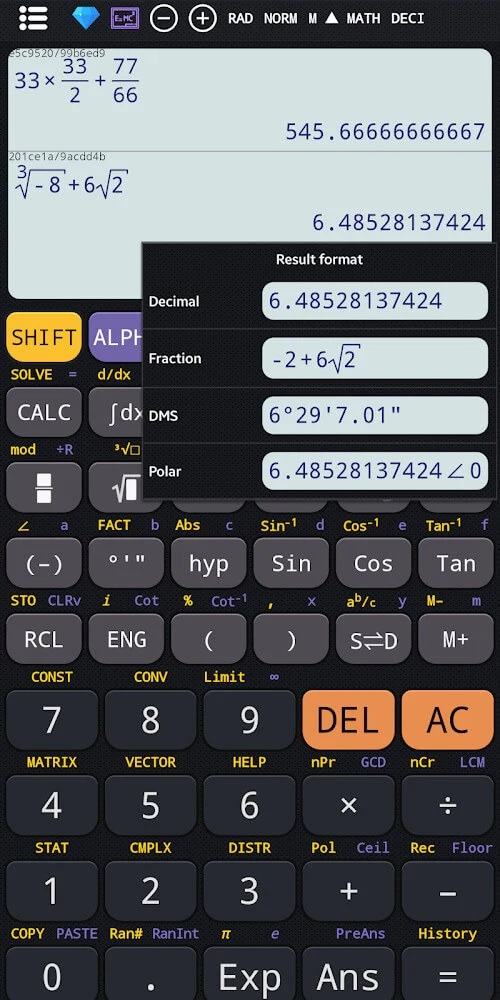
Fraction handling includes converting between decimal and mixed forms, while the broader number tools support permutations, combinations, greatest common divisor, least common multiple, prime factorization, and random number generation. These functions can be useful when a calculation involves number theory, algebra, or more specialized classroom exercises.
Can it solve equations and advanced mathematical problems?
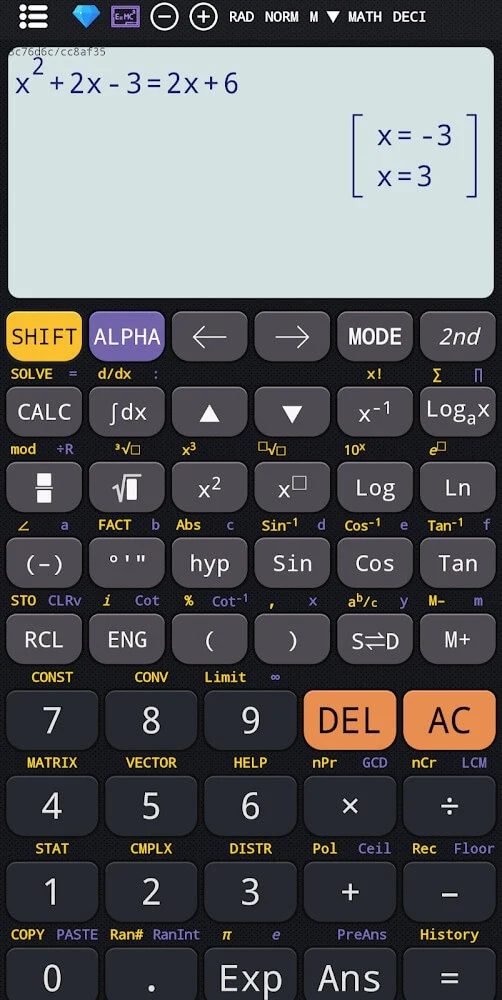
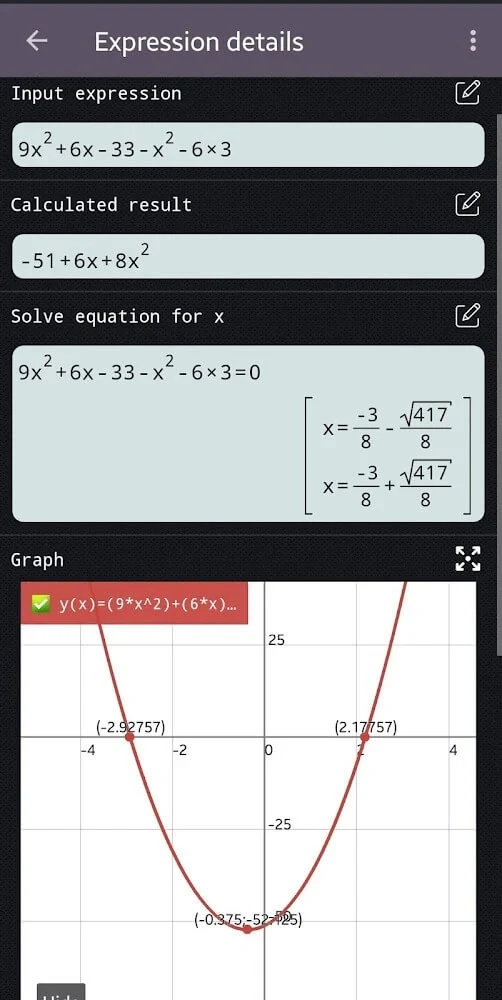
Scientific calculator plus 991 includes an equation solver for polynomials, quadratic equations, cubic equations, and systems of equations. Users enter the relevant values or expressions and can obtain solutions through the built-in tool, rather than handling each algebraic step with a basic calculator.
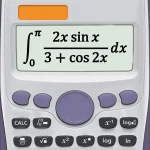
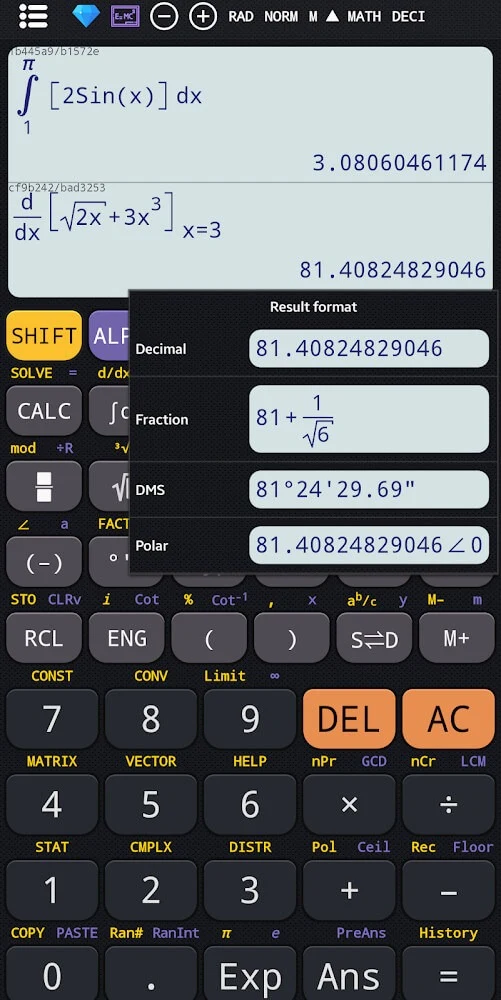
The app also covers linear algebra, calculus, vectors, complex numbers, and matrix calculations. Results involving complex numbers and trigonometric work can be displayed in either rectangular or polar coordinates. This choice gives users two supported ways to view the same type of result, depending on the requirements of their calculation or course work.
What can the graphing calculator display?
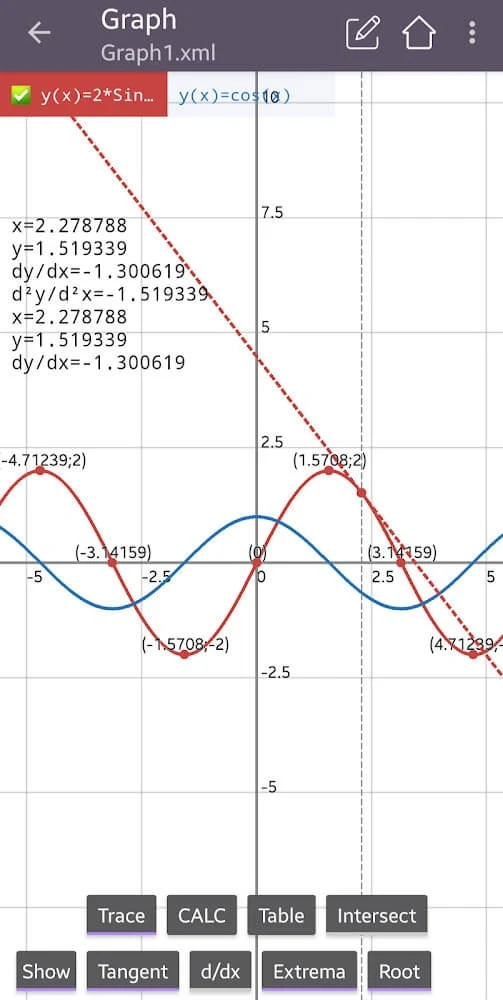
The graphing section can plot ordinary functions as well as polar functions, parametric equations, and implicit functions. After entering a function, users can visualize its shape and use graph-related tools to draw tangents, trace curves, and find derivatives, roots, maximum values, and minimum values.
The layout is described as simulating some popular graphing calculators used in schools, while keeping the graphing tools on a mobile device. This makes the feature relevant to users who want to inspect mathematical relationships visually instead of relying only on numerical output.
Does it include formulas and unit conversions?
The application contains a collection of mathematics and physics formulas, ranging from basic to advanced material. This collection works as an in-app reference when users need to check an equation or principle while studying or completing a calculation.
Unit conversion is also included and can be used for work involving physics and engineering problems. The source describes conversions between smaller and larger units, making this function useful when a result needs to be expressed in a different measurement scale.
Can the interface be adjusted?
The interface uses a keyboard layout similar to traditional calculators, which keeps the main input method familiar while providing access to its broader set of functions. Users can also customize themes and fonts, allowing them to adjust the visual presentation to their preferences.
With its combination of standard calculator modes, equation solving, advanced mathematics, graphing, formula reference, unit conversions, and display options, the app is aimed primarily at students and other users handling mathematical, physics, or engineering calculations. It may be particularly relevant to learners who need both numerical tools and visual ways to explore functions.