

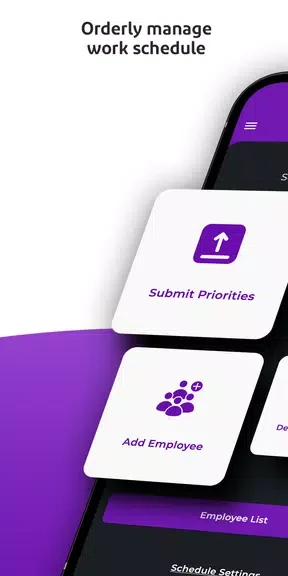



Scheduler - Shift Scheduling helps organize work shifts in a calendar and makes the schedule easier to share and review. Its scheduling algorithm takes priorities into account and distributes shifts, while the app presents the resulting plan in a calendar. This can reduce manual schedule entry and give employees or employers a shared reference for upcoming work. The app also provides weekly exports, sharing through other apps, and statistics about attendance and work patterns, bringing planning and schedule review together.
Build and export a shift calendar
The app creates a shift calendar using an algorithm that considers priorities and aims to distribute shifts evenly. When a weekly plan is ready, users can export shifts to a preferred work calendar app. This offers a way to carry the schedule into a calendar already used for work, rather than entering the shifts there one by one.
Share schedules with others
Users can share their work calendar with friends or staff members through other apps. The source names WhatsApp and email as examples, and also refers to sharing through other available apps. Sharing complements the calendar export: one helps make shifts available in a work calendar, while the other lets people send the schedule to others.
Review attendance and scheduling patterns
Scheduling statistics appear on the home screen and include the most requested day and user attendance. The app also reports time and money saved through its algorithm. Separate personalized statistics cover work hours, attendance, and performance trends over time, with recommendations intended to help users optimize their work planner. These figures and insights provide a way to review a schedule as well as plan it.