

Overview
Scene is a personal life documentation app that helps you turn a scattered photo gallery into organized collections. It arranges images by date, so you can browse past moments through a timeline, calendar view, or smart slider. You can create albums, add captions to photos and albums, and keep up to 1,000 photos in each album. Scene also supports private sharing with family and friends, including invitations for others to contribute their own images. Beyond photo organization, the app includes tools for saving videos, writing diary entries, and bringing photos from a computer or SD card into your Android library through Scene Connect.
What You Can Do
⭐ Browse photos by date using a straightforward timeline. The calendar view lets you jump to a particular month or day, while the smart slider helps you move through older images more quickly.
⭐ Create an unlimited number of albums and move photos from the timeline into the collection that fits them. Each album can contain up to 1,000 photos.
⭐ Add descriptive text to albums and captions to individual photos. This gives travel collections, family events, and everyday memories extra context.
⭐ Share selected albums privately with friends or family. You can invite other people to view an album and, where appropriate, add their own photos.
⭐ Share albums with people who do not use Scene, including recipients viewing them on a PC or feature phone. The source also lists sharing to platforms such as Facebook and Twitter.
⭐ Import photos from a computer or SD card with Scene Connect for PC or Mac, then organize and view digital-camera images from your Android device. Scene Connect requires a Scene account.
Using the App
After opening Scene and granting photo and media permissions, the app can index your gallery and display images according to their dates. To start a collection, use New Album, give it a name, and drag photos from the timeline into it. The calendar view provides another way to locate images before adding them. When an album is ready, use Share to select an invitation method and configure viewing permissions.
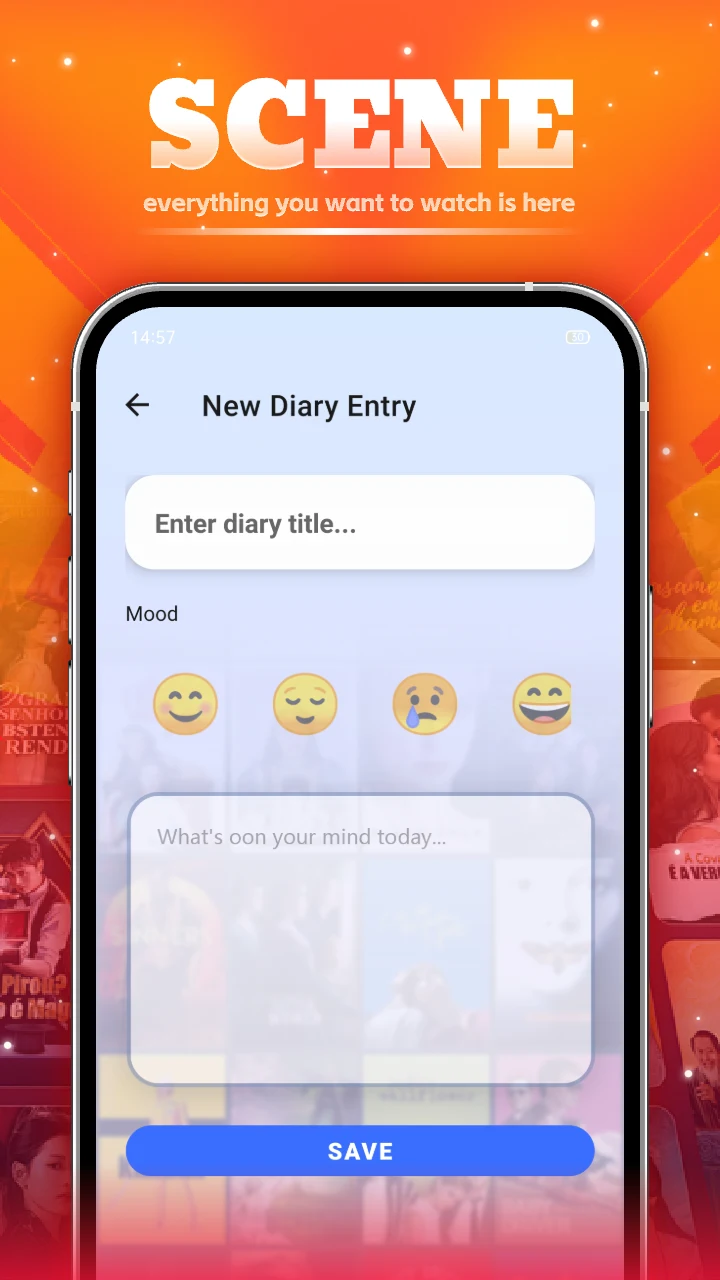
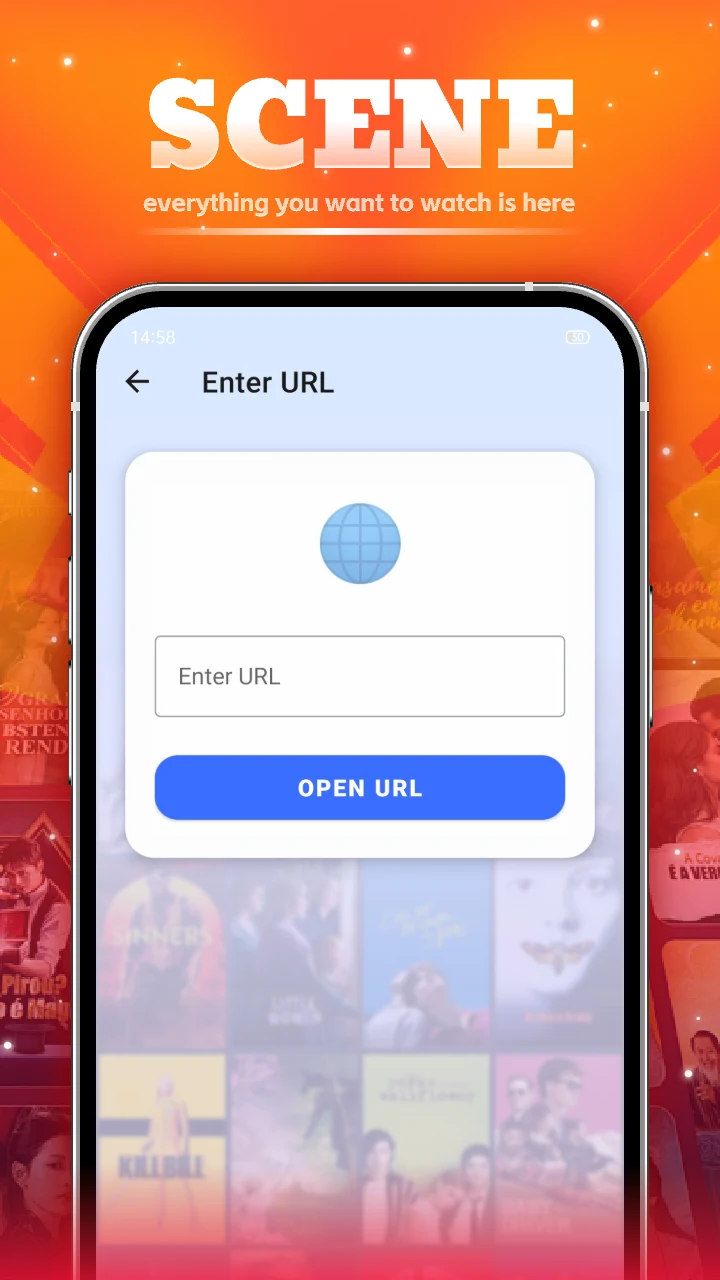
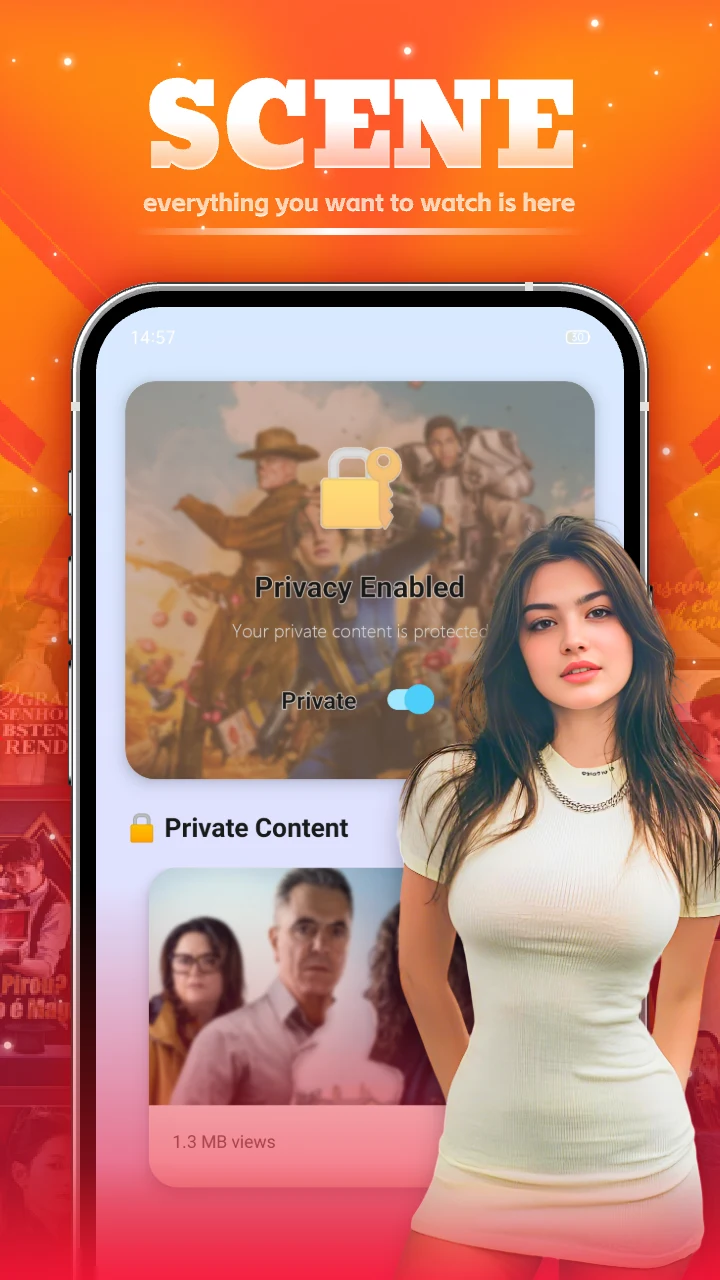
Scene also extends beyond standard photo albums. You can save daily video clips, apply tags, and revisit them later. Diary tools allow titles, mood emojis, and written reflections. A Private mode is described as encrypting and protecting private videos and diary entries, keeping that content intended for your own viewing. The app also includes a URL shortcut tool for opening saved web addresses quickly.
Why It May Appeal
✅ Date-based browsing is useful when you remember when a photo was taken but not which folder contains it.
✅ Album limits, captions, and unlimited album creation provide a clear way to separate different trips, events, or periods of daily life.
✅ Collaborative albums can bring together photos from several family members or friends instead of keeping every contribution on one device.
✅ Support for computer, SD card, and digital-camera imports makes the app relevant to photo libraries that extend beyond a phone gallery.
Things to Consider
❎ Scene requires photo and media permissions to index and display your gallery.
❎ Scene Connect is a separate computer connection feature that requires a Scene account.
❎ The source mentions a premium version with additional features, but it does not specify which features are included or provide pricing details.