
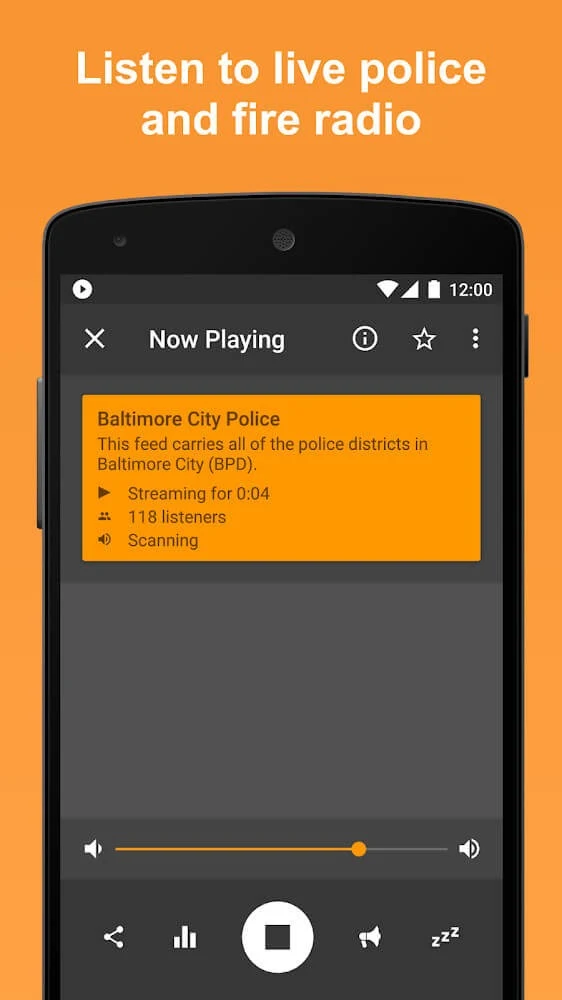
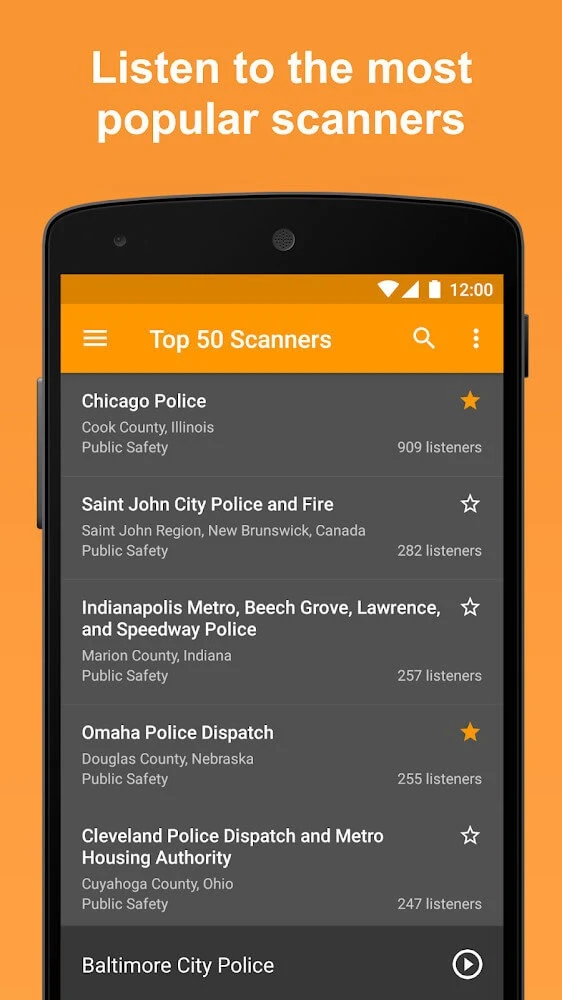
Scanner Radio Mod is an app for listening to scanner feeds, including police, fire, and EMS dispatch audio, and finding scanner activity in nearby or other listed areas. The available audio comes from scanner feeds supplied through third-party services, so the directory and whether a particular feed is broadcasting depend on those providers.
What can I listen to, and how are feeds organized?
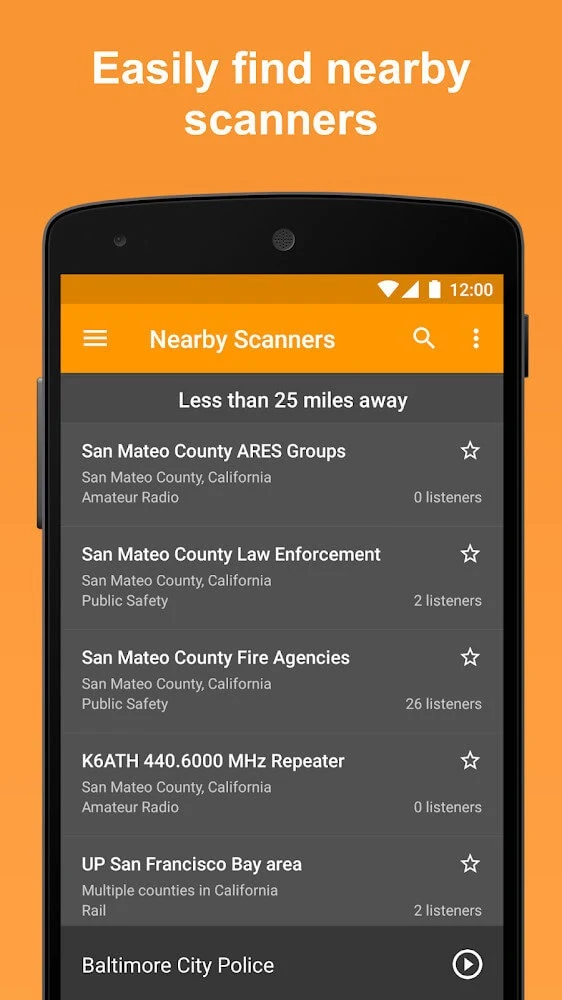
The description identifies police, fire, and EMS as examples of the radio traffic available through the app. It also refers to other scanner channels and presents feeds as searchable by area, with nearby activity marked on a map. This can help someone looking for scanner audio associated with a particular place, while the map and directory reflect the feeds that are actually available rather than a guaranteed source for every location.
Feed coverage is not necessarily the same from one region to another. The source explains that many feeds are set up by local volunteers using scanner radios and computers, with some supplied directly by agencies. A new area appears when a provider makes a feed available through a third-party service; the app does not control whether a volunteer sets one up. As a result, a country or city being listed does not establish that every local agency or channel has its own feed.
Can I get alerts when scanner activity increases?
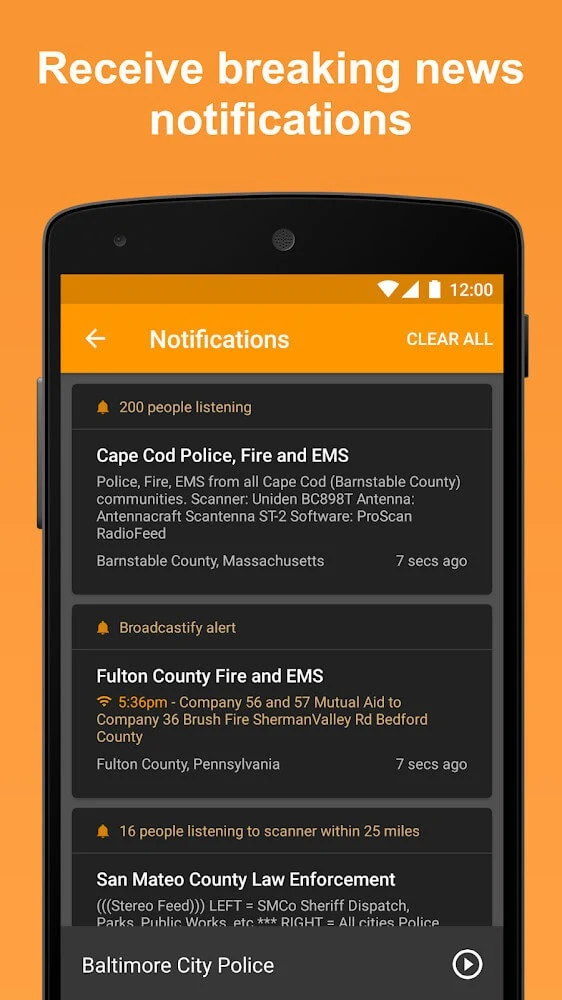
The listed notification controls include alerts when a scanner passes a listener-count threshold. The description gives 2,000 listeners as an example and says users can set a different number. Alerts may be configured for scanners in local areas or for a particular scanner when its listener count rises. These controls are aimed at drawing attention to changes in listening activity; they do not promise advance notice of an emergency or confirm what is happening at the scene.
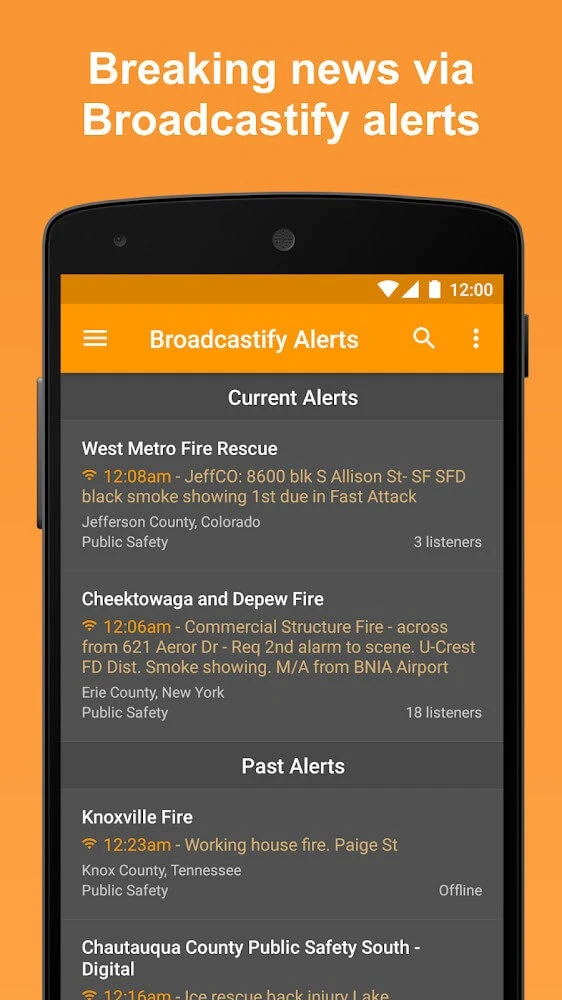
The source also mentions custom alert triggers and notifications related to favorite lists and Broadcastify updates. These are described as ways to receive notices about scanner activity or feed updates associated with selected items. The material does not explain every alert setting in detail, so the precise options may depend on the controls presented in the app.
Are there ways to reach scanners from the home screen or a car?
Home-screen shortcuts are listed as a way to open the app or reach its features more directly. The description also names home-screen widgets, which can provide access to app features without first opening the full app. It does not specify the available widget layouts or which individual feed controls each one offers.
Android Auto support is also listed for compatible vehicles. The source describes playing scanner feeds or channels through a vehicle’s speakers. This feature is intended for use with Android Auto-compatible equipment; the description does not give a list of supported vehicles or explain which controls are available on a car display.
Can I preserve app data or change the listening interface?
The listed backup controls allow manual or automatic backups of in-app data, with the option to restore from an available backup file. This may be relevant when a user wants to retain app data for later restoration. The source does not specify which categories of data are included, where backup files are stored, or whether a backup can be transferred between devices.
Interface customization includes different themes and a night mode. These options change the appearance of the scanner interface, rather than the content or coverage of the audio feeds. The description does not name particular themes or provide further details about how the appearance settings are organized.
What should I expect from feed availability?
Listening depends on an audio feed being provided and available. The source explains that many feeds are hosted by volunteers using their own scanners and computers, and that a provider’s equipment or connection can affect whether audio is reaching the service. A feed that is missing or unavailable therefore does not mean the app can supply a replacement channel for that area.
In practical terms, the app’s listed functions address listening to available feeds, keeping track of selected scanner activity, and accessing controls through alerts, shortcuts, widgets, and compatible Android Auto setups. They do not guarantee local coverage: availability is tied to the third-party feeds and providers represented in the directory.