

ScanMe is an Android app built around offline QR code and barcode scanning. Its main job is to read codes quickly, and it also includes tools for creating custom codes and a Wi-Fi connection feature. The source describes it as suitable for individuals and businesses that want to turn digital information into a printed or physical code.
Scanning QR codes and barcodes
The live scanner works by pointing the camera at a code, after which the decoded result appears on screen. The source also describes scanning static images and screen content. For saved pictures, the documented workflow is to open the gallery from within the app, select a screenshot or photo, and let ScanMe highlight each code it finds. The user then taps a highlighted code to read it.
The source states that ScanMe handles major 1-D retail and industrial barcodes as well as 2-D codes. Examples named in the material include UPC-A, EAN-13, Code 128, and PDF-417 tags used on shipping crates. The app runs recognition locally, so the FAQ in the source states that an internet connection is not needed for scanning.
Generating custom codes
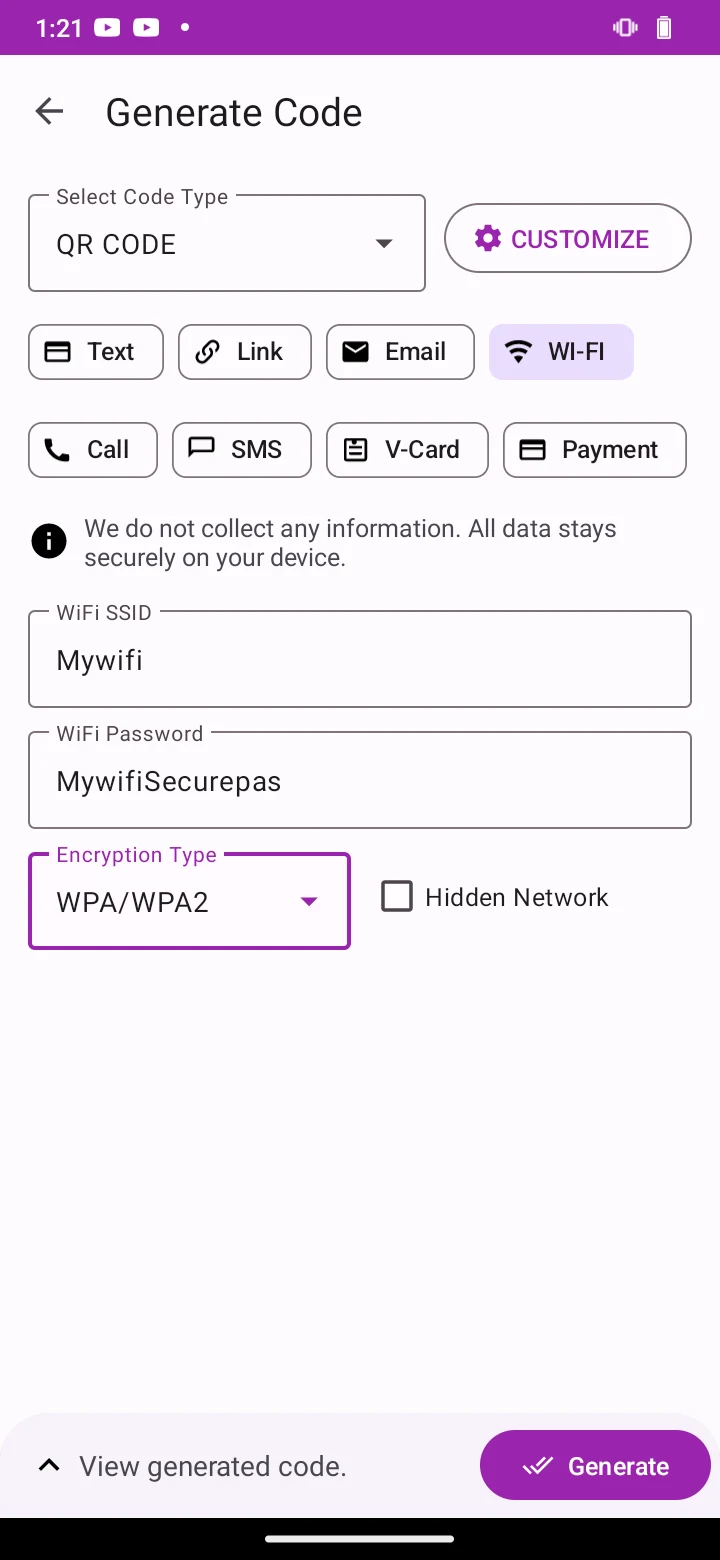
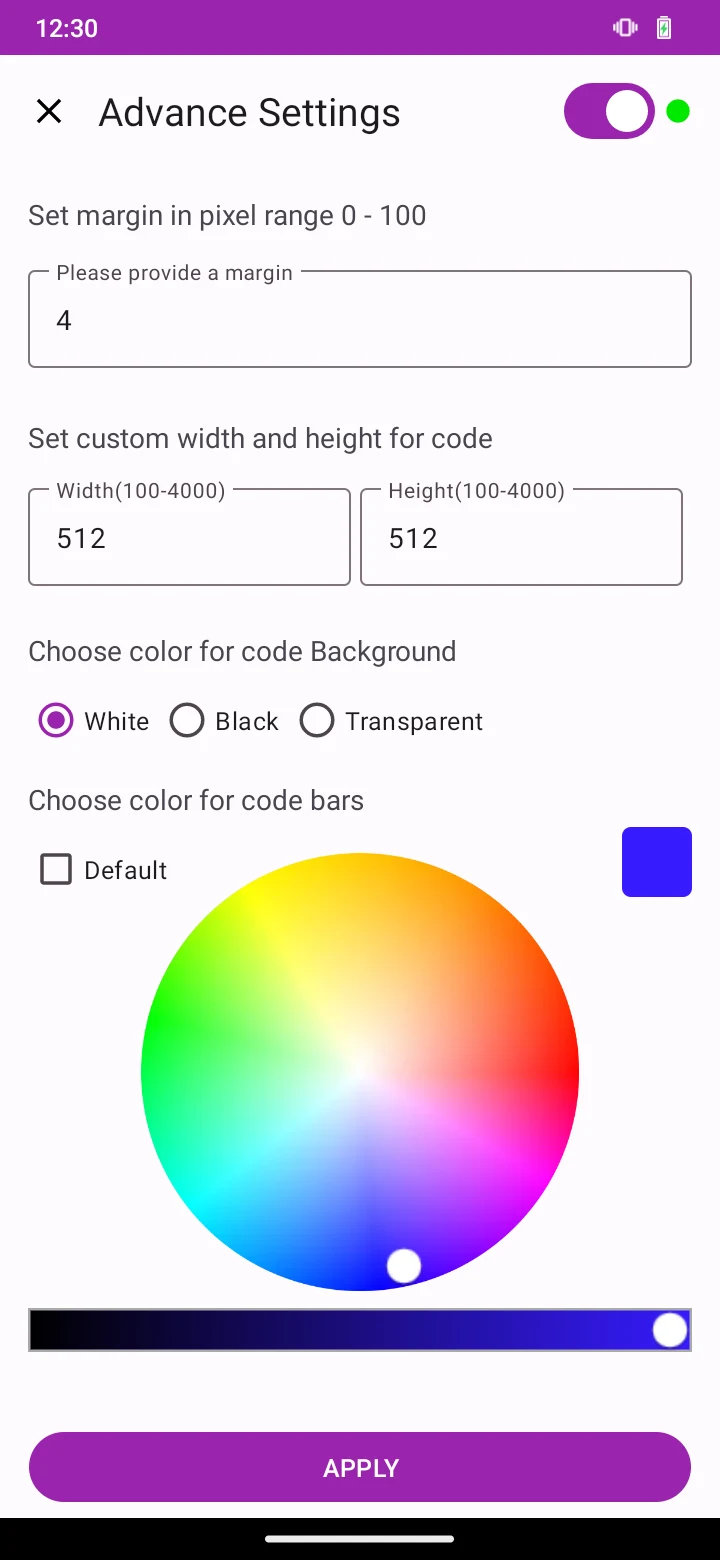
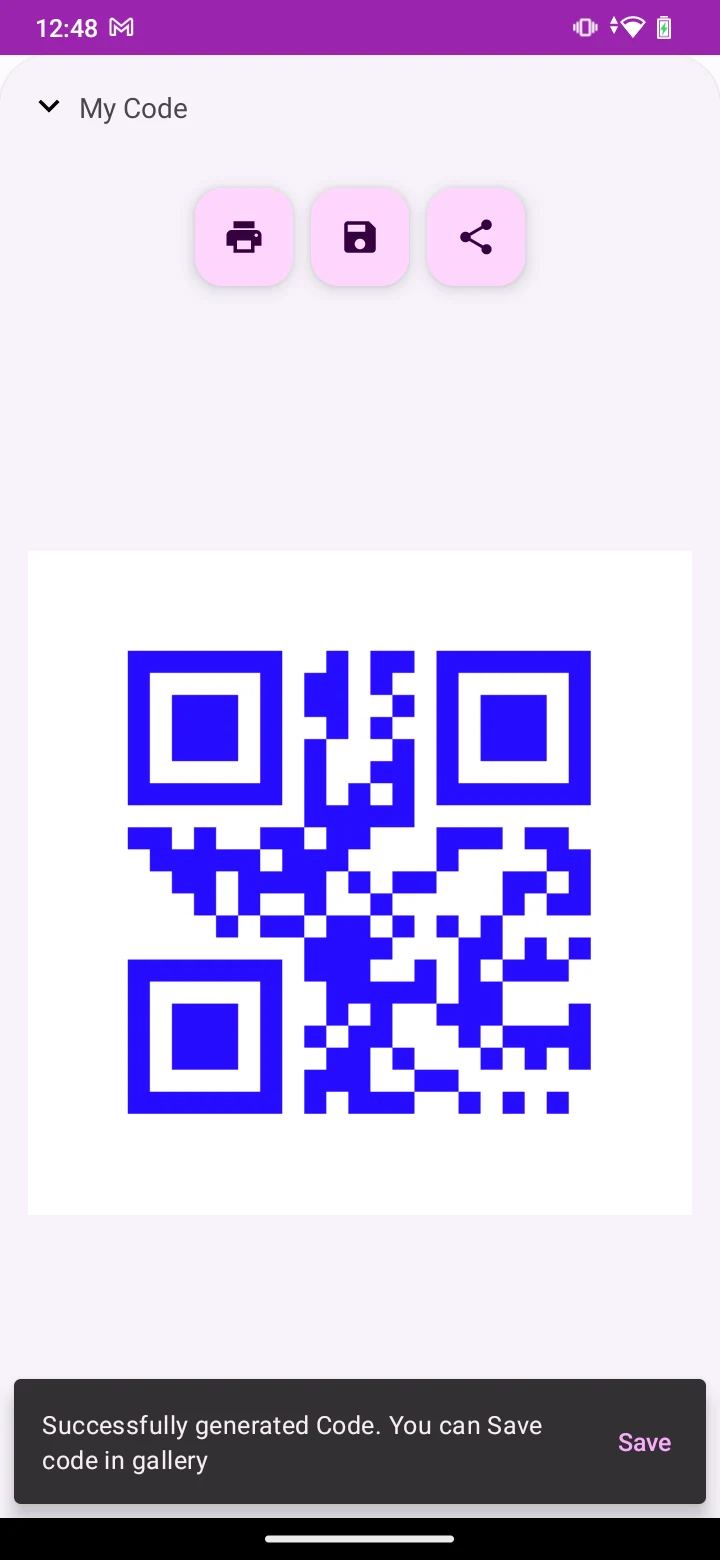
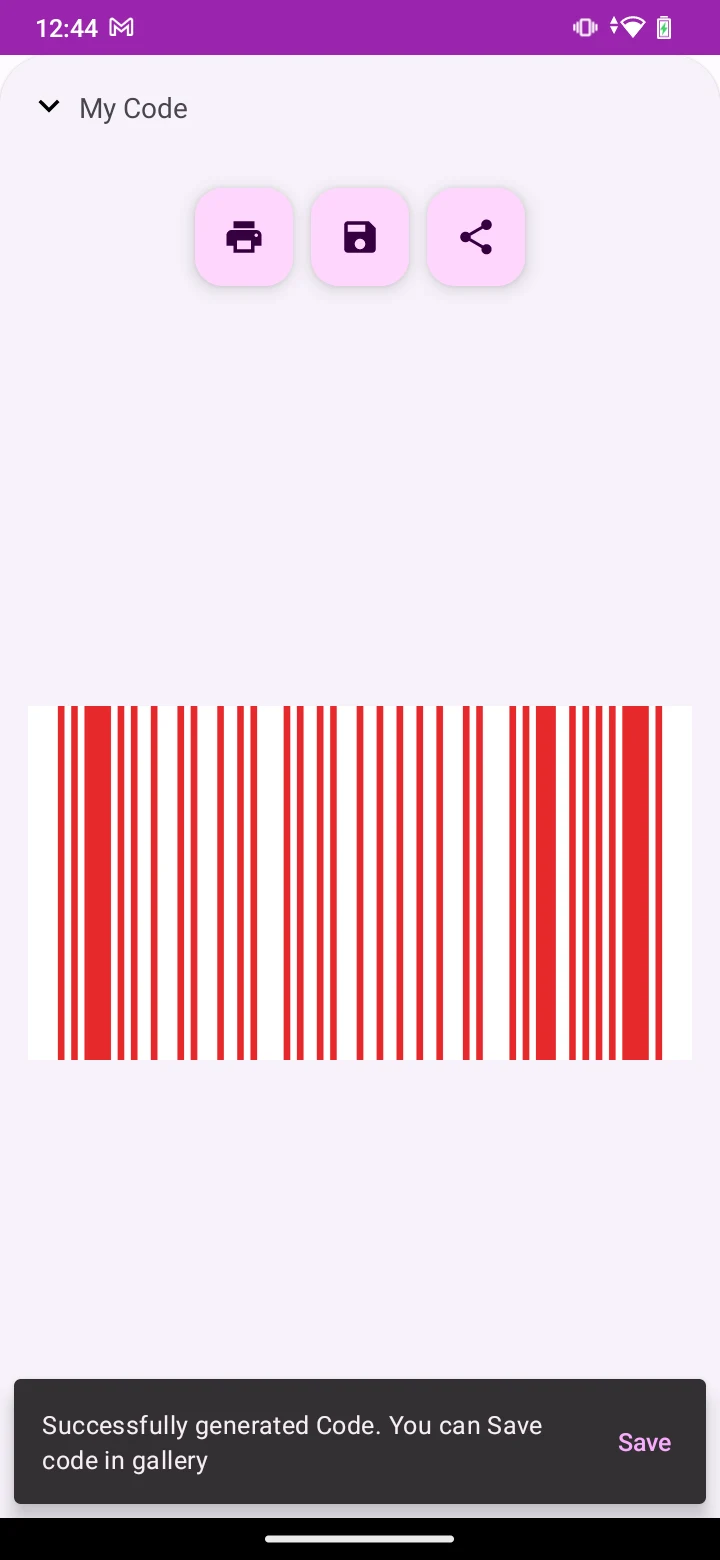
The generator starts with the Generate option, where the user chooses a format. The source lists Link, V-Card, plain Text, and Payment, along with other unspecified formats. After entering the data, the user can set the code colors, including white, black, or transparent backgrounds. Size can be adjusted up to 4000 x 4000 pixels, and margins can also be changed before the code is generated.
The description also refers to customizing codes with logos and designs, although the source does not explain how that process works. Once a code is created, the documented sharing options are email, messaging apps, or saving the image to Photos.
Wi-Fi connectivity
The source describes ScanMe as offering convenient Wi-Fi connectivity. The conclusion refers to a one-tap Wi-Fi connect feature for joining networks. The material does not provide further details about how this feature handles network credentials or which network types it supports.
Pro upgrade
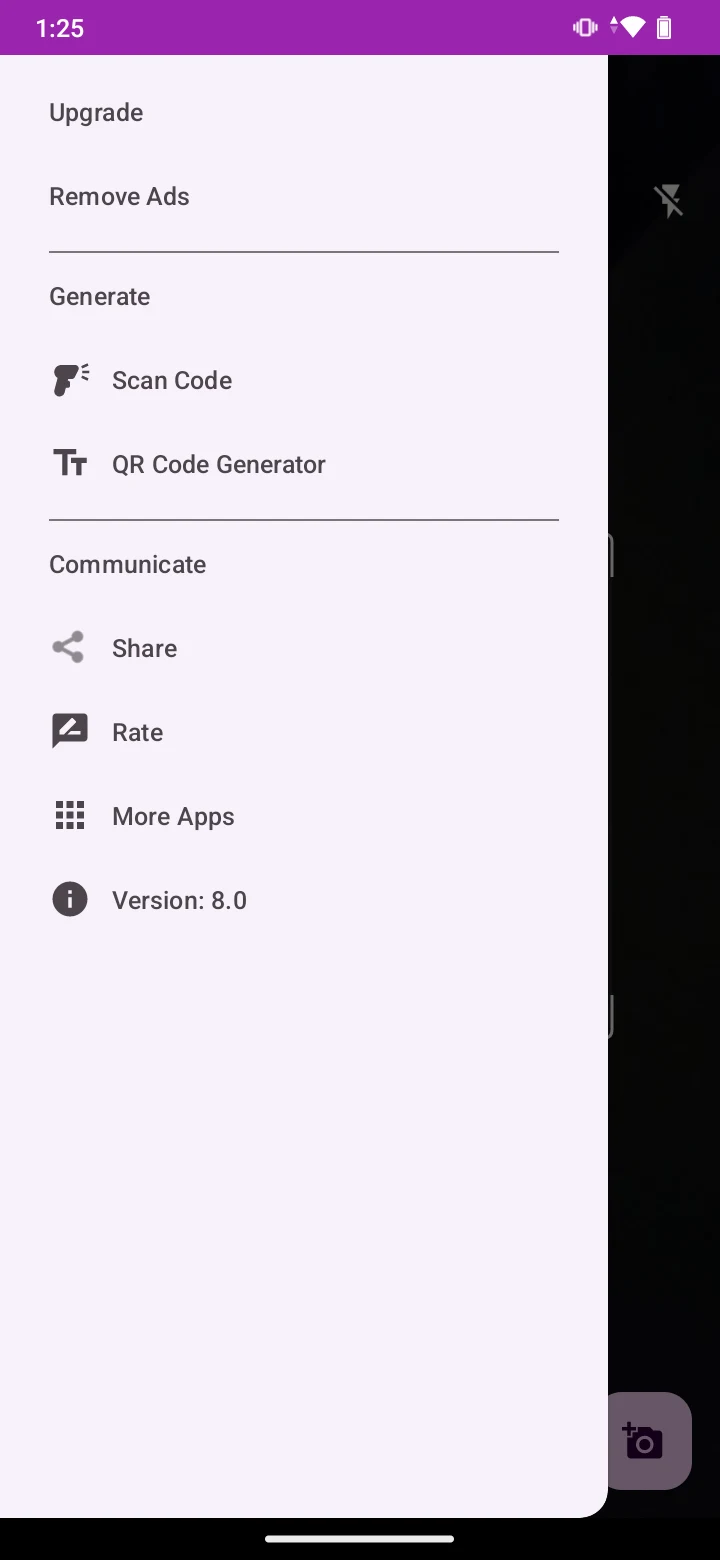
The source mentions an optional Pro upgrade. According to the material, this upgrade removes ads and enables batch export, which allows several codes to be exported together. The source offers asset labels and event badges as examples of when bulk export would be useful. No price, subscription terms, or availability details are provided.
Intended uses
The description suggests use in retail, hospitality, education, healthcare, and other industries. It names businesses that want to support marketing, event organizers who need check-in codes, and individuals who want to create codes for personal or professional purposes. These are the intended uses described in the source rather than independently verified outcomes.