

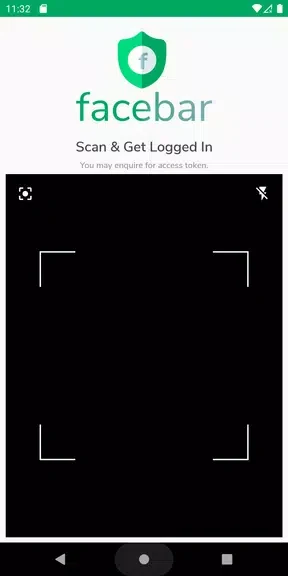
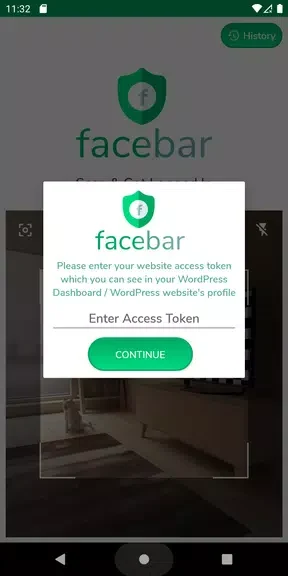


Scan QR & Login to WordPress S lets website administrators access a WordPress admin panel by scanning a QR code generated through the Facebar plugin. This can reduce the need to enter or remember a username and password for each login, which may be useful for people managing more than one site. The app brings QR scanning and login-history controls into one tool: users can scan codes for different websites and review or delete recorded login history.
QR login with the Facebar plugin
The login process depends on a QR code generated for a website using the Facebar plugin. The app scans that code to provide access to the site’s admin panel, rather than asking the user to enter a username and password in the app. The plugin is therefore part of the described setup; the scanner is intended to work with its QR codes.
One scanner for multiple websites
People who manage several websites can use the app’s scanner with QR codes generated for each site. This brings the QR-based login process for those websites together in one app, rather than requiring a separate scanner for each one. The source describes the codes as being generated through the Facebar plugin for the relevant websites.
Login history controls
The app includes a login-history view and an option to delete entries. These controls let users review the history available in the app and remove records they no longer want to keep. The supplied information does not describe additional history filters or session-management tools.