

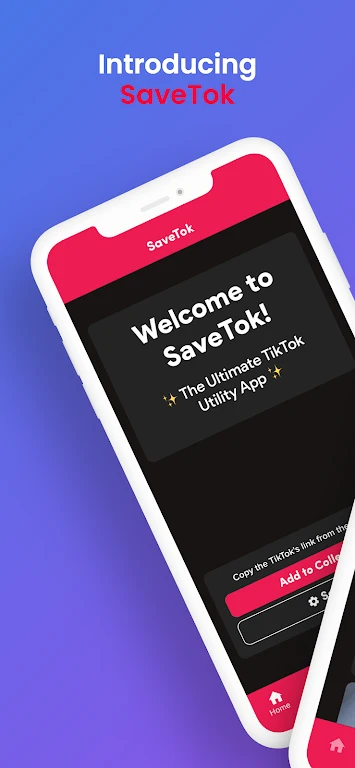

SaveTok - Save Videos is an Android app focused on saving and downloading TikTok videos for later access. It also brings together profile bookmarks, playlists, trending sound discovery, slow-motion playback, and reposting options for TikTok content.
Can it save and download TikTok videos?
The app supports saving and downloading TikTok videos to the device. This is intended for keeping videos such as comedy sketches, dance routines, or other favorite TikTok content available for later viewing.
How can favorite TikTok profiles and videos be organized?
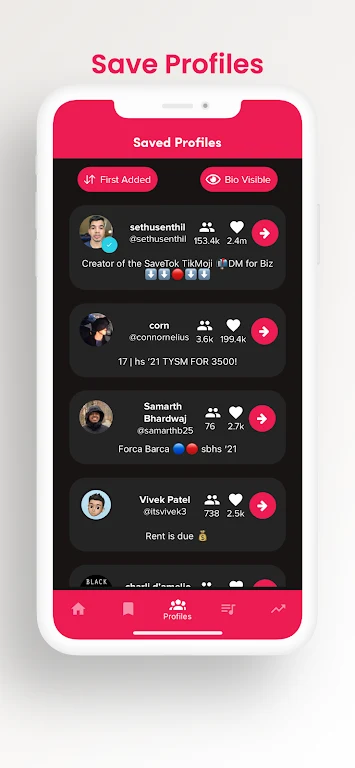
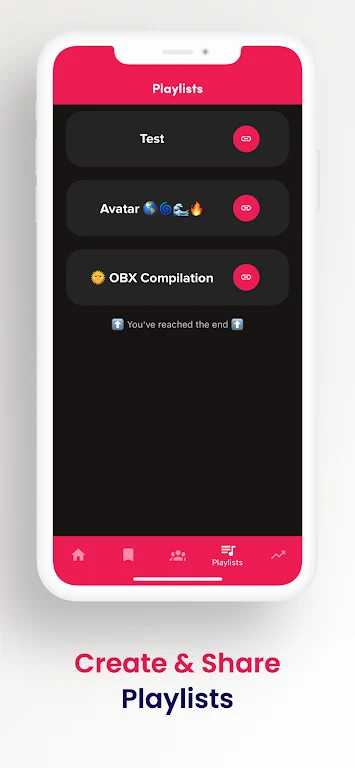
SaveTok - Save Videos lets users bookmark TikTok profiles so they can revisit those creators and explore their latest content. It also supports creating personalized TikTok playlists, which can group saved or favorite content around interests such as DIY ideas or motivational speeches.
Does the app show current TikTok sound trends?
A trending TikTok sounds chart is included for discovering sounds that are currently popular on the platform. This gives users a way to browse emerging or widely used sounds alongside their saved content.
What playback controls are available?
The app can play TikToks in slow motion. This viewing option is suited to moments where users want to examine details in a dance, replay a funny scene more slowly, or simply watch a video at a different pace.
Can saved TikToks be shared to other platforms?
SaveTok - Save Videos includes a repost feature for sharing favorite TikToks to Instagram or Snapchat. The source describes this as a way to share TikTok content with friends and followers beyond the original app.