
Clock and national design on the home screen
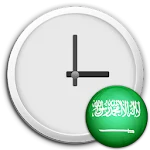
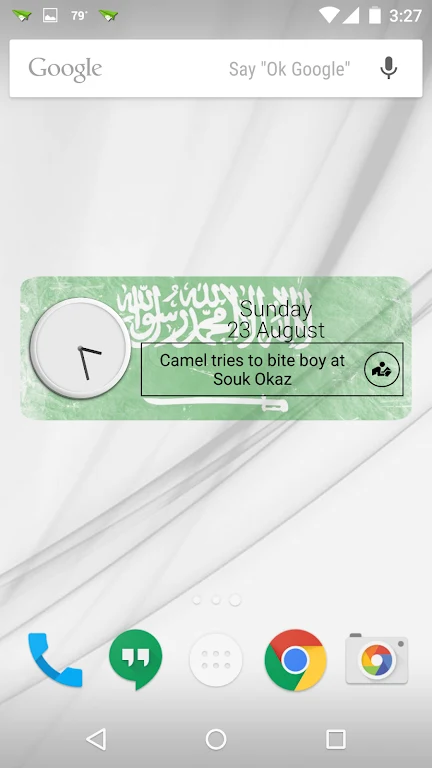
Saudi Arabia Clock Widget is a home-screen widget for displaying a Saudi Arabia-themed clock alongside the current date and time. Its design includes the Saudi Arabia flag, and the description also mentions other custom designs for decorating the home screen. The clock and national imagery bring the app’s central purpose together: showing time information in a design associated with Saudi Arabia.
Rather than opening a separate app to check the date and time, users can place the widget directly on the home screen. The available display combines those details with the flag-themed decoration, making it a home-screen element as well as a time display. The source describes the date and time as accurate, but does not specify time formats or additional clock controls.
RSS news from Saudi Arabia and the Arab world
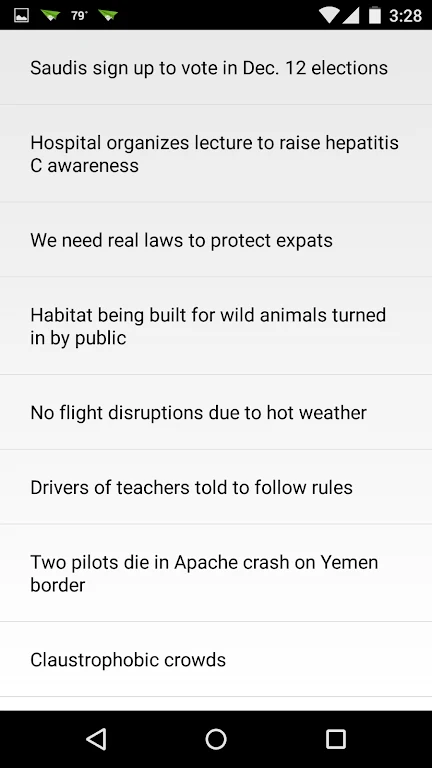
The widget also provides access to RSS news described as covering Saudi Arabia and the wider Arab world. This adds a news component alongside the clock and date display, so the home-screen widget brings together time information and regional headlines. To view articles, tap the news section of the widget; the description says this opens recent news articles and updates. It does not identify particular publishers or explain how the RSS feed is configured.
Adding and resizing the widget
To place it on the home screen, long-press an open area of the device’s home screen to bring up the widget options. Find Saudi Arabia Clock Widget in that menu and select it to add the widget. The supplied instructions then describe resizing it by long-pressing the placed widget and adjusting its size to fit the home-screen layout.
Additional information
The app description points users to a section labelled “Read” for additional features, but does not give details about what that section contains. Its stated functions are the Saudi-themed clock and flag decoration, date and time display, and access to Arab-world RSS news.