

Sandata Mobile Connect is designed for home health care providers who need to manage their day in the field. According to the app description, it brings the daily schedule, route guidance, and visit tasks together so that providers can start client visits and record their work from a single app.
Daily schedule and visit workflow
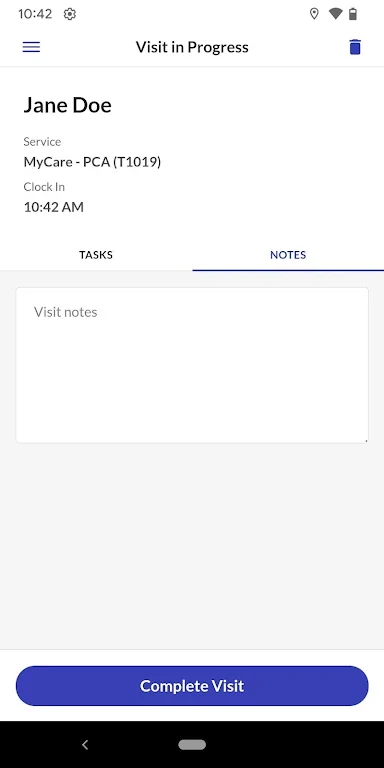
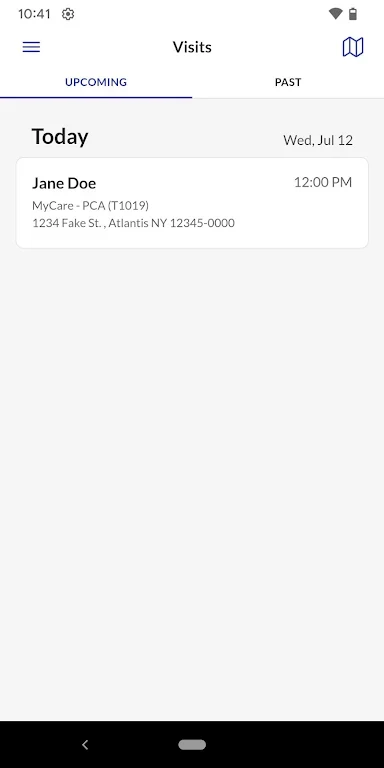
The app lets providers view their schedule at a glance, which the description presents as a way to plan the day without searching through paperwork or relying on memory. From the schedule, a provider can begin a client visit and complete the tasks, observations, and notes associated with that visit. The description states that visit data is transmitted to the agency once it is entered.
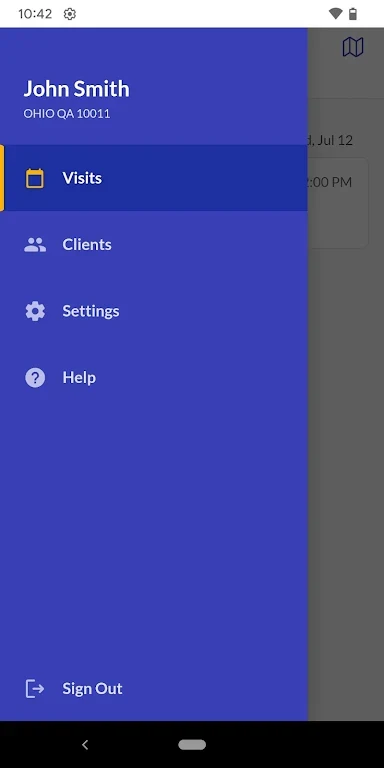
Multiple agency access
Providers who work for more than one home health care agency can switch between agencies within the app. The description says this makes it possible to reach each agency's schedule and client information with a few taps, without separate logins or manual transfers of data.
Client locations, directions, and calls
The app includes a map that shows the locations of a provider's clients. The description links this view to route planning and to navigating to the next visit. Providers can also call a client or get step-by-step directions to a client's location directly from the app, which keeps these steps in the same place as the visit information.
Offline use
According to the app's FAQ, the offline mode allows providers to open their schedule and client information, complete visit tasks, make observations, and add notes without an internet connection. The source states that the data syncs with the agency automatically when internet access returns. Because this behavior is described by the developer, providers should confirm how offline data is handled within their agency's workflow.