

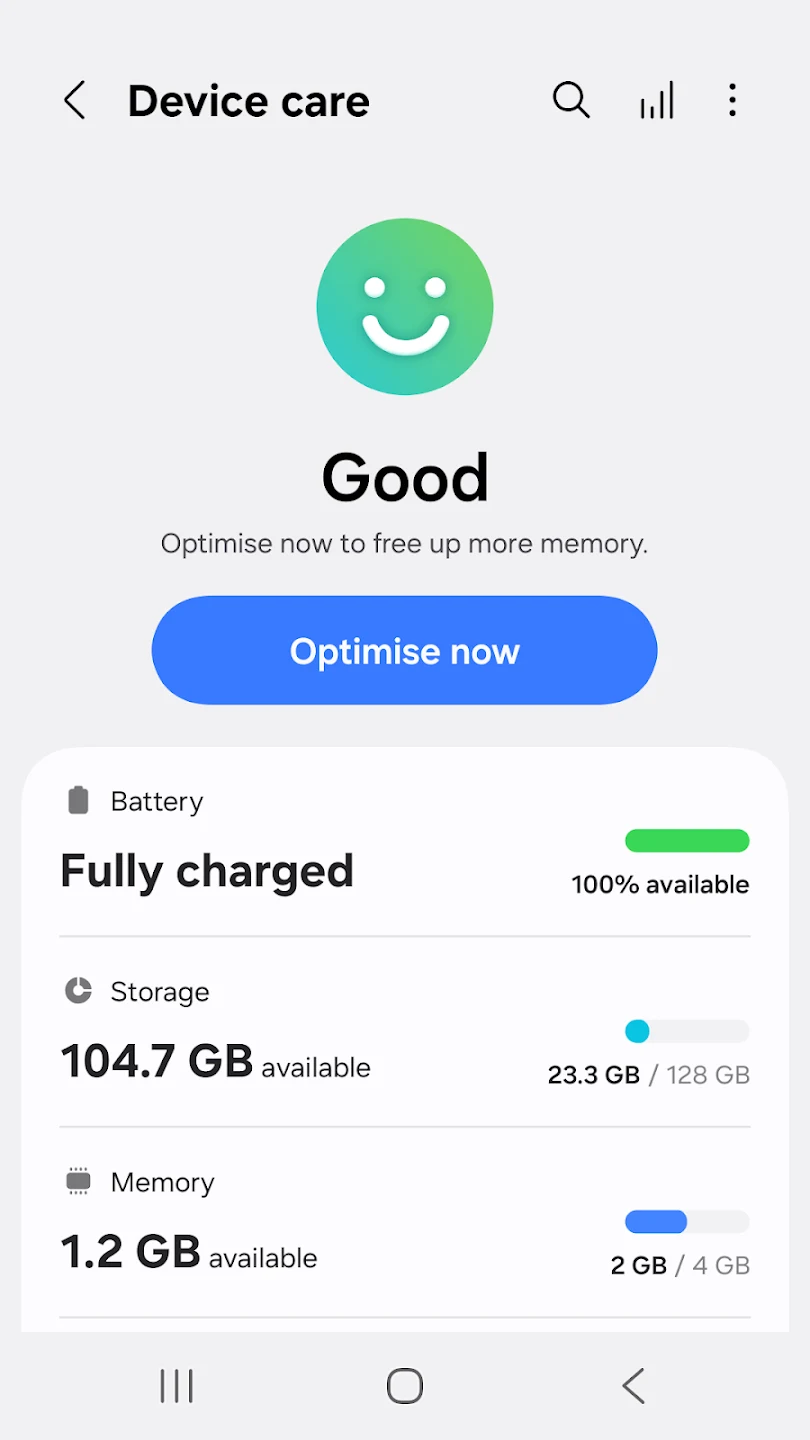
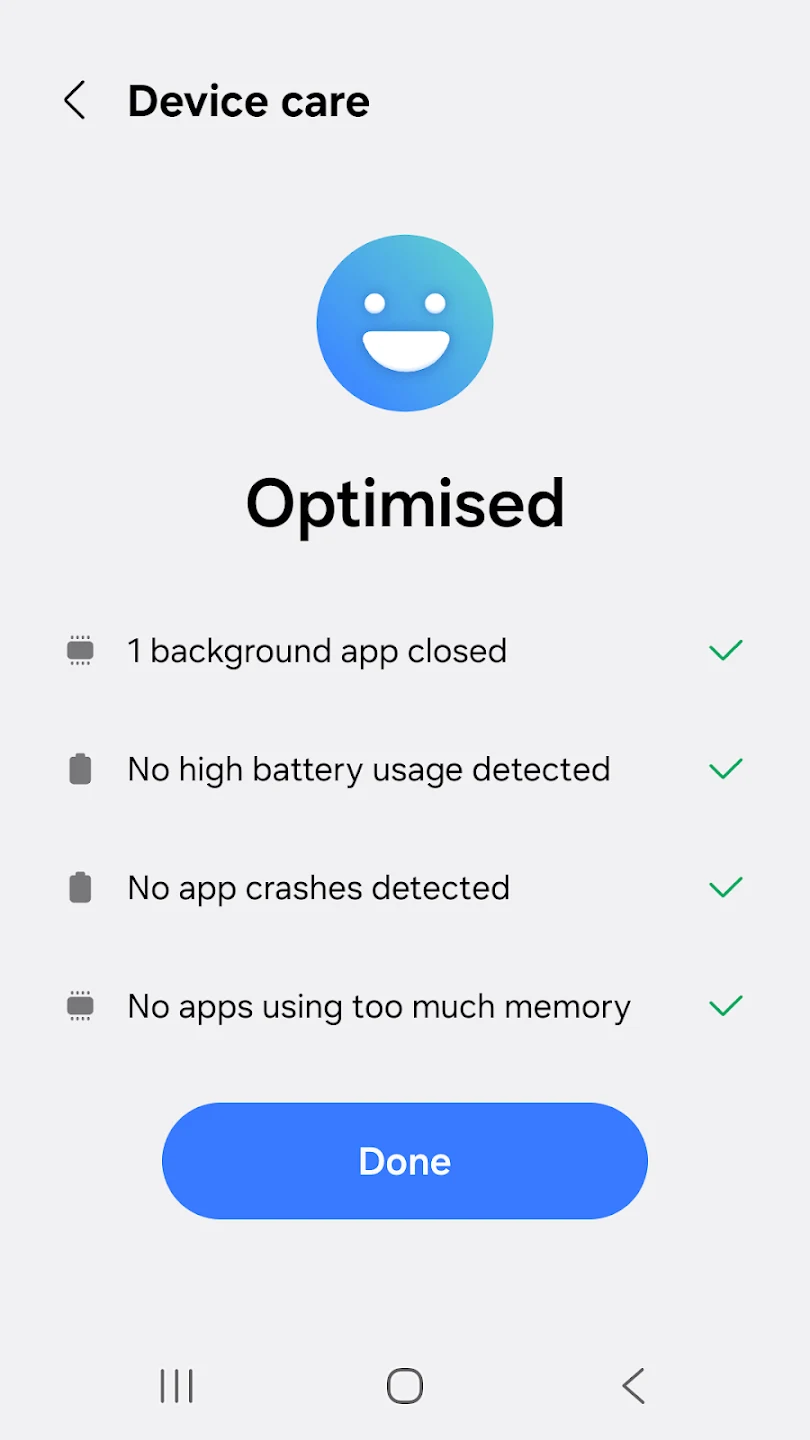
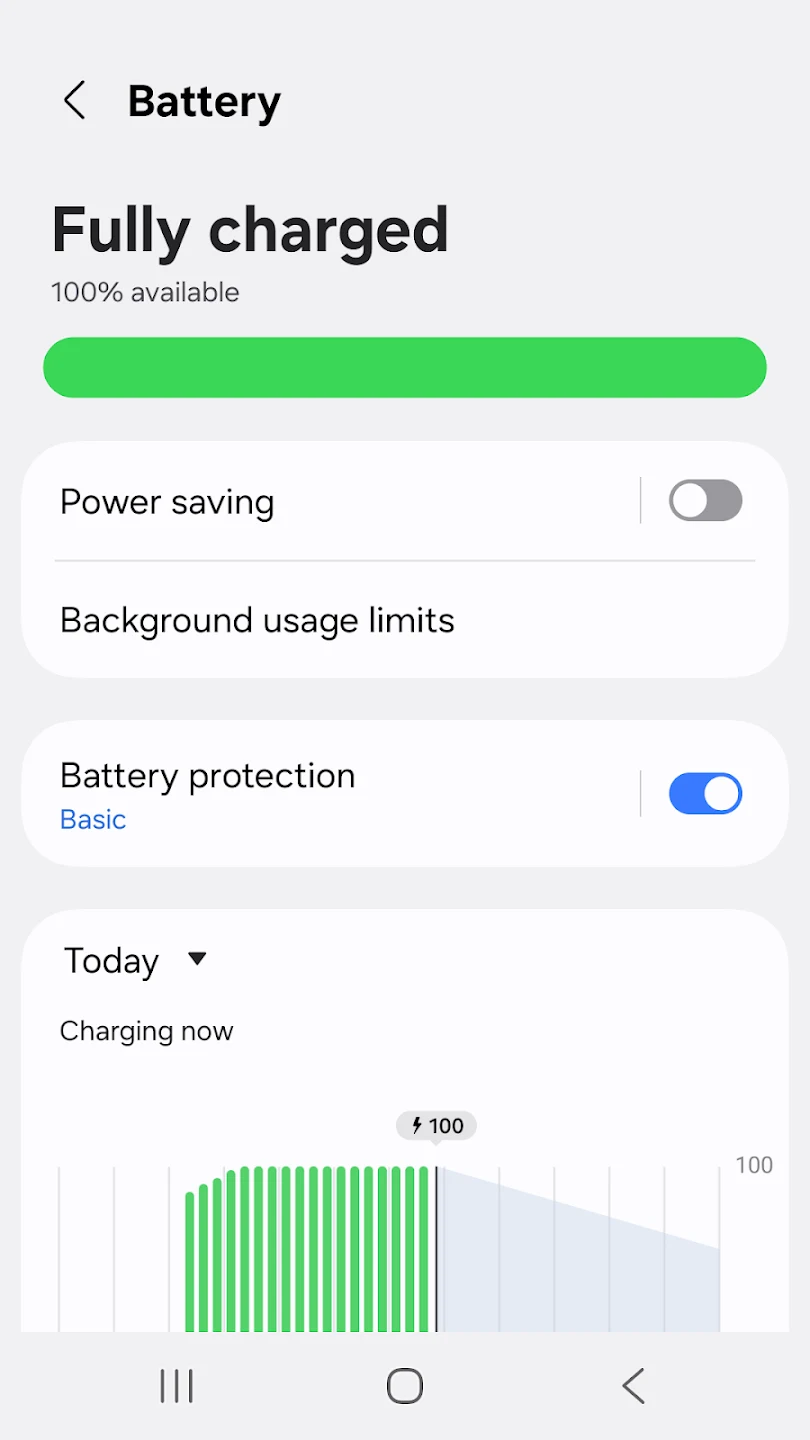
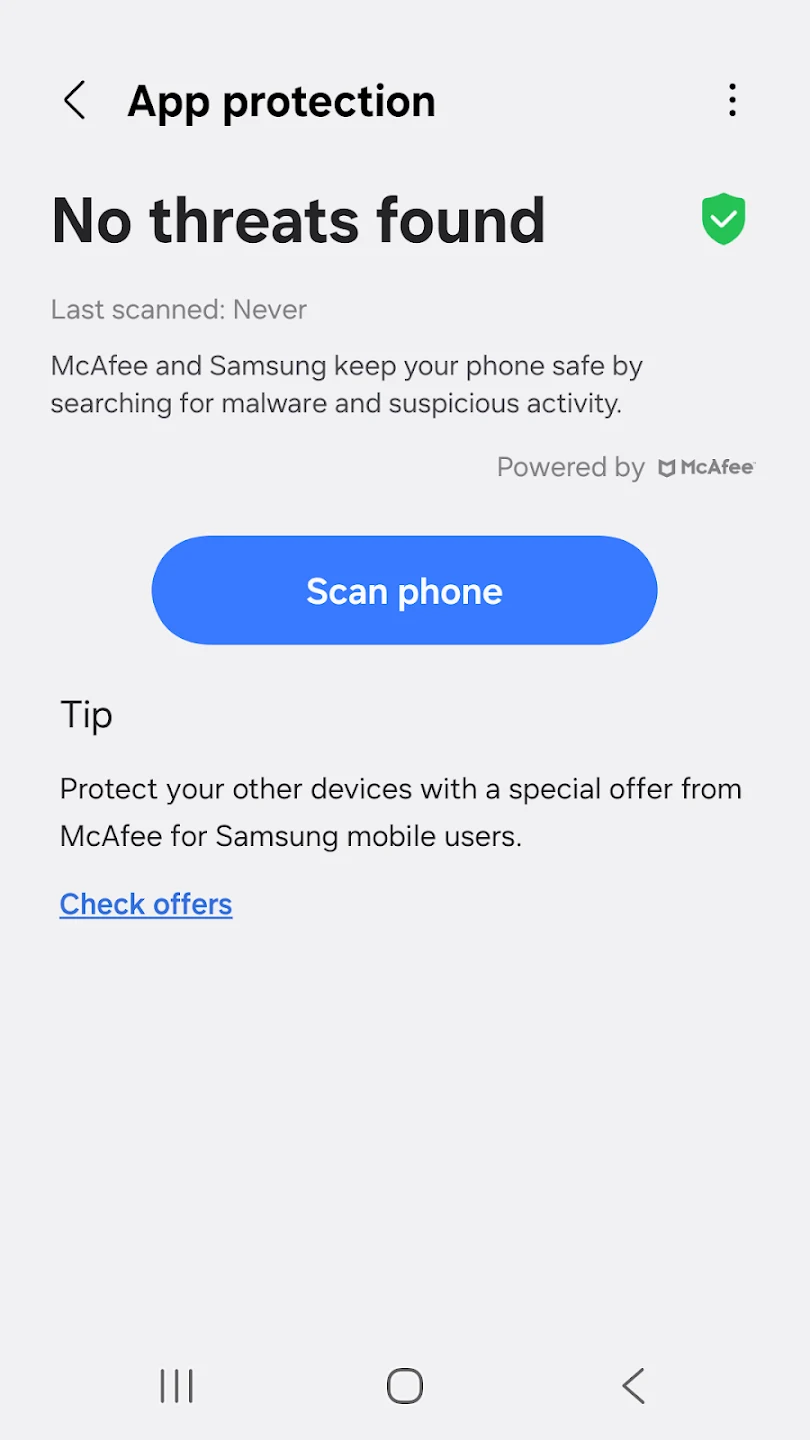
Samsung Device Care brings several phone maintenance tasks together, including device-status reporting, optimization, battery management, memory management, and malware scanning. Its main purpose is to help users review and maintain a device from one interface rather than handle each task separately. The app reports the device’s condition as a percentage after optimization and offers a one-tap process that can adjust settings and clear unnecessary files. Battery-use information and selectable power-saving modes may help users manage how long the phone runs between charges.
What does the optimization feature do?
Device Care offers a one-tap optimization function intended to improve device efficiency. The source describes it as automatically adjusting settings and clearing unnecessary files, so the process does not require users to make each adjustment individually. After optimization, the app displays the device’s current status as a percentage; its FAQ describes this as a condition score on a 100-point scale.
This central status view may suit someone who wants a quick overview of device condition and a straightforward way to run maintenance. The source does not explain the scoring criteria or identify every setting and file affected by optimization, so the percentage is best understood as the app’s reported status rather than a detailed diagnostic explanation.
How can it help with battery use?
The app analyzes battery usage by application, helping users identify which apps consume more power. For people trying to manage battery life, that information can help focus attention on particular apps instead of relying only on an overall battery reading. Device Care also includes Power saving mode and Maximum power saving mode, which users can select when they want to extend usage time.
The supplied information does not specify exactly which phone functions or app activities change when either mode is enabled. It does establish that both modes are available, but users should not assume a particular set of restrictions or a guaranteed amount of extra battery life.
What memory and app-management tasks are available?
Device Care helps manage memory by identifying unused applications. Its description also says users can process apps in batches, including updating or deleting them with a single action. These tools bring app housekeeping into the same place as the device-status and optimization functions, which may be useful when a user has several apps to review.
The source does not say that every preinstalled app can be removed, nor does it detail which apps qualify for batch actions. It describes managing unused applications and updating or deleting apps; it does not provide a complete list of supported app-management options.
What security features and shortcuts does it include?
The app scans apps and games for malware, with the source identifying viruses and spyware as examples of threats it is intended to detect. It describes scanning as continuous and also refers to real-time protection. These are the stated security functions, not a guarantee that every threat will be detected or prevented.
Device Care also provides widgets for quicker access to essential functions and information without opening and navigating through the full app. That may be convenient for users who want a shortcut to commonly used tools. The source describes the app as designed especially for Samsung smartphones and refers to maintenance for Galaxy phones and tablets. It does not provide a specific Android version requirement. Overall, its combination of status reporting, optimization, battery and memory tools, scanning, widgets, and batch app actions is aimed at users looking for a centralized way to handle routine device upkeep.