

Overview
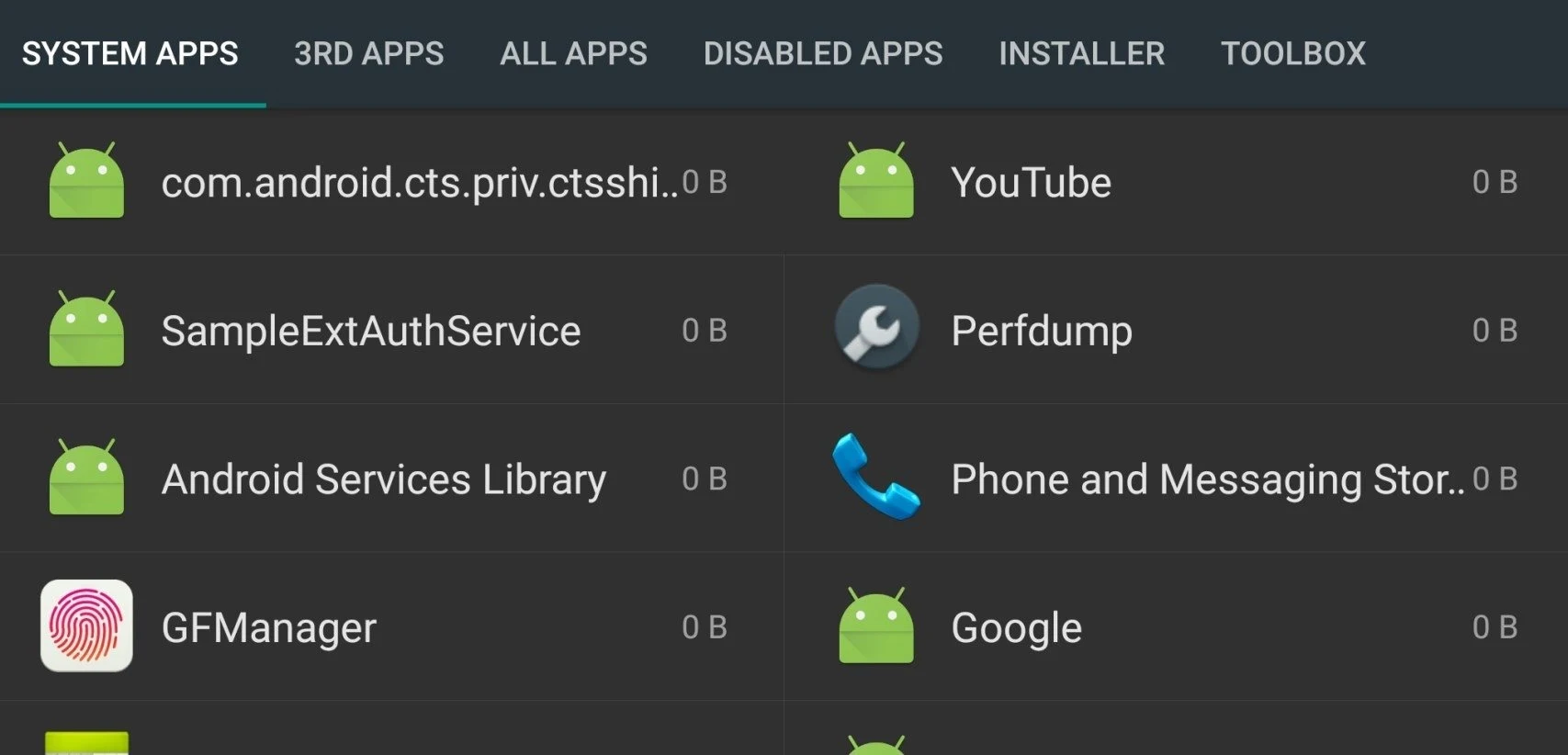
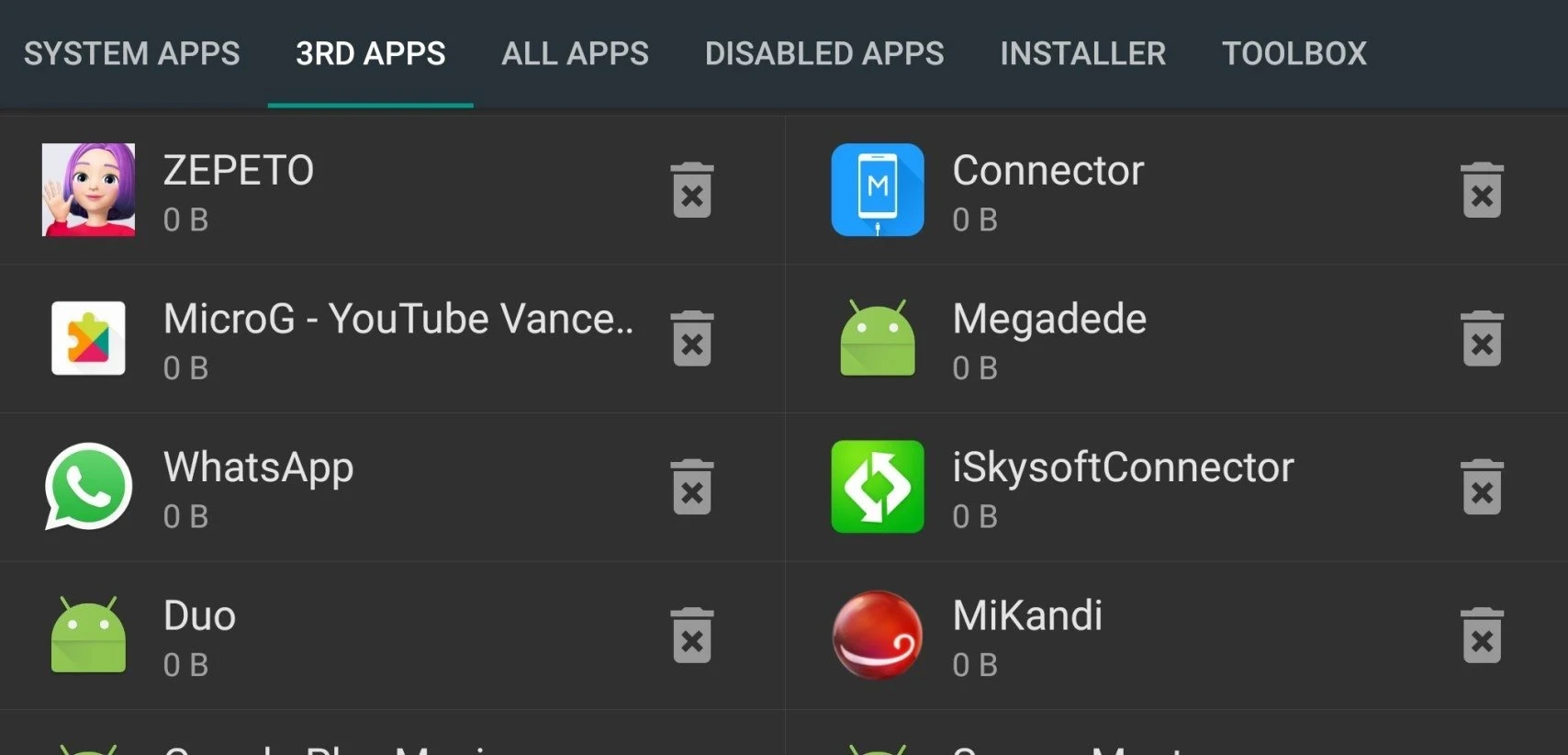
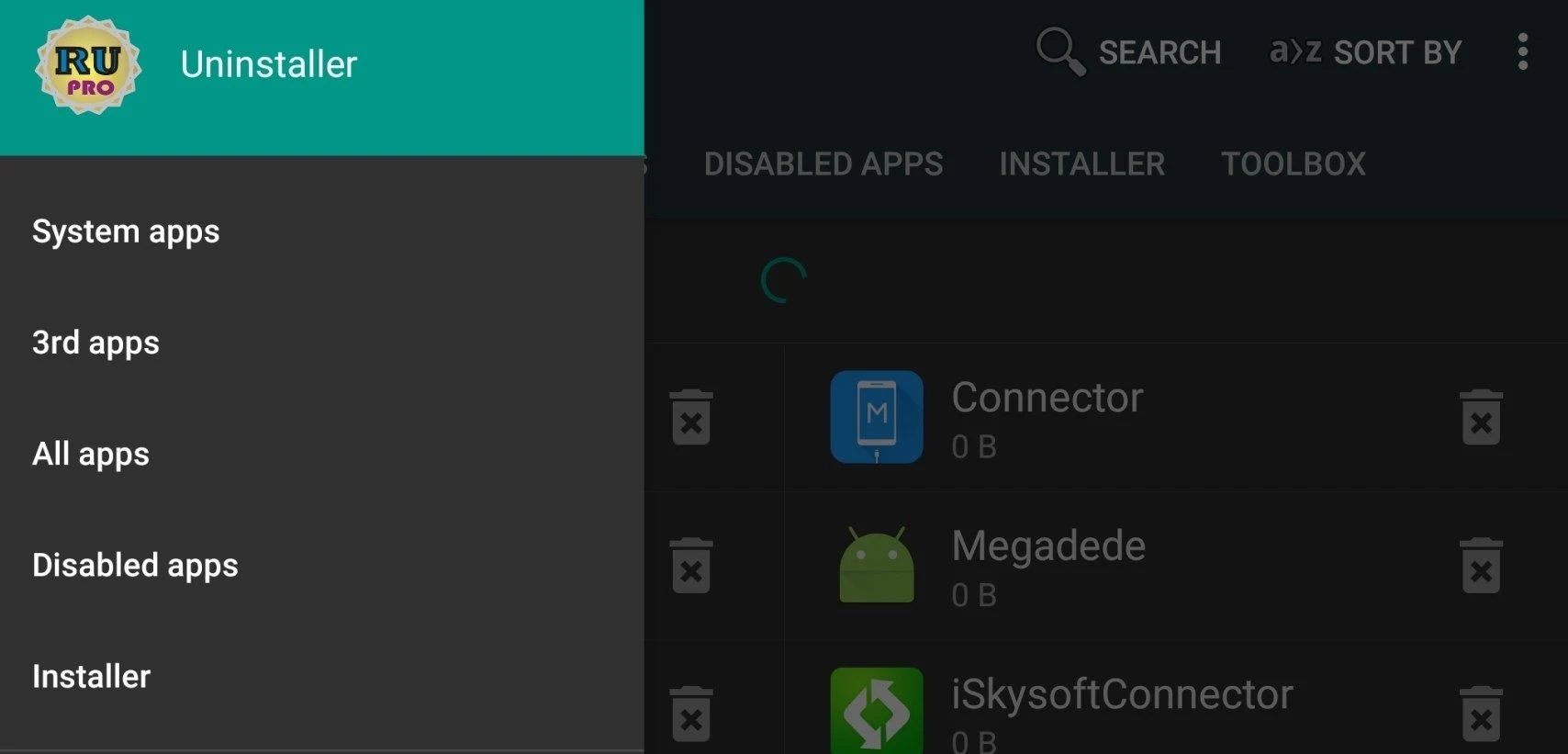
Root Uninstaller helps Android users manage unwanted apps, stored APK files, and the space occupied by installed software. It brings together tools for uninstalling downloaded apps, removing certain system apps on rooted devices, backing up applications, and moving apps to an SD card. Apps can also be hidden rather than removed. The interface displays the device’s root status at the top of the screen, helping distinguish basic app management from functions that depend on root access. Its practical focus is keeping app storage and installed software easier to manage in one place.
What You Can Do
⭐ Remove or freeze system apps on a rooted device, including some preinstalled software that cannot normally be uninstalled.
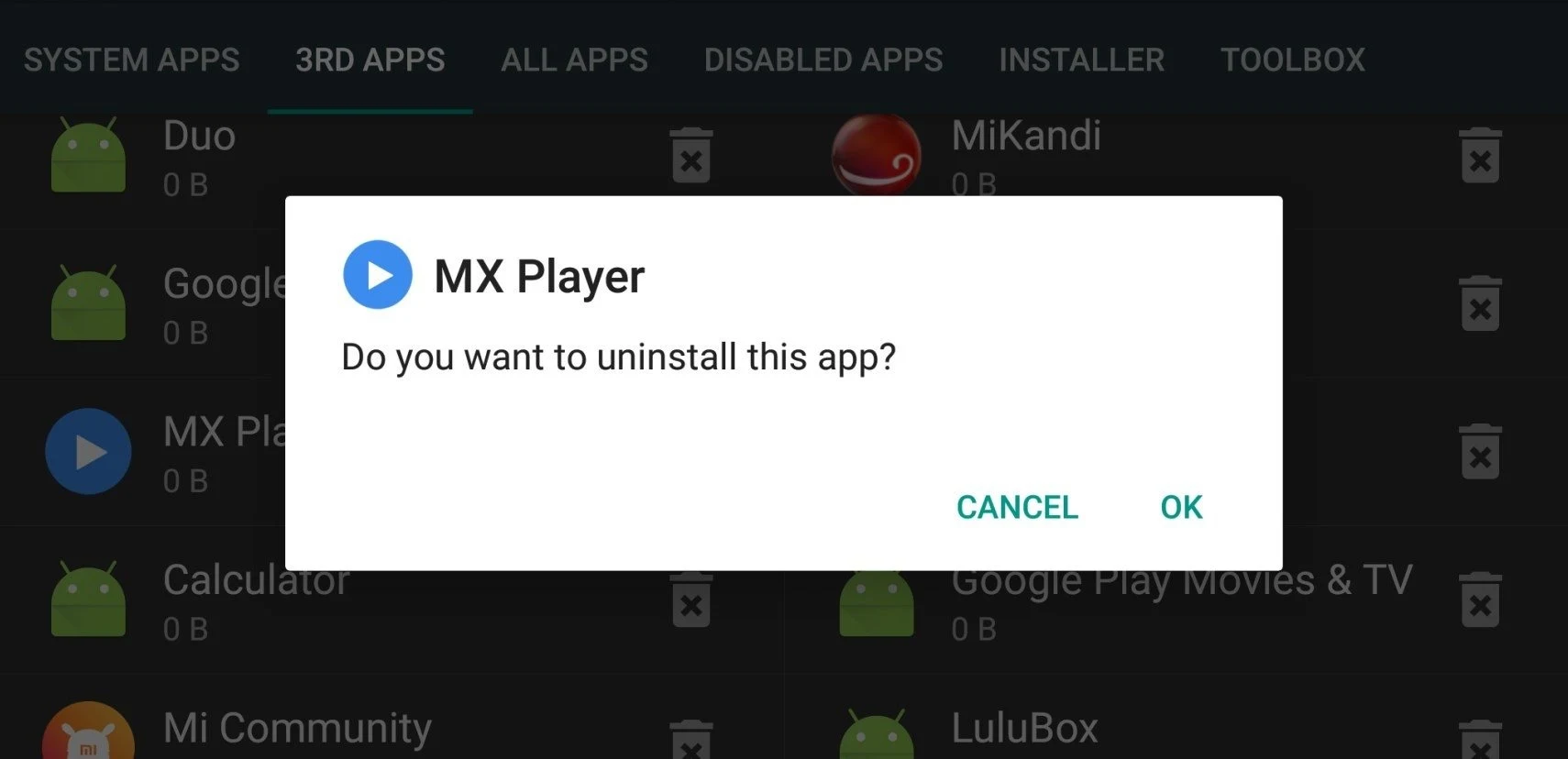
⭐ Uninstall downloaded apps you no longer need. The source describes a one-click uninstall action for straightforward removal.
⭐ Move apps to an SD card to free up internal storage, providing an alternative to deleting apps you still want to keep.
⭐ Scan, install, or delete APK files directly from an SD card, keeping installation-file management alongside the installed-app tools.
⭐ Back up applications and restore them when needed, rather than relying only on removal as a way to manage your collection.
⭐ Hide selected apps to reduce app-drawer clutter or keep them out of everyday view without uninstalling them.
Using the App
The interface is described as simple and approachable for users without prior experience. Root status appears at the top of the screen, so you can check whether the device has root access before attempting root-dependent tasks. The app supports some use on non-rooted phones, but the source does not provide a complete breakdown of which tools remain available. The listed minimum operating system is Android 2.3 or later.
Why It May Appeal
✅ Removal and SD card relocation offer two distinct ways to reclaim internal storage: delete software you do not want, or move apps you intend to keep.
✅ Combining installed-app management, backups, and APK-file tools reduces the need to handle these related tasks separately.
Things to Consider
❎ Removing or freezing system apps requires a rooted device. Installing Root Uninstaller should not be treated as a way to root a phone.
❎ Free and Pro editions are available, but the source does not specify Pro pricing or clearly explain the differences between editions.