

Overview
RMC ACR is a call-recording app for saving incoming and outgoing phone conversations. It can record calls automatically or let you start recording manually, then store the resulting files on device storage or a memory card. The app includes filters for choosing which calls to record, several supported audio formats, and tools for naming and organizing files. You can also create backups for later restoration or send recordings to Google Drive or Dropbox. Its options may suit people who need to keep call records for reference, though the listed recording method has an important limitation: the app captures sound through the built-in microphone during speakerphone calls.
What You Can Do
⭐ Record incoming and outgoing calls automatically, or use the manual record button to start recording when needed.
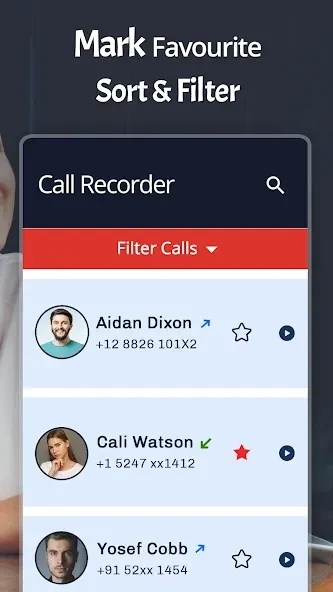
⭐ Apply filters to record only incoming calls, only outgoing calls, calls from known numbers, or calls from unknown numbers.
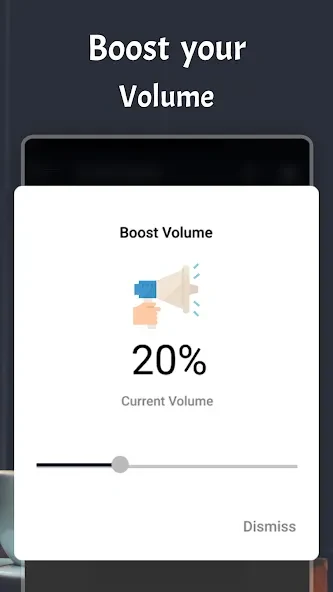
⭐ Save recordings in MP3, AMR, MP4, 3GP, or WAV format. The source also lists audio settings such as volume gain and bitrate.
⭐ Name files before recording and rename them later. Contact access can also be used to filter recordings or name files based on a contact.
⭐ Sort recordings into Unsorted and Important categories, and use file management options to review them.
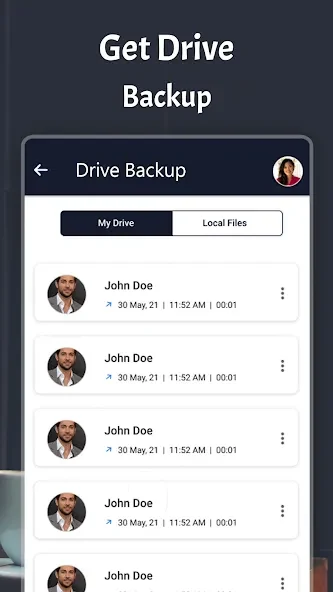
⭐ Make backup copies and restore them if needed, or set recordings to upload to Google Drive or Dropbox.
Using the App
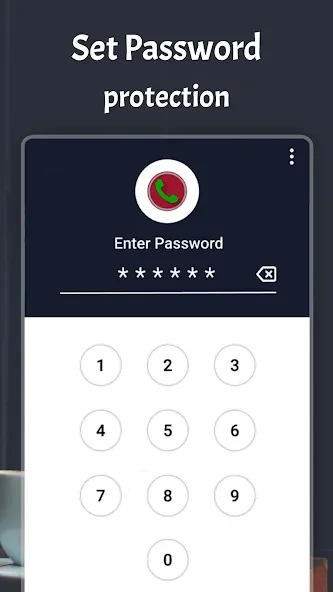
Choose automatic recording or use the manual control, then set filters if you want to limit which calls are captured. Recordings can be stored in the RecordMyCall folder on a memory card when one is available; the app also supports storage on device storage. You can adjust file names and audio options, then sort saved calls into the provided categories. A PIN can be set to restrict access, and the source also describes an option to hide the app. Bluetooth connections and a loudspeaker option may affect how the app handles audio. The listed permissions relate to call detection, audio recording, contacts, storage, cloud uploads, Bluetooth, and audio settings.
Why It May Appeal
✅ Recording modes and call filters give users ways to choose when recording happens and which calls are included.
✅ Local file organization, backup and restore, and cloud upload options provide several ways to manage saved conversations.
Things to Consider
❎ The source says RMC ACR records through the device’s built-in microphone and works only with calls using speakerphone. This is a significant constraint to consider before relying on it.
❎ Cloud uploads require an internet connection, and Google Drive uploads also involve access to a Google account, according to the listed permissions.