
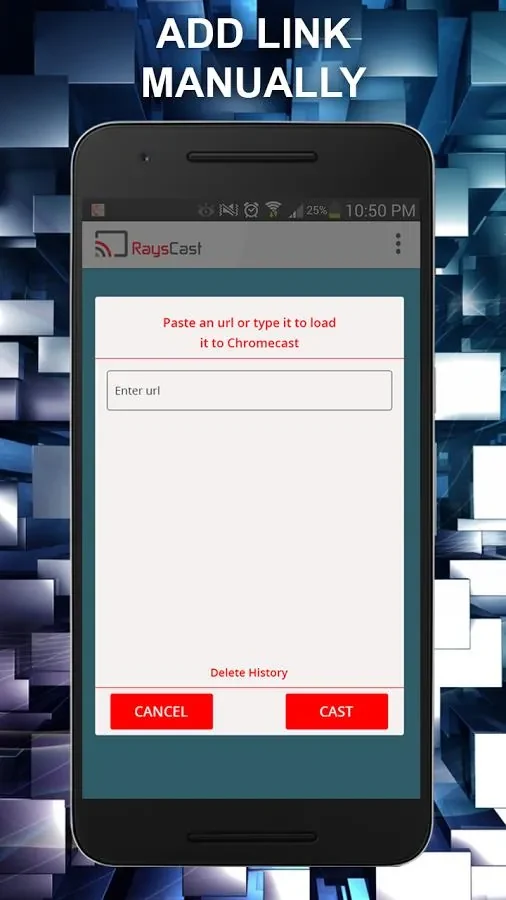
RaysCast For Chromecast is an Android media casting app for people who want to show content from their phone or online accounts on a larger screen. The developer describes it as free to download and use, and the listing identifies it as version 1.9.11 in the Media & Video category.
Watching web videos on a larger screen
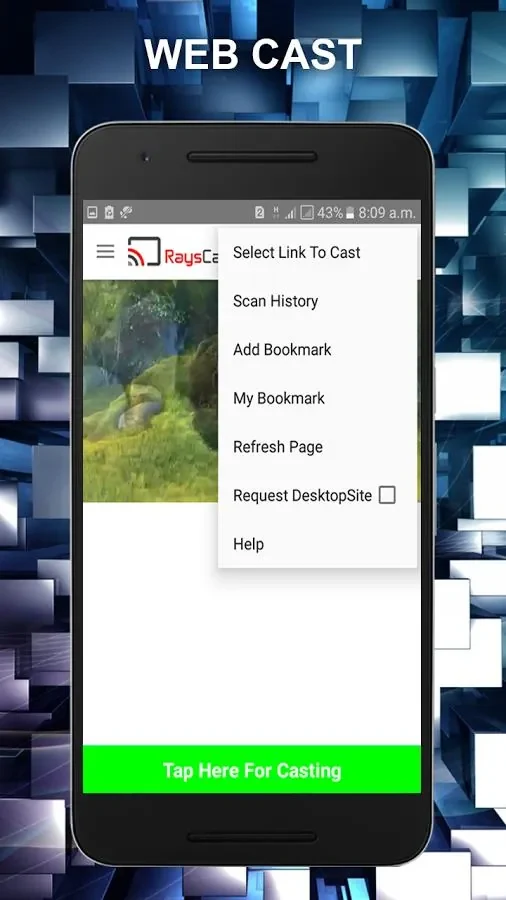
The app's web casting feature lets you cast and stream videos from websites. The developer presents this as a way to watch web videos on a smart TV or Chromecast instead of a phone screen. The source does not list which websites or video formats are supported, so those details should be checked before relying on a specific site.
Playing photos, music, and videos stored on the device
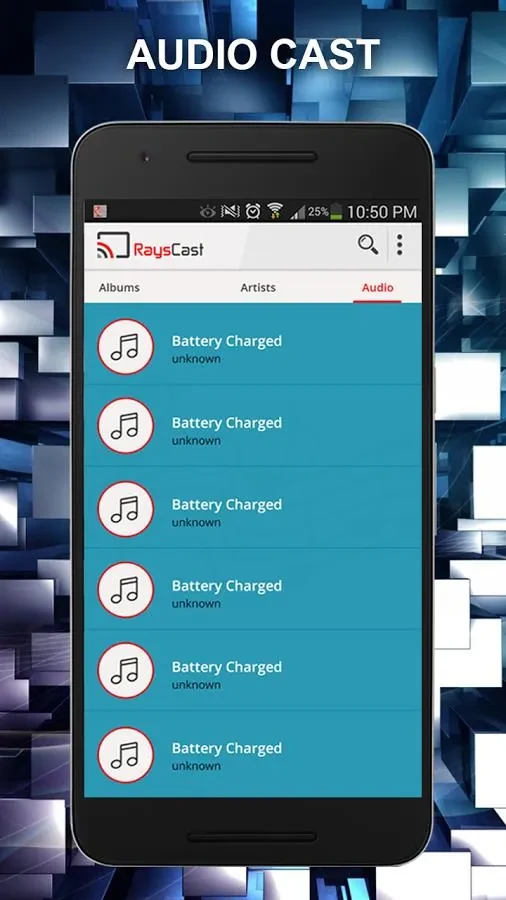
For files already saved on the device, RaysCast For Chromecast can cast local media from the Android device and its SD card. The listed media types are photos, videos, and audio. Tapping and holding a media file opens additional options, including downloading subtitles, adding an item to a video or music queue, and casting from Dropbox.
Streaming from a server or Dropbox account
When your content is stored online, the app can cast media from a preferred server or a Dropbox account. The developer also describes a Smooth Playback feature intended for faster streaming. The source does not explain how this feature works or what network conditions it requires.
Finding files and organizing what you cast
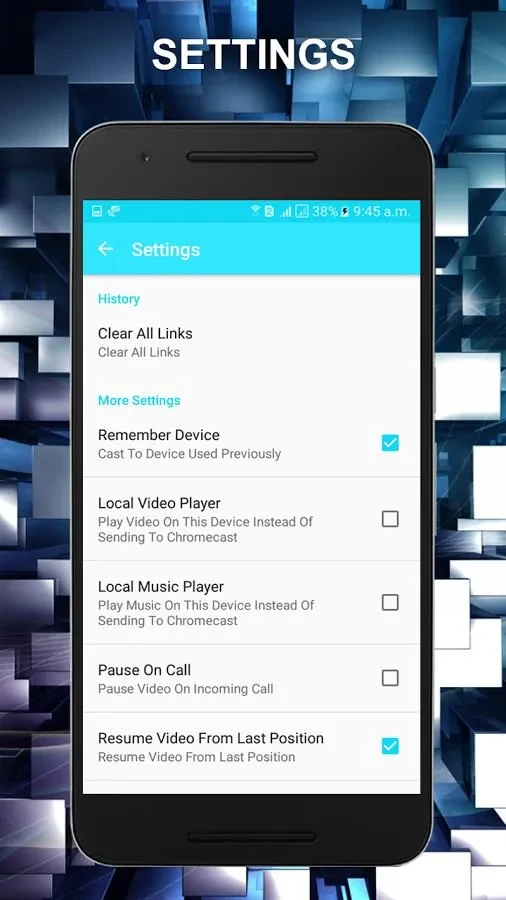
The search function helps locate specific media files in local storage or online sources. This is useful when a library is large and you want to find one item quickly. The developer also describes the interface as user-friendly for moving through media files and managing casting preferences, but the source does not name the specific preference settings.