

Rabbit VPN is an Android VPN proxy app for routing an internet connection through servers in different regions. The description presents it as a way to select a server, connect or disconnect with one tap, and browse or stream through the chosen connection. It also describes traffic encryption and server options intended for different kinds of online use.
Server selection and connection controls
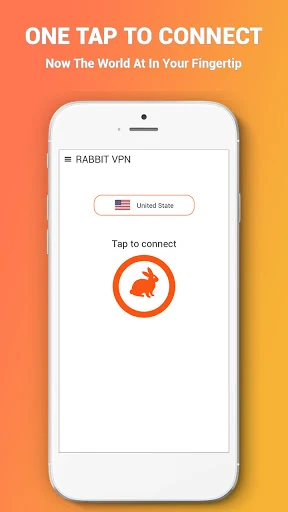
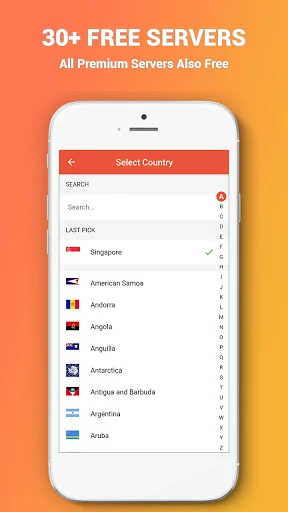
The app’s interface is described as providing region selection, single-tap connection and disconnection, and a view of usage statistics. Listed server locations include the United States, the United Kingdom, Canada, Germany, Japan, and Singapore, along with other countries and regions. The source describes a worldwide server network and advertises more than 6,700 proxy servers; these are claims in the supplied app description, not independently verified counts.
Choosing a server in another region is presented as a way to reach web content that may be restricted by location. The description also mentions dedicated server options for movies, television shows, and games, though it does not detail how those options differ from general servers.
Video and gaming use
Rabbit VPN is described as supporting video playback and streaming, with services such as Netflix and Amazon Prime Video named in the source. It also presents server selection as useful for online gaming and claims that some connections can reduce latency. These are stated purposes and performance claims, rather than guaranteed results for every service, network, or server.
The source emphasizes connection speed and smooth playback, but actual performance can depend on the selected server and the user's network conditions. It does not provide measured speed results or specify which servers are dedicated to each activity beyond the general references to movies, television, and games.
Traffic encryption
The description says Rabbit VPN encrypts network traffic, including when a connection is made over public Wi-Fi. It lists IPsec, ISSR, OpenVPN, and SSR among its encryption or protocol options. The source does not explain how users select these options or provide technical details about their implementation, so the protocol names should be read as features listed in the description rather than a guarantee of a particular level of protection.
Browser support
The app description also claims compatibility with major browsers. It does not identify specific browsers or explain whether any setup beyond connecting through the app is required. The listed version is 1.11.