

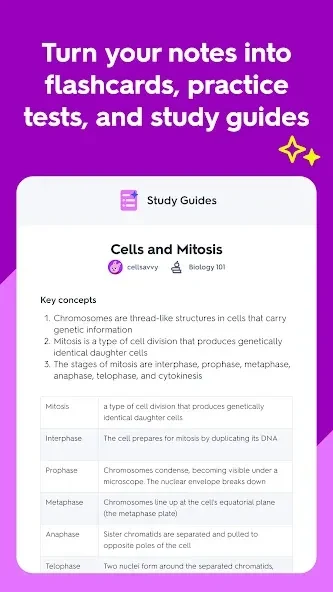
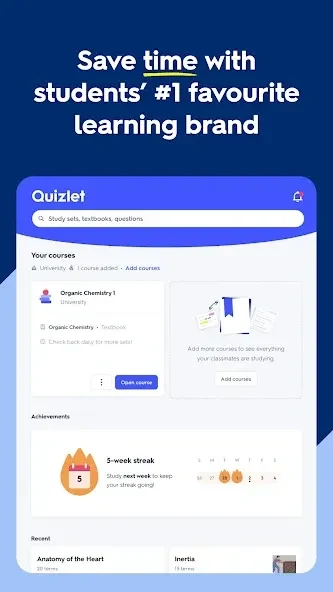
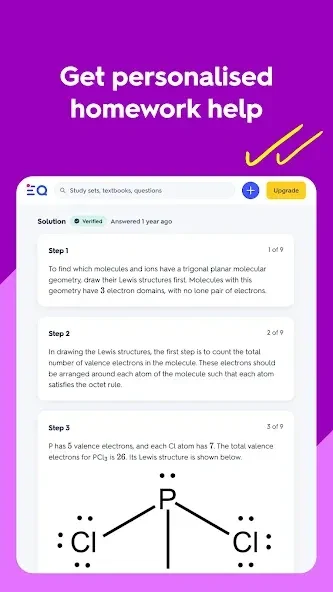
Quizlet brings flashcards, practice questions, and shared study materials together to help learners review information and revisit topics they find difficult. Users can study vocabulary by topic, make their own sets, and return to terms for repeated practice. The app also describes personalized learning plans, progress tracking, and quizzes tailored to a learner’s situation. These tools can make it easier to organize revision around a class or subject, whether someone is preparing for an assessment or building familiarity with new material.
Build a routine around flashcards
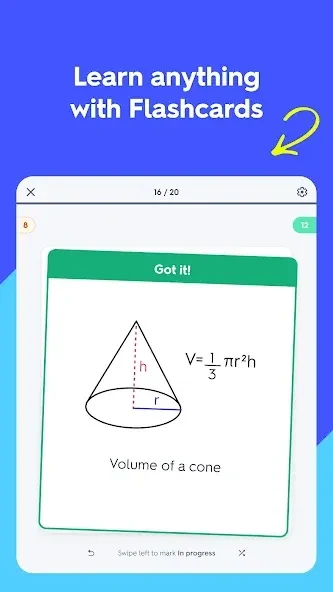
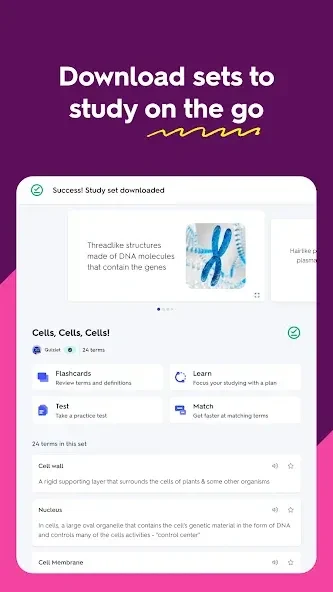
Flashcards are one of Quizlet’s central study tools. Learners can work with vocabulary arranged by topic or create sets containing terms they want to review. Studying a set in short sessions, including while away from a desk, gives users a way to revisit material between other activities. Repeating previously studied terms can help keep them in view as a learner moves on to new content, while a topic-based set keeps related vocabulary together.
The app’s Flashcard Quiz option adds a simple way to mark progress through a set: swipe right for a term you know and left for one you do not. Quizlet keeps track of the terms marked as unfamiliar and brings them back for further practice. Those who prefer a straightforward card-by-card review can turn this mode off in Options. The two approaches serve different study preferences: one lets learners identify items needing more attention, while the other supports a more conventional pass through the cards.
Quizlet also includes listening and pronunciation material for vocabulary. Learners can hear a word spoken as they study it, connecting the written term with its sound. This can be useful when reviewing language vocabulary because the same set can support recognition of the word on the page and practice listening to its pronunciation. The source describes these tools as a way to work on listening and reading alongside memorization; it does not specify a particular language curriculum or proficiency level.
Use practice tests alongside review
In addition to cards, Quizlet can generate quizzes and practice tests from study material. A test can be used before a review session as an initial check of what a learner remembers, followed by more study with flashcards or another available mode. That sequence gives learners a chance to see which material is already familiar and which terms or ideas may need another pass. The app’s personalized quiz and progress features are intended to support this kind of ongoing review, rather than limiting study to one format.
Study modes can complement one another: a learner might first try questions, then return to cards for missed or uncertain terms, and later check the material again. Quizlet’s source material also describes tracking progress and shaping plans around an individual’s situation. It does not explain the precise criteria used to personalize a plan or quiz, so these features are best understood as support for organizing practice rather than a substitute for a learner’s own course materials or instruction.
Keep study sets together with a class
For group study, users can create a class and invite classmates or peers by email address or an invitation link. Members can search for relevant sets or create their own, then add sets to the class or a folder. The supplied guidance says class members receive a notification when a new set is added. Keeping shared material in one class can make it easier for a group to find vocabulary or other review sets and coordinate who prepares them.
This shared setup can also divide the work of creating study materials. For example, classmates can take turns making sets for upcoming vocabulary reviews rather than each person assembling the same material separately. Quizlet’s community features are also described as a place where users can upload class notes, ask questions, and share learning achievements. The usefulness of shared content depends on what users add, so learners may still want to check that a set matches the material they are studying.
Account settings and personal study content
Quizlet includes a personalized feed that the supplied help information says appears after a user answers some questions in the app. School information can be updated in Settings, which the source says can improve the relevance of recommendations. The material also refers to notes saved in a library and to Study Bites becoming available after a user begins studying, such as by studying a flashcard set or using Learn. These details point to a study experience that develops as users interact with learning content, although the source does not explain every feed or recommendation setting.
Account controls include changing a password from Settings. The stated steps are to sign in, open the profile, choose Settings, enter the current password, provide and confirm a new one, and save the change. If a password has been forgotten, the source directs users to reset it instead. In certain locations, younger users may need a parent to confirm consent through an email before creating or editing flashcard sets; the confirmation message can take up to 24 hours to arrive.