

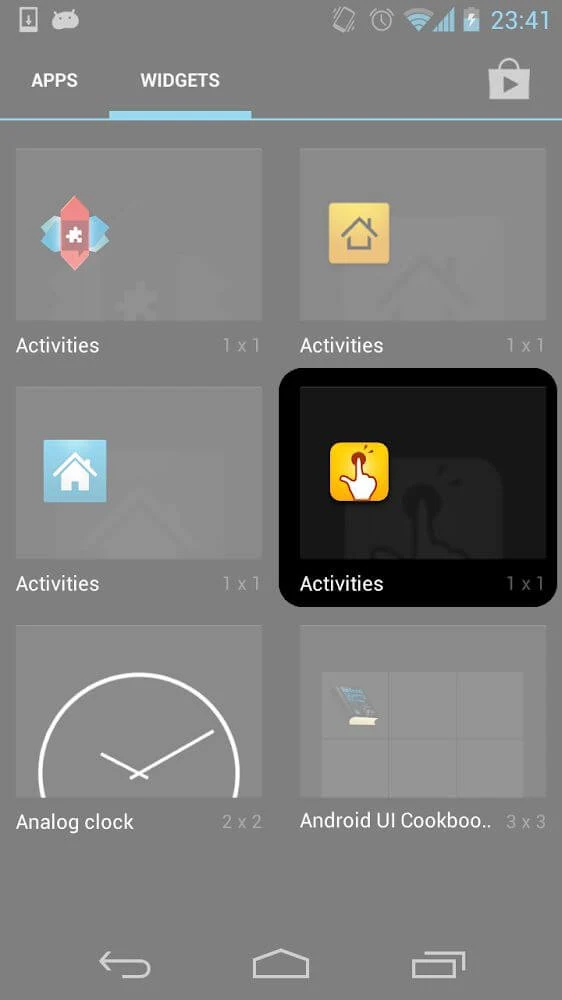
QuickShortcutMaker helps Android users create shortcuts to specific apps, activities, and device settings. Instead of repeatedly navigating through menus, you can select a target, give the shortcut a recognizable label, choose an icon, and place the result where it is convenient to access, such as the home screen. The app is described as an open-source shortcut generator with a focused interface for selecting and editing these entry points.
Shortcuts for apps, activities, and settings
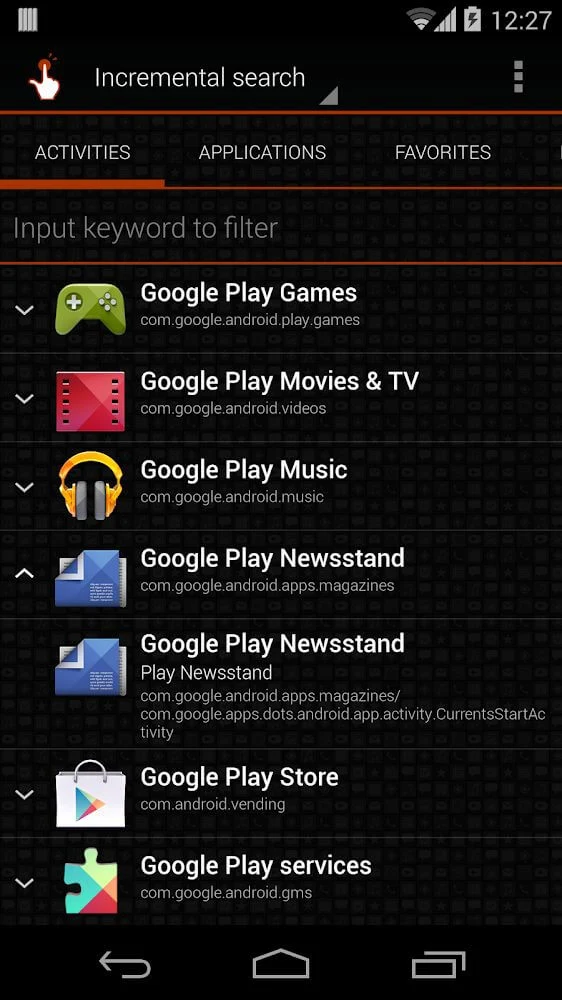
The main function is choosing a destination and generating a shortcut for it. Supported targets include software, individual app activities, and common device settings. The source also gives examples such as the phonebook, gallery, browser, and tutorials. This makes the tool useful when a particular screen or function is harder to reach through the normal navigation structure.
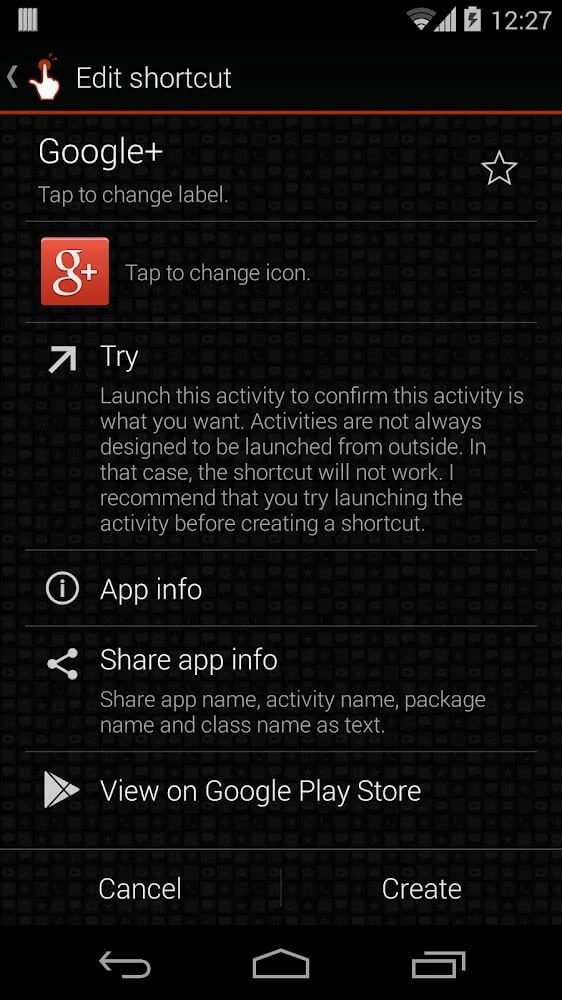
QuickShortcutMaker includes search for activities that may not be immediately visible in standard menus. After searching, you can browse the available results, preview a target, and confirm which activity should receive a shortcut. This selection process is designed for cases where you need a more specific destination than an app's ordinary launch icon provides.
Labels, icons, and shortcut organization
Once a target has been selected, the shortcut can be edited with a custom label and icon. Labels can identify the exact purpose of an entry, while visual choices help distinguish shortcuts on the home screen. The source describes support for different logos, pictures, and color combinations, along with a color palette and color picker for selecting lighter or more vibrant colors.
The application also records improvements to the shortcut editing screen and support for working with several activity-list items at the same time. In version 2.2.0, selected items could be added to favorites or shared together. Sharing activity information as text was also added, and the text format for sharing was improved.
Controls and interface options
The app uses tap-based controls and menus for selecting targets and carrying out actions. Its main features are available from the home page, with additional screens opened by choosing an option. The source says the interface can be used in English and that multiple language translations were added in version 2.3.0, including French, Spanish, Japanese, Bahasa Indonesia, and Polish. German translation was listed in the version 2.2.0 changes.
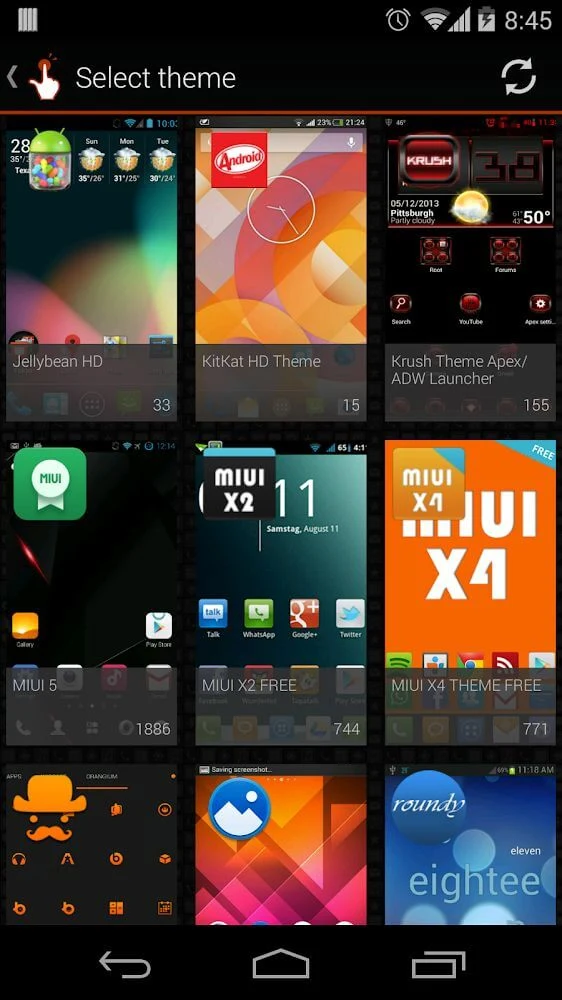
Version 2.2.0 also introduced themes associated with ADW, Nova, GO, LauncherPro, and Apex. The number of icons in themes was displayed, giving users more information when choosing an appearance. These theme and language details come from the documented changelog rather than from the shortcut creation process itself.
Version history and device notes
The supplied version history lists minor improvements and fixes for older errors in version 2.3.0, along with broader interface improvements and bug fixes in version 2.1.0. Tablet support was recorded in version 2.1.0, while the same note says older versions could not operate fully or well on an Android tablet. The current source identifies the application version as 2.5.0 but does not provide a separate feature list for that version.
QuickShortcutMaker is therefore centered on a specific task: finding a desired Android destination and turning it into a more direct, editable shortcut. Its related tools cover activity search, previewing, labels, icons, colors, favorites, sharing, language options, and themes, allowing the shortcut list and home-screen entries to be adjusted to the user's preferred organization.