

Overview
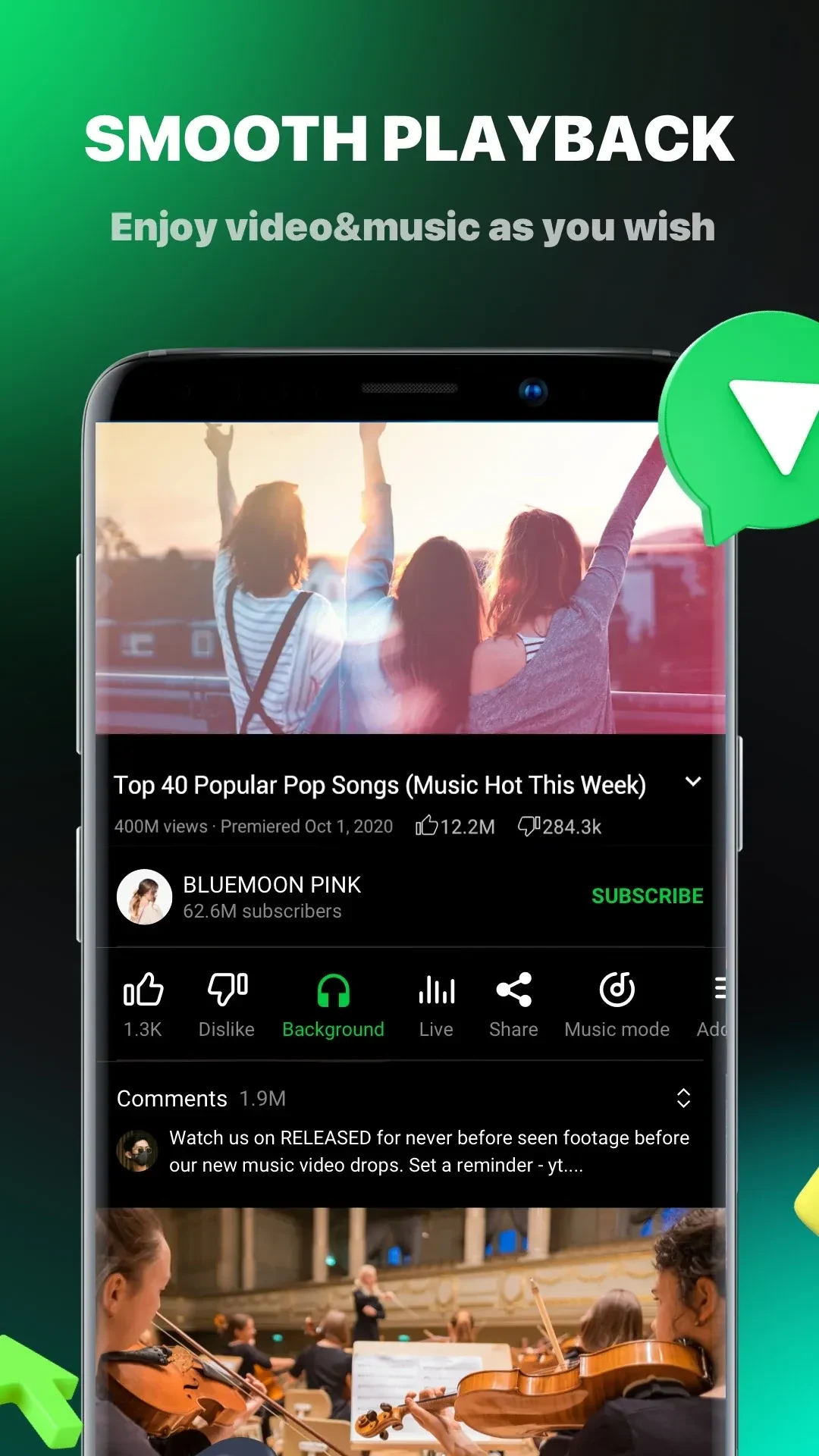
Pure Tuber is an Android media player that centers on uninterrupted video and music sessions. It supports picture-in-picture mode so users can continue watching or listening while switching to games or messaging apps. The app automatically filters video ads and pop-ups to keep playback clean. It also includes power-saving and data-reduction tools that help extend sessions on limited battery or slower connections. Local file import lets users build a personal collection of videos and MP3s for offline use, while optional sign-in works without extra services. Personalized suggestions appear after repeated use, drawing from viewing habits to surface relevant tracks and clips each time the app opens.
What You Can Do
⭐ The floating mini-player shrinks any video into a movable, resizable window that stays visible while the user browses other content or runs different apps.
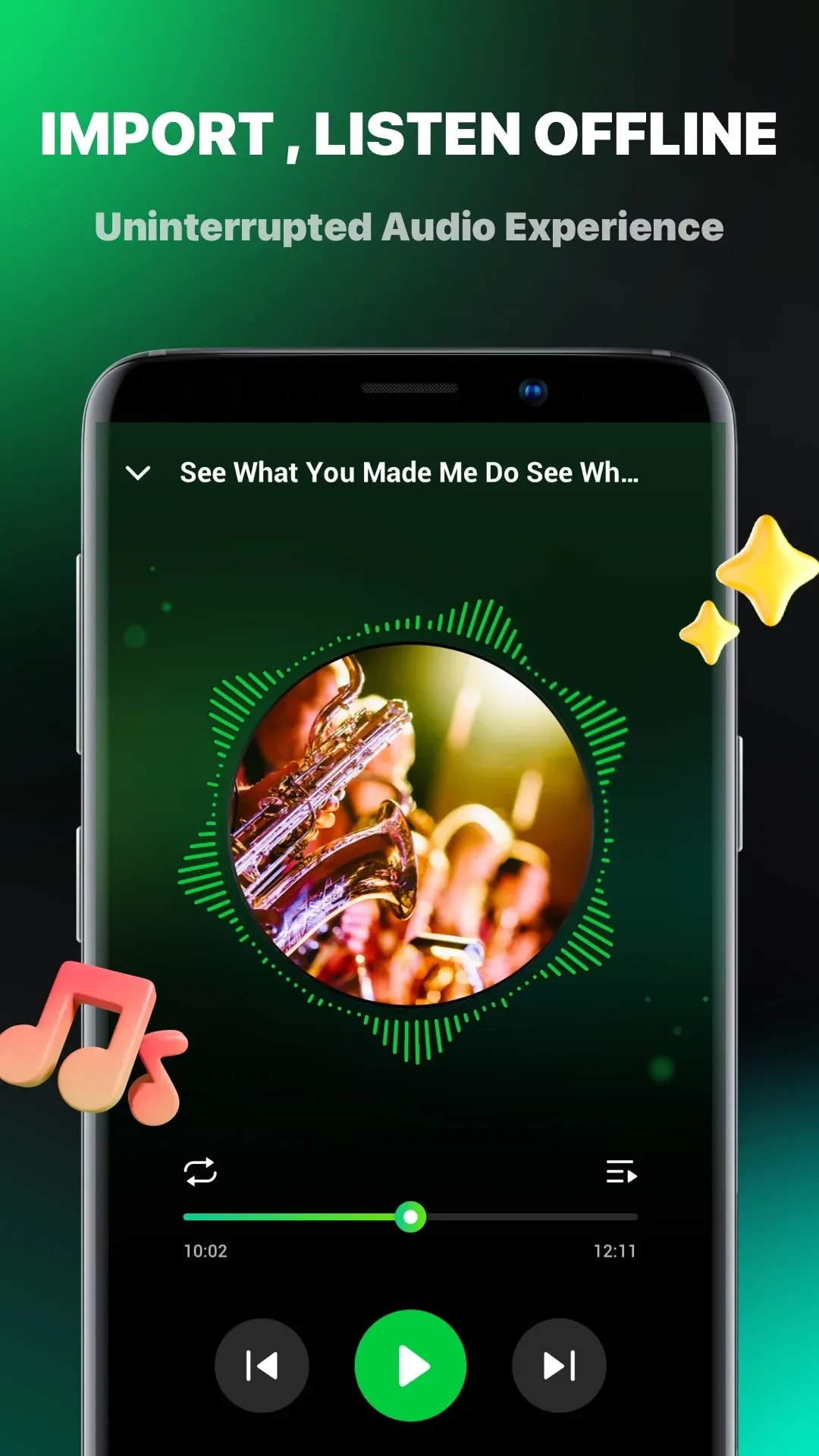
⭐ Local media import pulls in videos and MP3 files quickly, letting users create a sorted personal library that plays smoothly without network access.
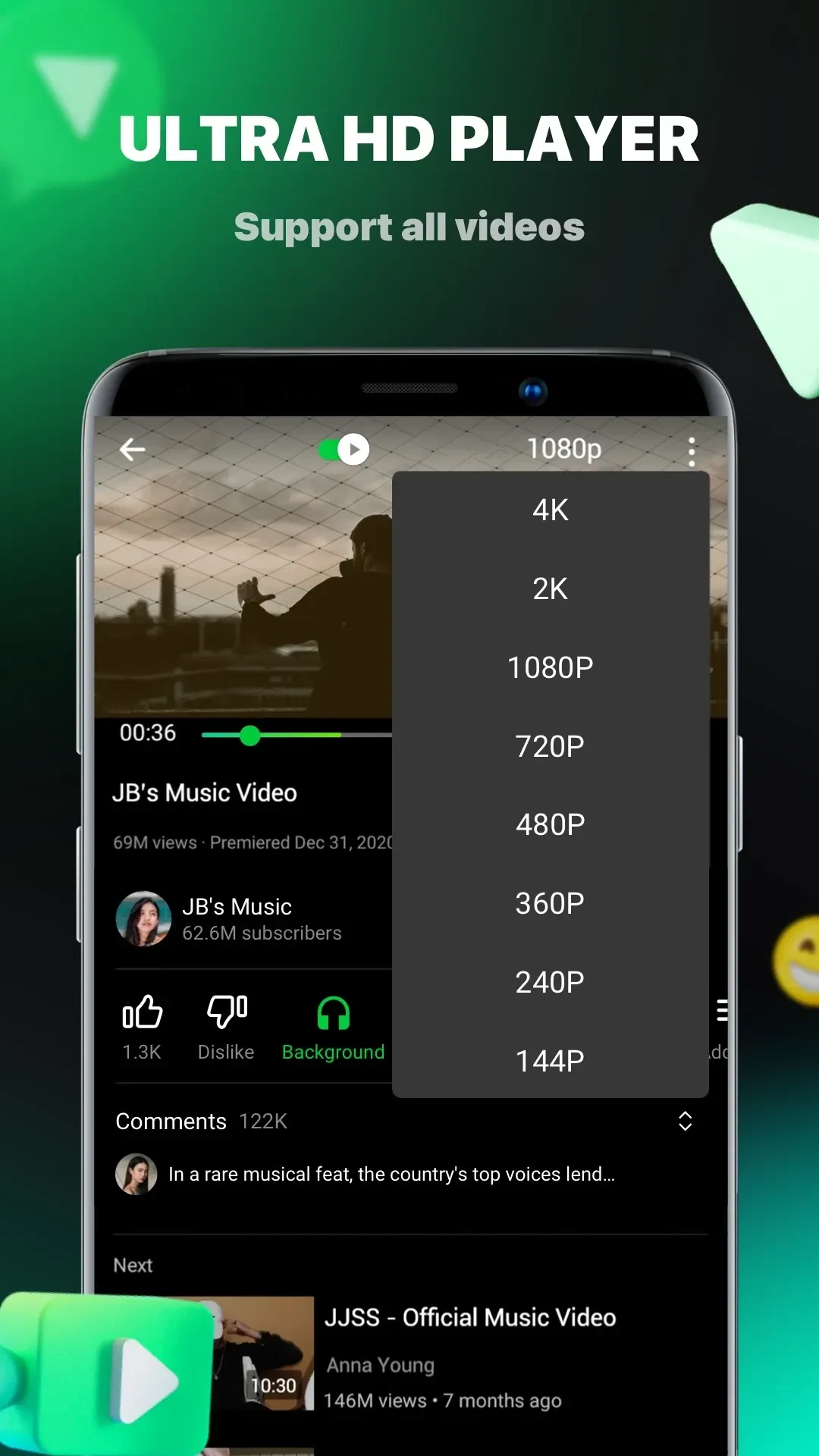
⭐ Playback quality can be set from 144p up to 8K when the source file supports it, matching the choice to screen size or connection speed.
⭐ A sleep timer stops playback after a chosen interval, useful for winding down with music, ASMR, or timed listening sessions.
⭐ Automatic day and night themes switch for comfortable viewing, or users can pick a fixed appearance manually.
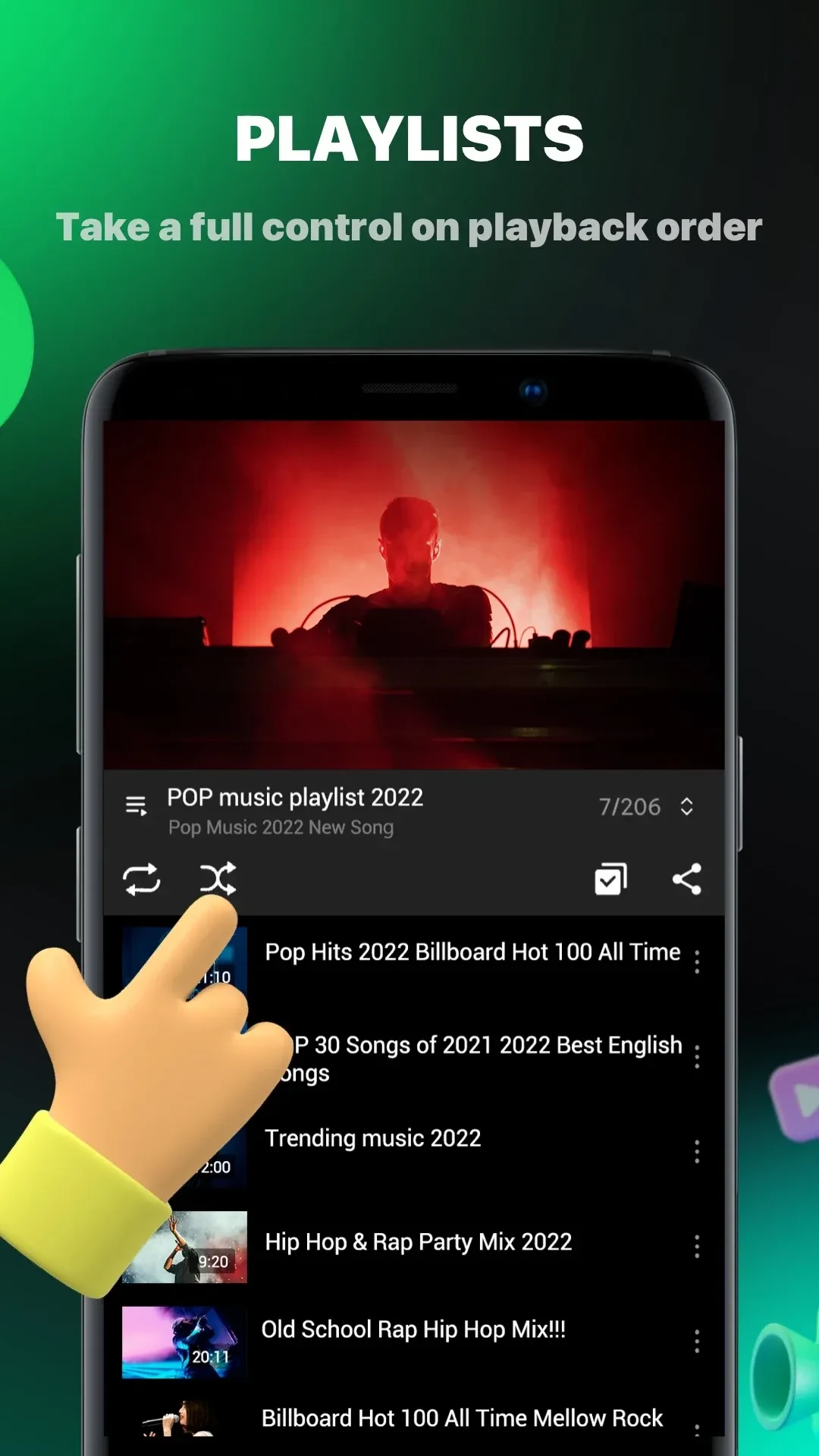
⭐ Bookmarks keep favorite videos and tracks one tap away and work alongside the library view for quick retrieval of often-played items.
Using the App
Users start by importing local files or opening supported links. Playback controls remain available in background mode even when the screen is off, and picture-in-picture supplies a compact window for ongoing audio or video during other tasks. Quality selection, sleep timer, and theme settings sit in the player menu. Bookmarks and library sorting help organize content without extra steps. The app continues core playback without requiring sign-in, though an optional quick login is available for those who want it. Efficiency settings reduce bandwidth and battery use during longer sessions, making extended listening practical on modest data plans or older devices.
Why It May Appeal
✅ Background and picture-in-picture modes let users keep audio or video running while performing other activities such as cleaning or reading, matching the needs of people who multitask with media. ✅ Ad filtering removes both skippable and unskippable interruptions, which users note helps maintain focus during longer videos. ✅ Local file handling and bookmarks create a private collection that works offline and loads quickly, appealing to anyone who wants reliable access without relying on streaming. ✅ The absence of required extra services for basic login lowers setup time compared with some alternative players.
Things to Consider
❎ Installation requires allowing apps from unknown sources, adding a manual step before the APK can run. ❎ Comments may fail to load on some videos, though many users report they rarely rely on that section anyway.