

Public Service Credit Union is a mobile banking app for viewing account activity and handling common financial tasks, including transfers, bill payments, and document uploads. Its account tools also cover alerts, check deposits, and spending categories.
Accounts, transfers, and bill payments
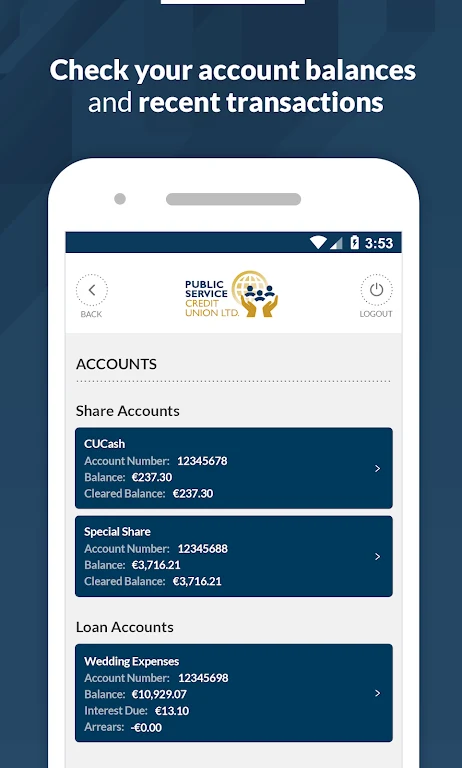
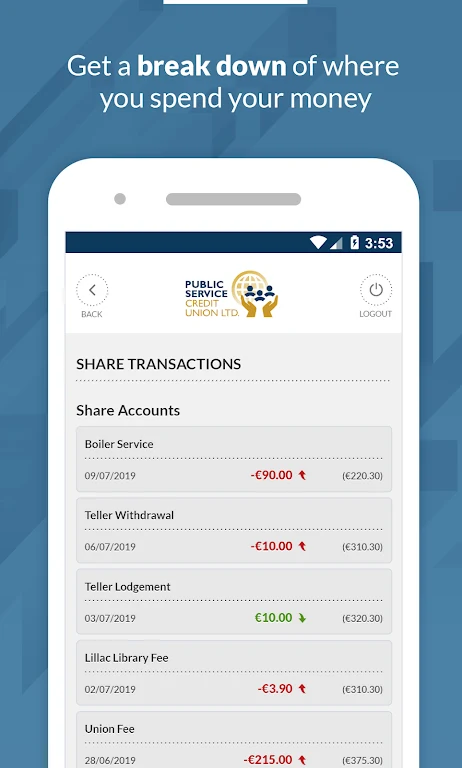
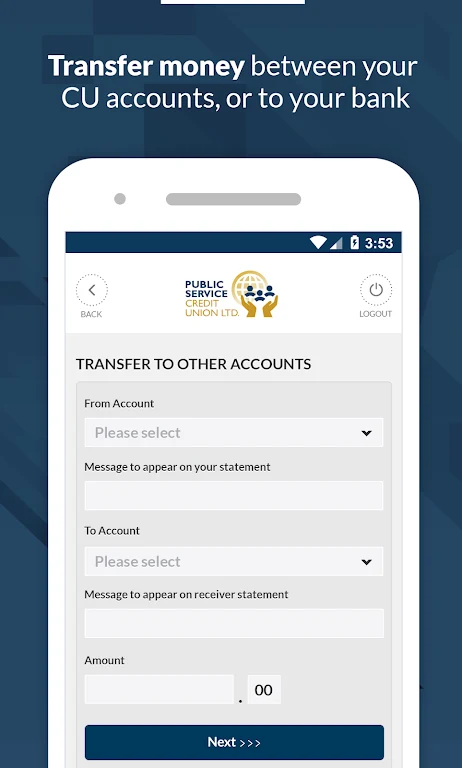
The app lets members view account balances and transactions. Transfers can be made between Credit Union accounts or to external bank accounts. For bills, users can schedule payments, set up recurring payments, and review payment history. The description notes that external accounts and utility bills must be registered through Online Banking before they can be used in the app.
Alerts and spending tools
Users can receive notifications about low balances, large transactions, and upcoming bill payments. The app also provides customizable budget categories for organizing spending and tracking expenses. These tools offer ways to monitor account activity and payments within the app; the description does not specify additional reporting or budgeting functions.
Check deposits and document uploads
The mobile deposit feature is described for checks: users photograph the front and back, then follow the prompts to complete a deposit. Document upload supports items such as proof of identity, proof of address, and loan application requirements. The source does not specify other document types or deposit limits.
Getting started
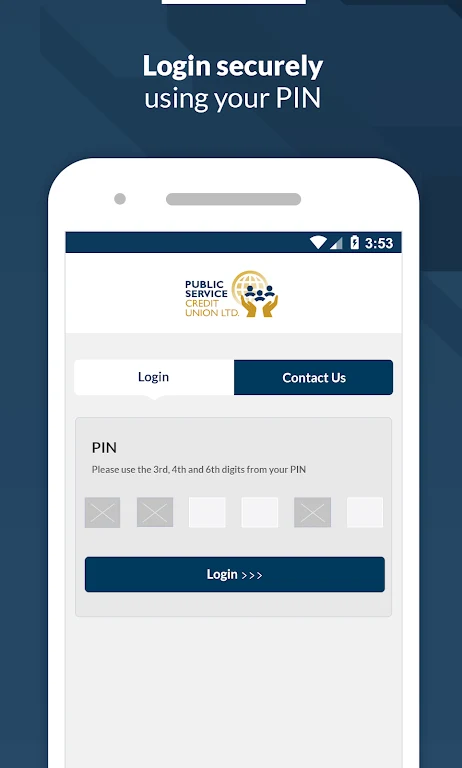
To begin, users verify their mobile phone number, sign in with their Member Number, Date of Birth, and PIN, then review and accept the Terms and Conditions. The app description identifies these steps and credentials but does not provide further account eligibility or device requirements.