

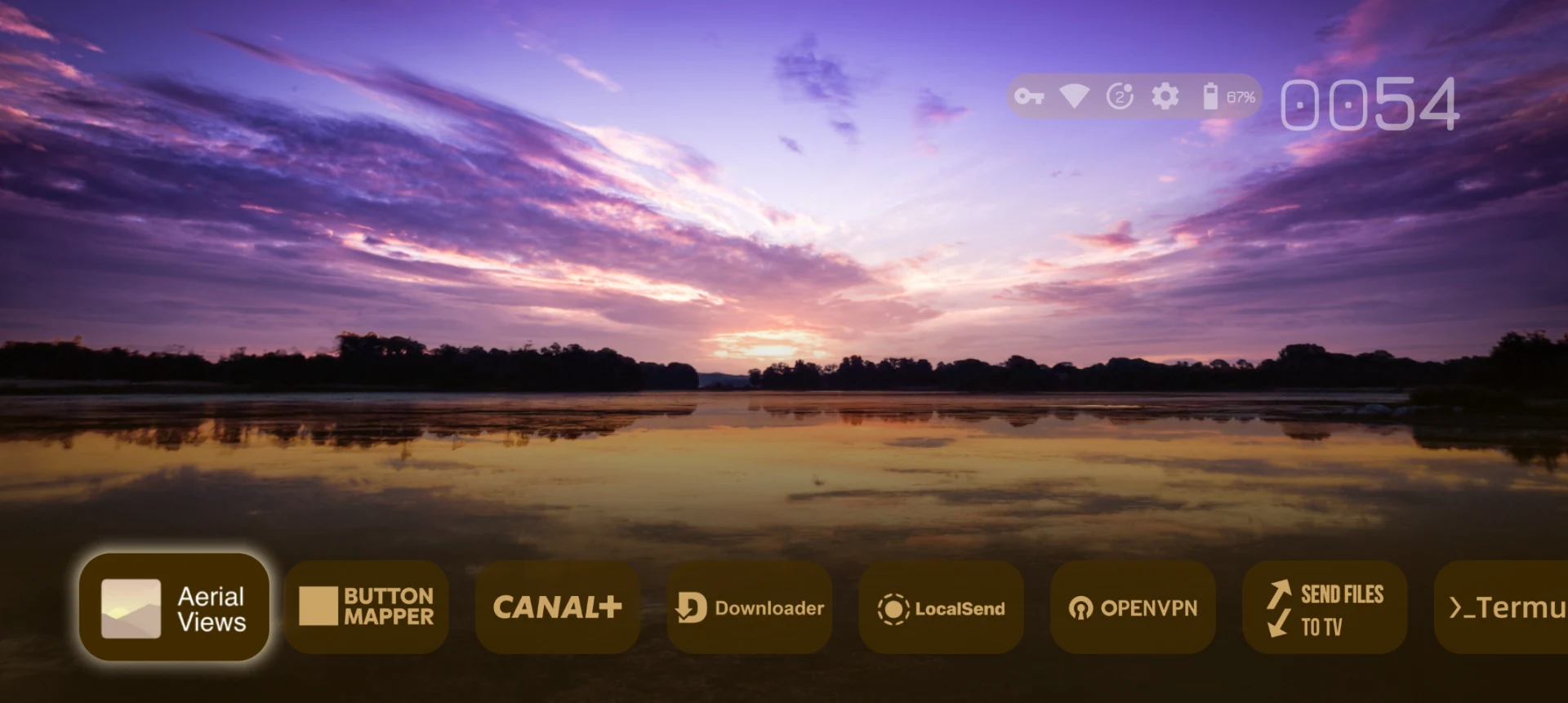
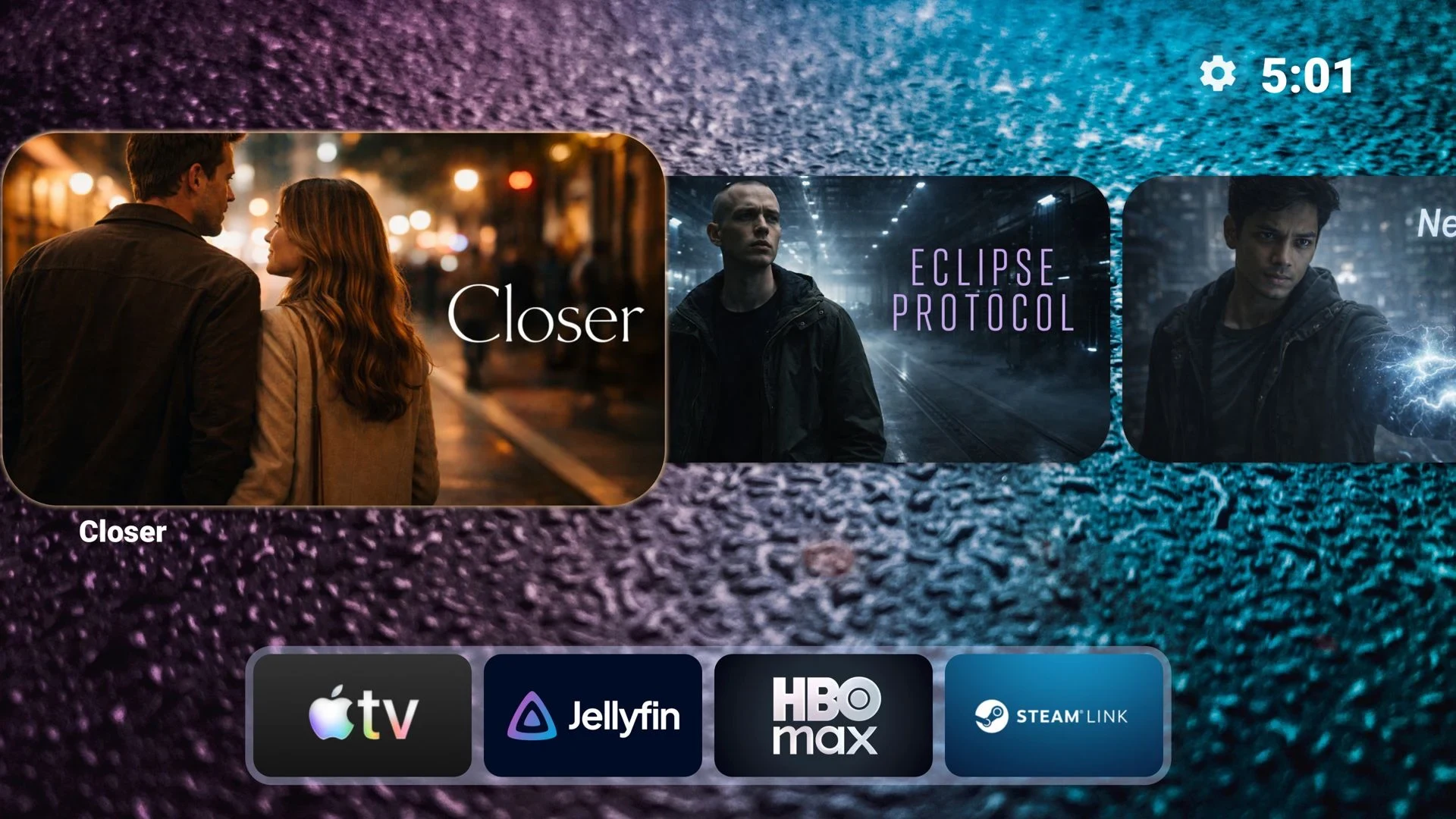
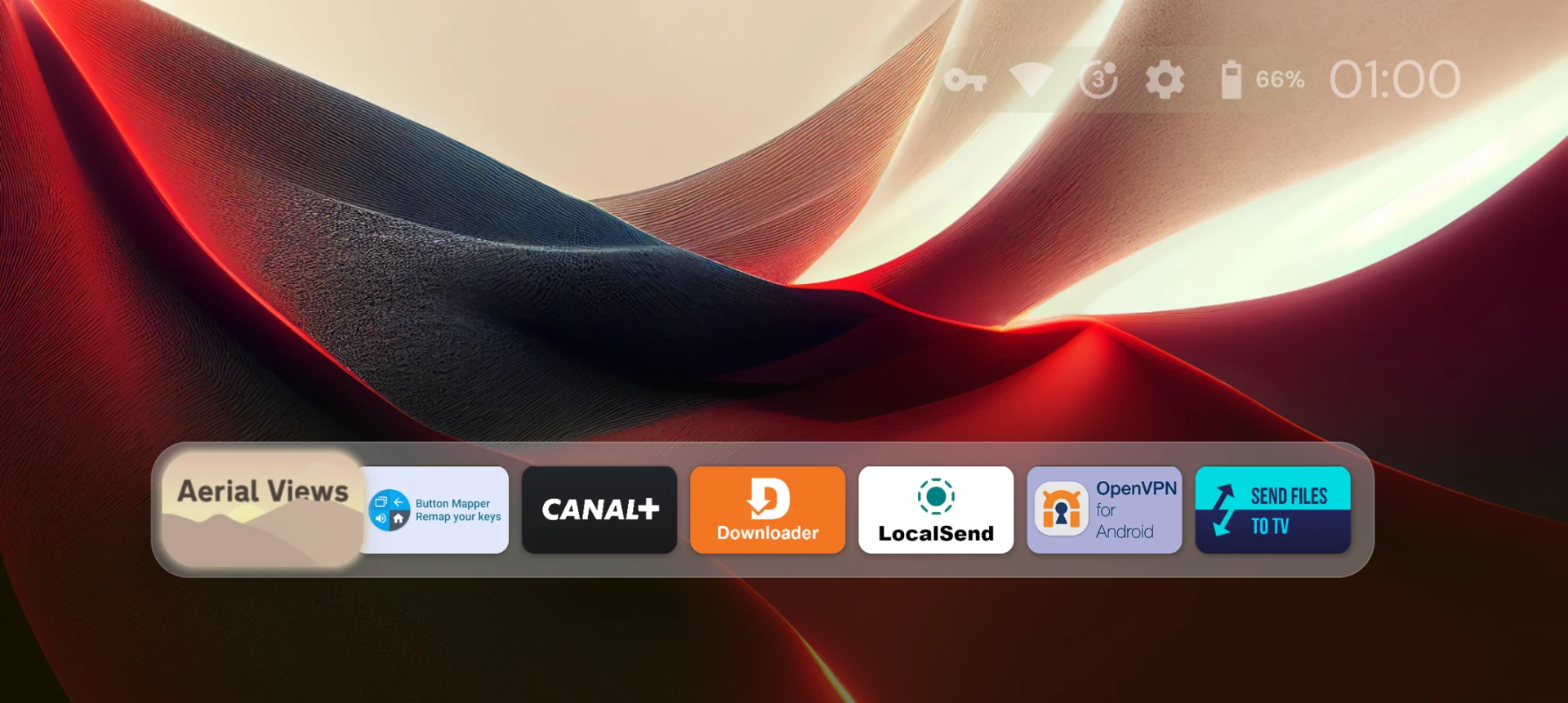
Projectivy Launcher brings apps, input sources, and shortcuts together on a customizable Android TV home screen without home-screen ads. Rather than relying on the device’s standard launcher layout, you can arrange entertainment apps into categories and channels, change their appearance, and keep useful actions within reach. That makes it relevant for viewers who want a simpler starting point for their TV or projector, as well as those who prefer a more personalized interface. Its tools extend beyond appearance to startup behavior, remote shortcuts, and display calibration patterns.
Arrange apps around your viewing habits
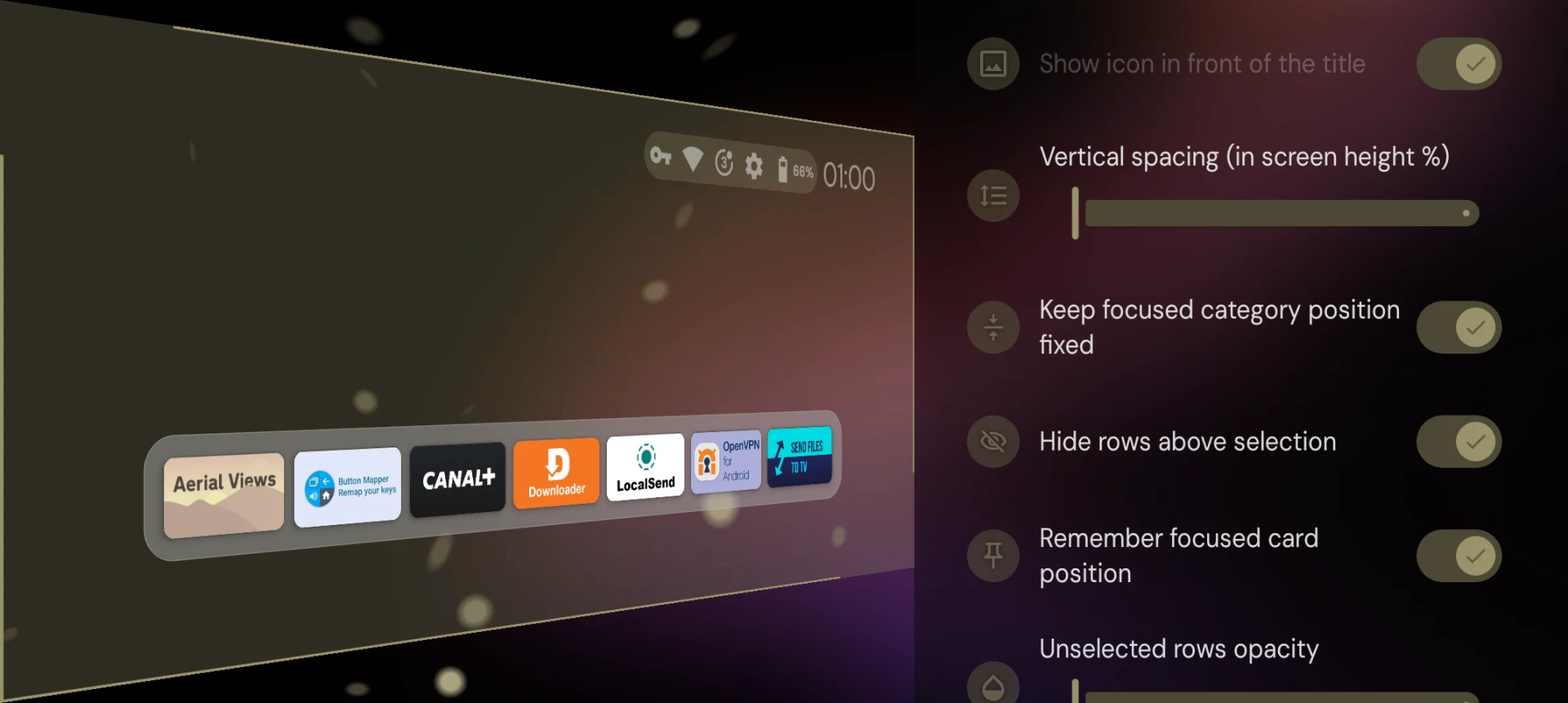
The launcher can replace the device’s standard home screen, with options to organize apps into custom sections, categories, and channels. Layout styles, spacing, and other visual settings let you adjust how those groups appear on the display. App shortcuts provide direct access to frequently used items, while renaming apps can make their labels more useful within your chosen arrangement.
Selected mobile apps can also appear in the TV layout. This gives you a way to place them alongside your other apps, although inclusion in the launcher should not be taken as a promise that every mobile app will work well with a TV remote. The central benefit is control over what the home screen presents and how it groups the items you use.
Coordinate wallpapers, colors, and icons
Background options include your own images as well as animated GIFs and videos. Wallpaper controls cover brightness, contrast, saturation, hue, and blur, allowing you to adjust the background rather than accepting its original appearance. The interface can also adapt its colors to the selected wallpaper, connecting the background choice with the surrounding home-screen design.
App icons can be replaced with your own images or supported icon packs. Together with layout and spacing adjustments, these options let you change both the overall background and the individual app entries. Plugins can supply additional wallpaper sources. Some advanced wallpaper and icon controls require a Premium upgrade, so not every customization option is included without that upgrade.
Remote shortcuts and optional data settings
An optional accessibility service enables custom actions through remote-control shortcuts. These controls complement the on-screen app shortcuts: one changes how you navigate with the remote, while the other changes what is directly available in the layout. The service is optional rather than a requirement for every aspect of home-screen customization.
The supplied app information states that the accessibility service does not collect or share data, and that personal data is not collected or shared. It separately describes an optional choice to submit anonymous stability and usage information. That distinction matters when reviewing the settings: remote-navigation assistance and participation in anonymous reporting are described as separate functions.
Startup choices, input access, and display checks
Startup settings can open a chosen app or input source, letting the device begin at a destination other than the launcher itself. Input shortcuts cover HDMI, AV, and other sources, so the home screen can serve as an access point for connected equipment as well as installed apps. Automatic backup of settings and preferences helps retain the configuration you have established.
The launcher also includes calibration patterns for 4K, Dolby Vision, and judder checks. These are display-checking tools, not a guarantee of improved picture quality. Input behavior may also depend on the device: one supplied user report describes HDMI-CEC problems with the input-channel icons on a Sony Bravia. That report is a useful caveat, but it does not establish a problem across all supported hardware.
Android TV support and Premium purchasing
The listed device types include Android TV smart TVs, projectors, set-top boxes, and TV boxes, with NVIDIA Shield and Chromecast with Google TV given as examples. The source also lists 24 interface languages. It does not provide a usable minimum Android version, so a specific operating-system requirement cannot be established from this listing.
Premium is purchased inside Projectivy Launcher through Google Play services and requires a Google account on the device. For payment difficulties, the supplied guidance recommends checking the account connection, updating and restarting the device, or completing the purchase through the app on a smartphone. A user report describes purchase difficulties, so the availability of an in-app purchase route should not be read as assurance that payment will work on every setup.