
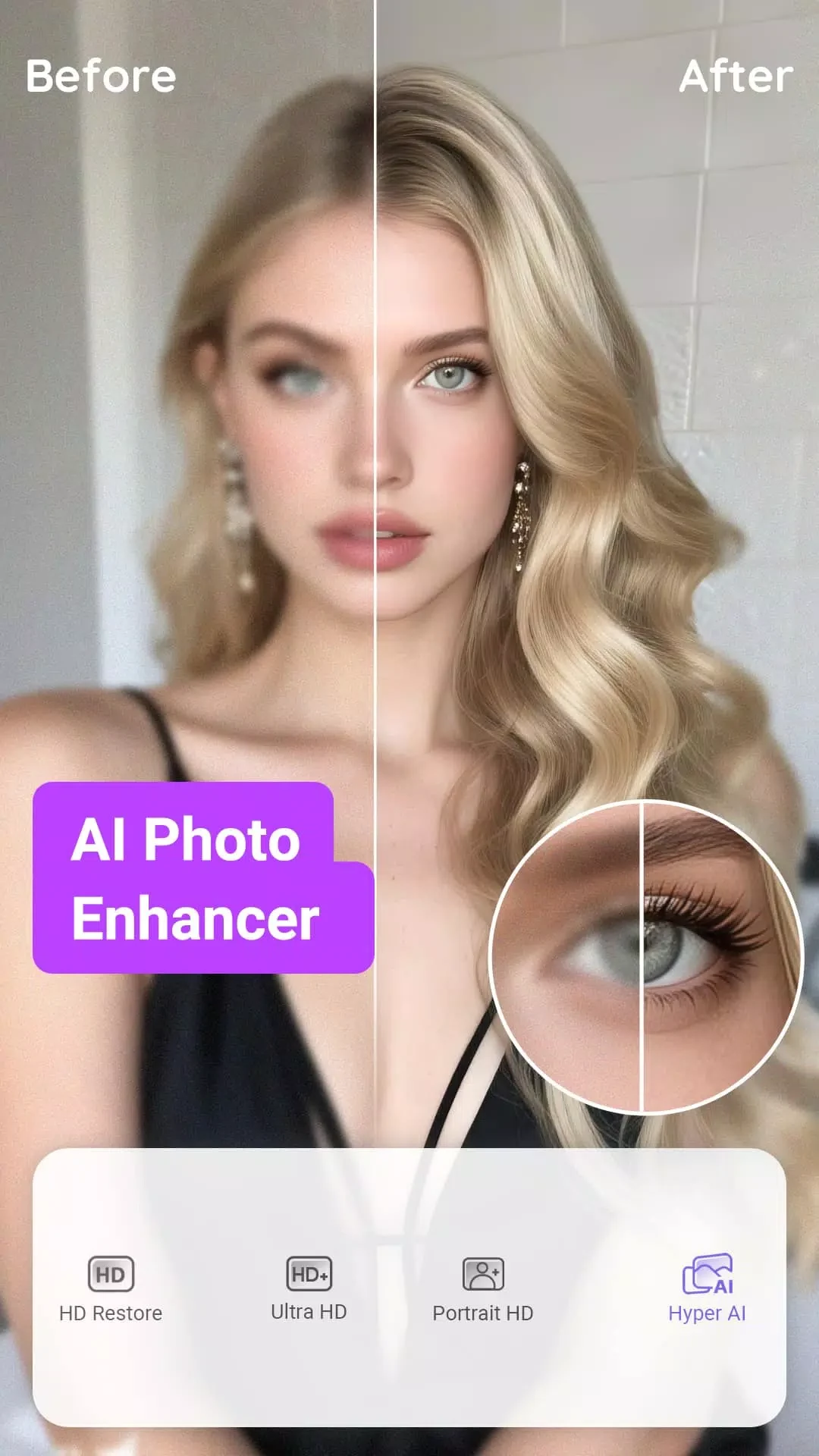
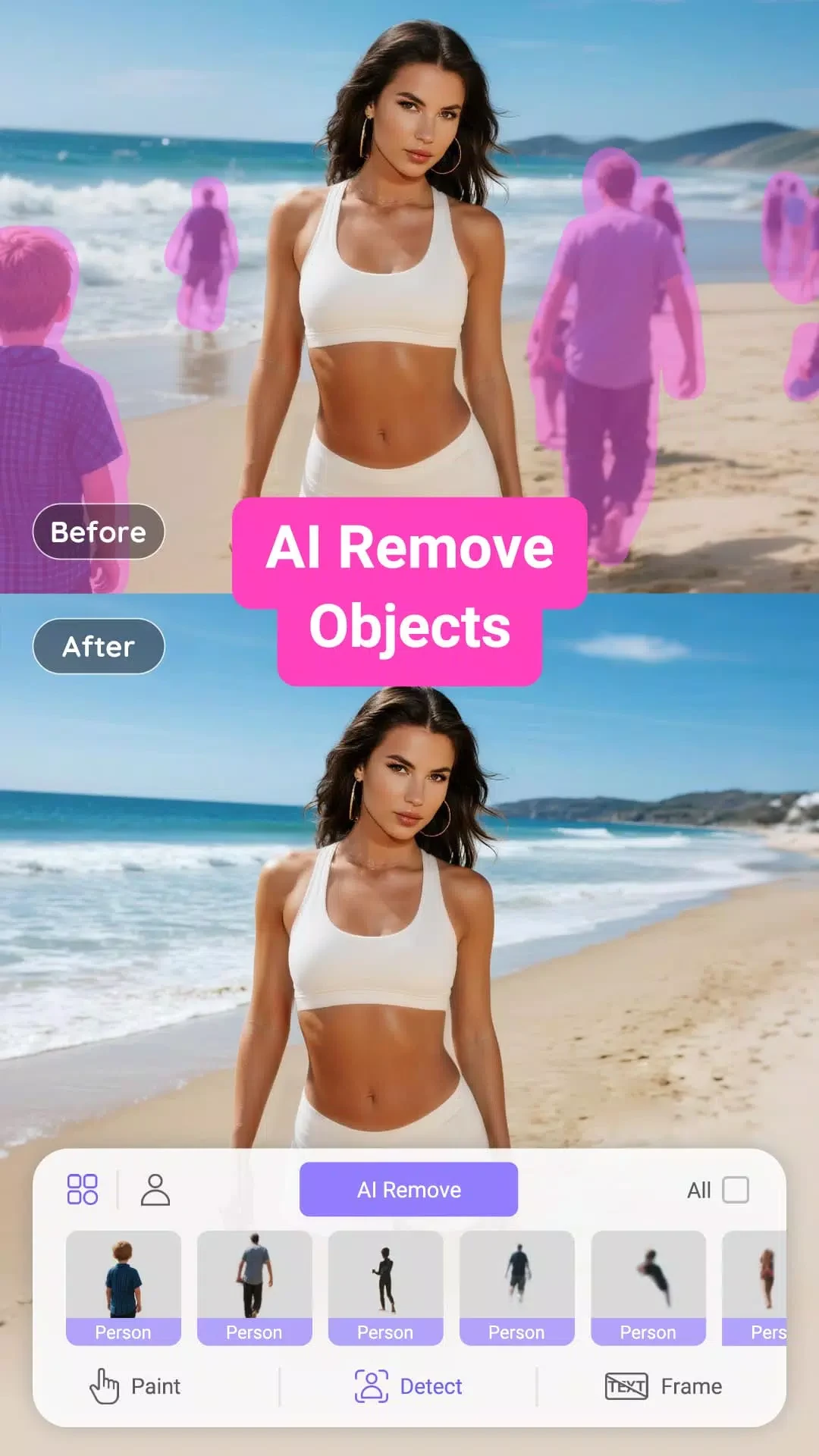
PrettyUp is an editing app for retouching photos and videos, with tools for changing facial details, body proportions, and the look of the finished image or clip. Its functions range from smoothing skin and applying virtual makeup to adjusting body curves and adding filters or decorative effects. The app also supports editing group portraits, so its retouching tools are not limited to images with a single subject.
Face and skin retouching
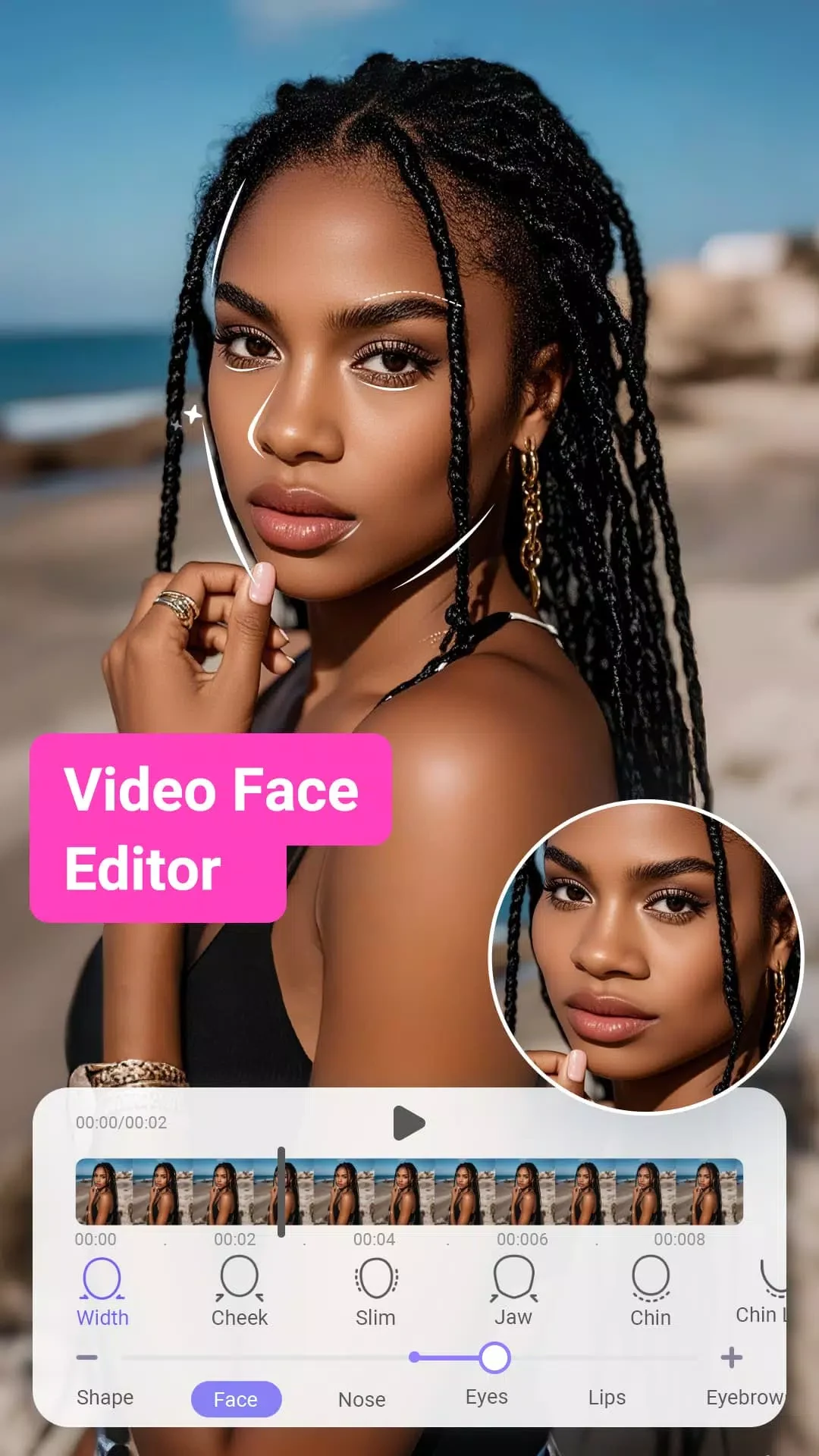
Face-editing controls can reshape features such as the eyes and lips or make the face appear slimmer. Skin tools address blemishes, acne, wrinkles, and dark circles; teeth whitening and skin-tone adjustments are also described. These options provide several kinds of facial changes within the same editing app, from retouching particular details to applying a broader makeup look.
Virtual makeup offers styles ranging from subtle effects to more pronounced looks. Users can combine those options with filters and other visual effects when preparing a selfie or portrait. The source describes more than 50 filters and effects, along with virtual tattoo designs. The range of choices is intended for changing the appearance of an image, rather than for managing or sharing an account or profile within the app.
Body adjustments and group portraits
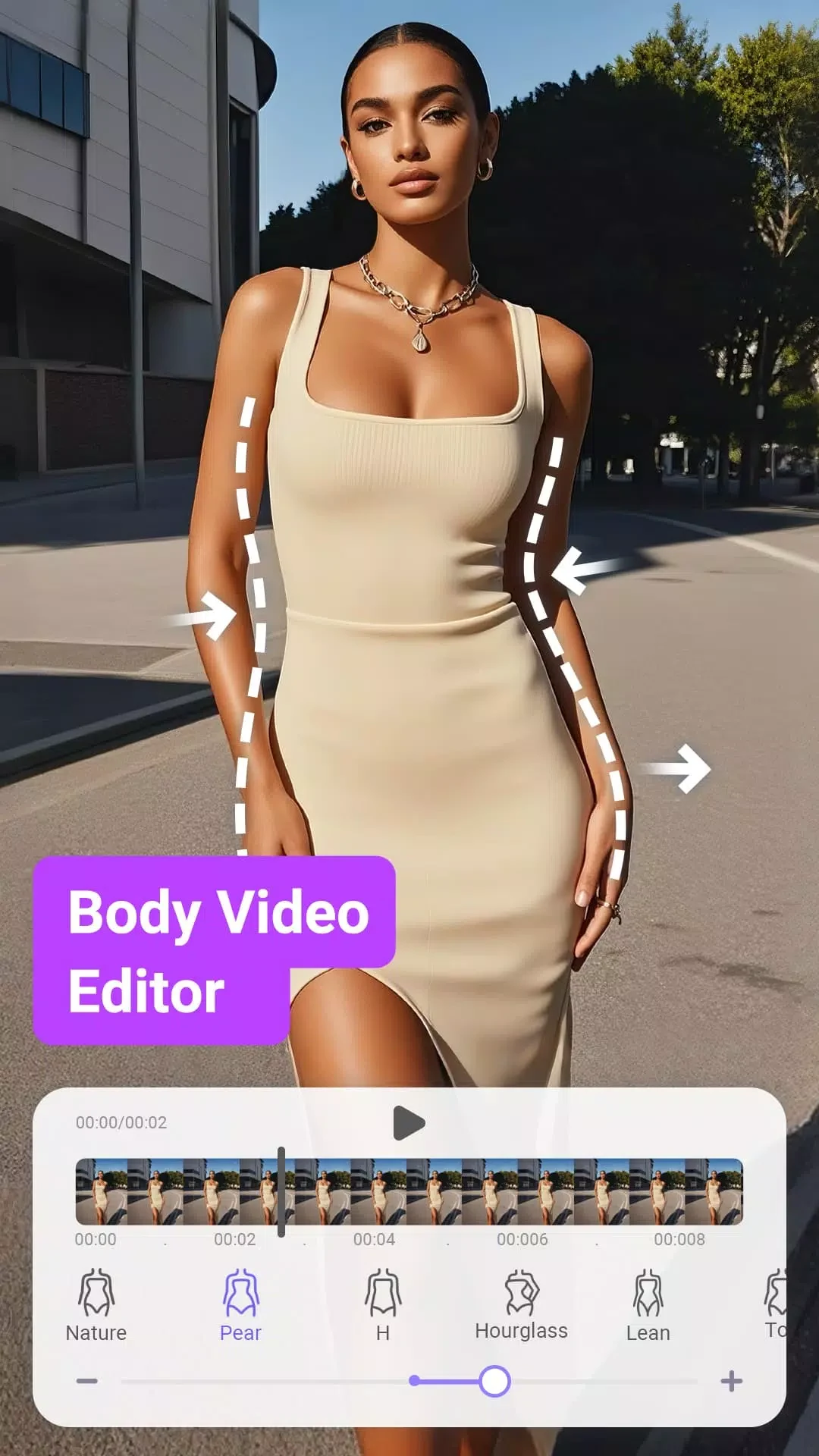
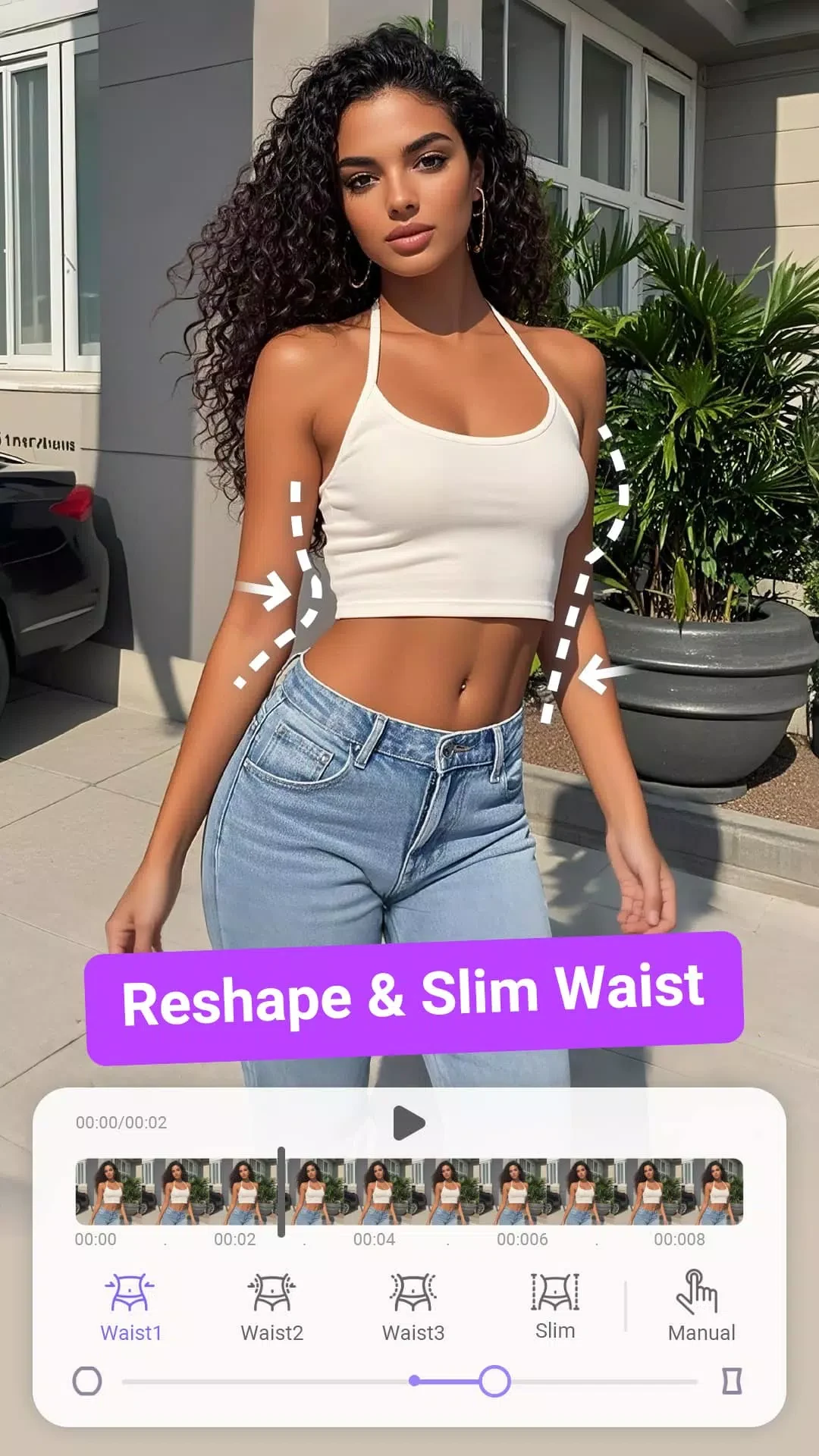
Body-editing tools cover adjustments to the waist, legs, height, and body curves. The listed options include slimming and reshaping, leg contouring, and making legs appear longer. Muscle-definition stickers are another form of visual customization. These controls let a person work on different areas of a subject's appearance rather than relying on a single overall filter.
PrettyUp also supports bulk enhancements for group settings and simultaneous editing of group portraits. That makes the group-editing option relevant when a portrait includes multiple people, while the individual body and face tools address specific subjects or features. The description does not specify a particular process for selecting or applying edits across a group.
Video tools and finishing effects
For video, the app includes body-enhancement controls as well as tools to smooth footage and remove unwanted objects. It also offers filters and dynamic effects for changing a clip's appearance. These sit alongside its face and body retouching options, giving users ways to make adjustments to people in a video and to apply broader visual treatments to the footage.
The description's suggested starting point is to select a video and explore the editing tools shown at the bottom of the screen. From there, users can choose among the available face, body, filter, and effect controls according to the edit they want. The source also describes HD tools for repairing and enhancing video quality, but does not specify the supported formats or the precise restoration process.
Saved edits and device changes
The app does not support user accounts. According to the supplied description, uninstalling it results in the loss of saved edits and any premium access purchased. It also states that subscriptions cannot be transferred to a new device. Those details are relevant to users considering a device change or uninstall, since the source does not describe an account-based way to carry edits, settings, or purchases over.