

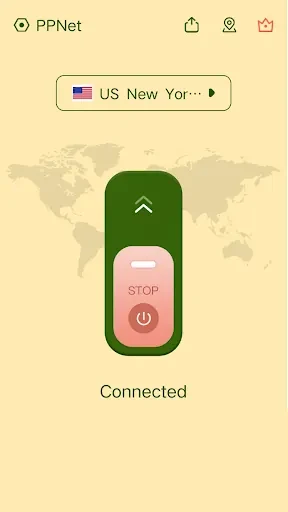
PPNet—Private VPN is an Android VPN app that connects users to servers in multiple locations. The listing describes its VPN connection as an encrypted tunnel intended to support private browsing, including when using public Wi-Fi. It also presents the service as a way to reach websites and apps that may be blocked or limited by location.
Choosing a server location
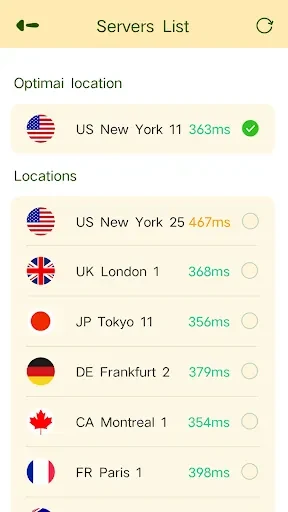
Users can choose among server locations around the world. The app recommends connecting to a location closer to the user’s physical location for better performance, and suggests trying another location if a connection feels slow. These are selection options and suggestions; the listing does not specify particular locations or guarantee a connection speed.
The server choice is the main documented control for adjusting the VPN connection. It gives users a way to change their selected location while using the app, including when their browsing needs or connection experience change.
Connection and privacy controls
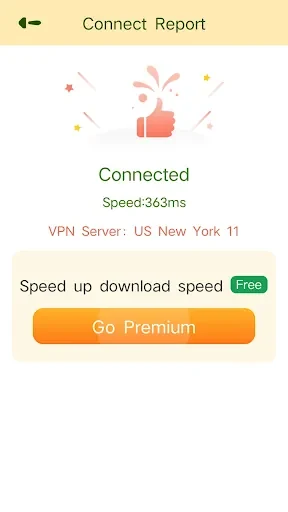
The app is described as allowing users to connect to a VPN server with a few taps. Its stated privacy functions include encrypting the connection and hiding the user’s IP address from their internet service provider. These are claims in the app description, not independent assurances about every aspect of online privacy.
A further control is an automatic kill switch, which the listing says can be enabled in the app’s settings. Its stated role is to cut off the internet connection if the VPN connection drops. The description specifically suggests using PPNet on public Wi-Fi, though it does not explain additional configuration or connection requirements.
Other stated uses and platforms
Alongside privacy-oriented browsing, the listing describes using the VPN to access blocked content, bypass geographic restrictions, and unblock websites and apps. It also names iOS, Android, Windows, and macOS as supported platforms. The Android listing does not provide a minimum operating-system version.