
Power Button to Volume Button is a Tools app that lets you wake your device with the volume buttons instead of the physical power button. It is aimed at people whose power button no longer works reliably and who would rather not replace the hardware.
When the power button is broken, loose, or unreliable
The app's main use is turning the screen on without pressing the power key. If the power button is damaged or intermittent, the volume buttons can take over that wake function. The source notes that the wake feature may not trigger in some occasional edge cases, so it works best as a practical fix rather than a guaranteed replacement for the original button.
Granting the required administrator permission
To work, the app needs device administrator permission, which allows it to manage turning the screen on and off. The source says that granting these permissions enables full performance. Because this is a sensitive permission, the listing suggests it is most appropriate for users who are comfortable giving administrator rights to a tool they trust.
Turning the screen off from the notification bar
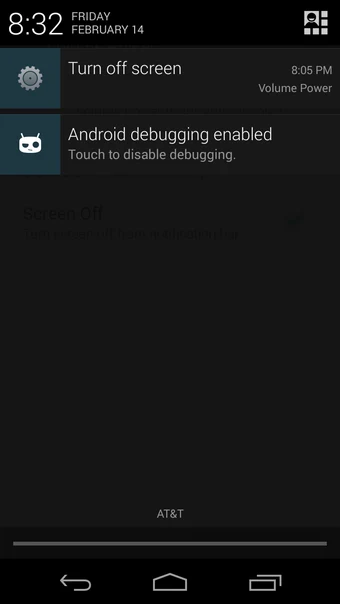
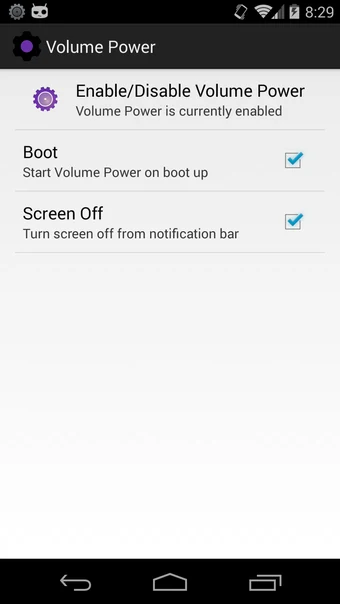
The volume buttons do not lock the screen directly. Instead, the app offers a 'screen off in notification bar' option, which provides a shortcut in the notification area to turn the screen off. The source recommends using this option for consistent performance over long periods, stating that it helps address issues with the operating system's memory management that could affect the app's long-term stability.
Removing the app
Because the app holds device administrator permission, uninstalling it from the app list is not enough. According to the source, you must first remove its administrator privileges in the system's security settings, and then uninstall it. Following this order avoids problems during removal.
Battery impact and listed terms
The source states that the app increases battery consumption, so users should expect some battery impact and manage their usage accordingly. The listing also describes the app as free to use with no advertising. These details are taken from the source description and have not been independently verified.