



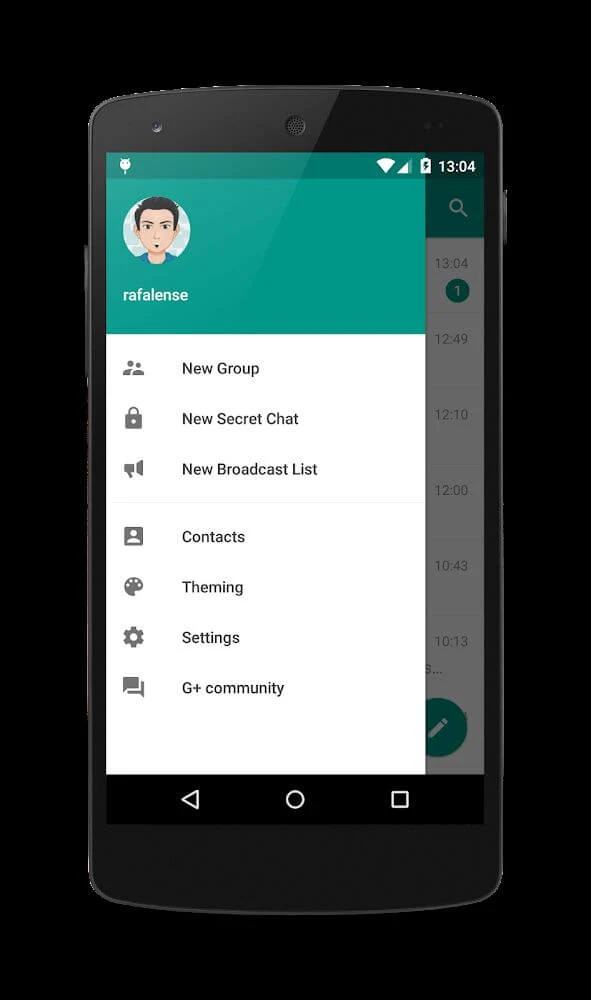
Plus Messenger brings Telegram conversations together with extra controls for organizing chats and changing how they look. This unofficial client supports one-to-one messaging, group discussions, channels, and sharing photos, videos, and other files. Its practical appeal is the ability to separate different conversations while adjusting themes, colors, and text size to suit your preferences. For someone managing both personal and work-related discussions, named groups, chat tabs, and pinned conversations provide several ways to keep relevant exchanges easier to find without treating every conversation as equally important.
Separate personal conversations from larger groups
You can message individual contacts or create multiple groups, with the supplied description listing support for groups of up to 5,000 people. Giving each group a distinct name helps distinguish, for example, a family discussion from a business conversation. Tabs let you move between chats, groups, and channels, providing another way to navigate different types of communication.
Pinning important conversations keeps them prominent when other discussions become busy. Message blocking is also listed among the available controls. Together, these functions address different parts of managing an active inbox: naming helps identify a discussion, tabs separate conversation types, and pins keep selected exchanges within easier reach.
Change the appearance and keep stickers handy
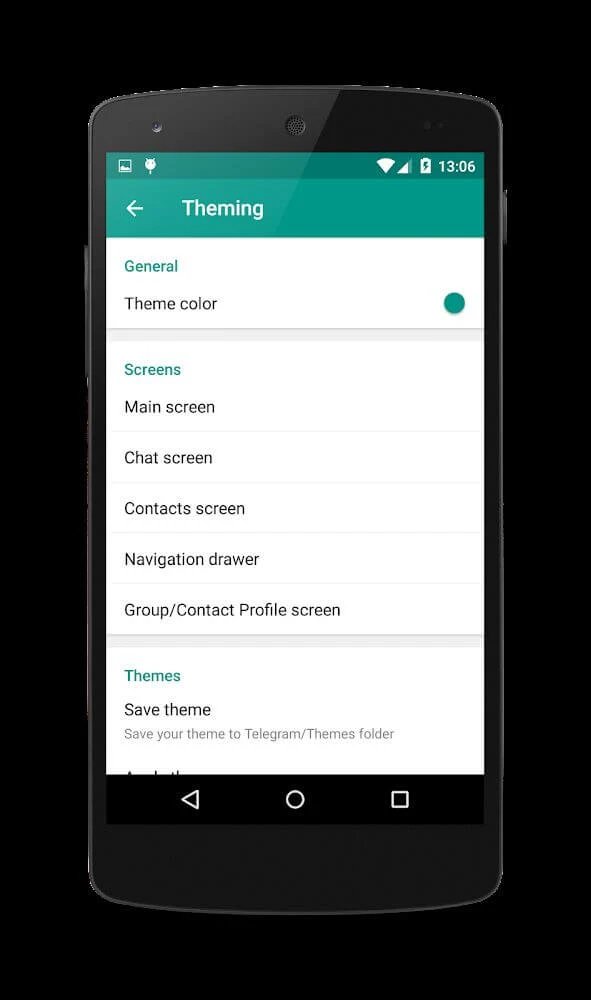
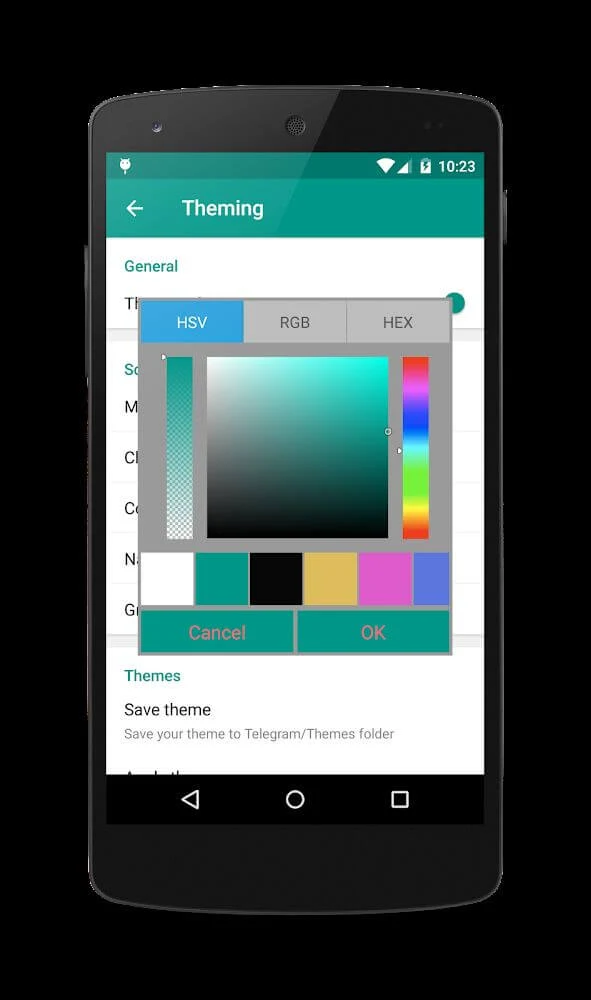
Plus Messenger offers a theme library alongside controls for colors, font sizes, and other interface elements. These settings let you change the presentation of your conversations rather than relying on a single default appearance. Theme selection and individual adjustments provide different levels of customization, whether you want a broader visual change or simply a different text size.
The app also lets you keep around twenty favorite stickers available for convenient use. That gives frequently used visual replies their own place alongside the broader appearance options. The supplied feature notes additionally describe Android header bars designed to show more chats on screen.
Share files and manage saved conversation items
Photo, video, and document sharing sit alongside ordinary text messaging. When saving files, you can choose custom names, while video compression controls let you adjust how videos are handled. These tools extend the messaging workflow beyond sending text, particularly when a discussion involves documents or media that you want to retain and identify later.
Backup and restoration of important message items are also described, along with options for arranging conversation elements. Other listed capabilities include opening .md files in the Telegram Browser and controlling which links open in your preferred browser. The source describes messaging as designed to use relatively little data, although it provides no measurements for transfer speed or data consumption.
Follow selected contacts and manage group interactions
A favorites or interest list lets you select people whose activity you want to follow. The app can notify you when those contacts are online, typing, or sending messages. Rather than repeatedly opening a conversation to check activity, you can use these notifications to keep track of selected contacts.
The supplied feature notes also list formatted bot messages with rich-text options, links within poll choices, and AI guardians that screen prospective group members before they join. These additions cover different interaction needs: bots can present formatted information, polls can include linked choices, and group screening provides a step before admission. The description does not explain how that screening makes its decisions.
Understand secret chats and the unofficial-client trade-off
Secret chats are described as supporting end-to-end encryption and messages that self-destruct on both devices. These are specific private-chat functions, not a reason to assume that every conversation has the same protections. Users looking for disappearing messages should distinguish those secret-chat options from the app's ordinary messaging and organization tools.
The breadth of settings may initially feel overwhelming, especially for people unfamiliar with Telegram. Plus Messenger is also an unofficial client rather than the official Telegram app. That distinction is worth considering when deciding how to handle personal information; the listed privacy features alone do not establish an overall security guarantee.