


Overview
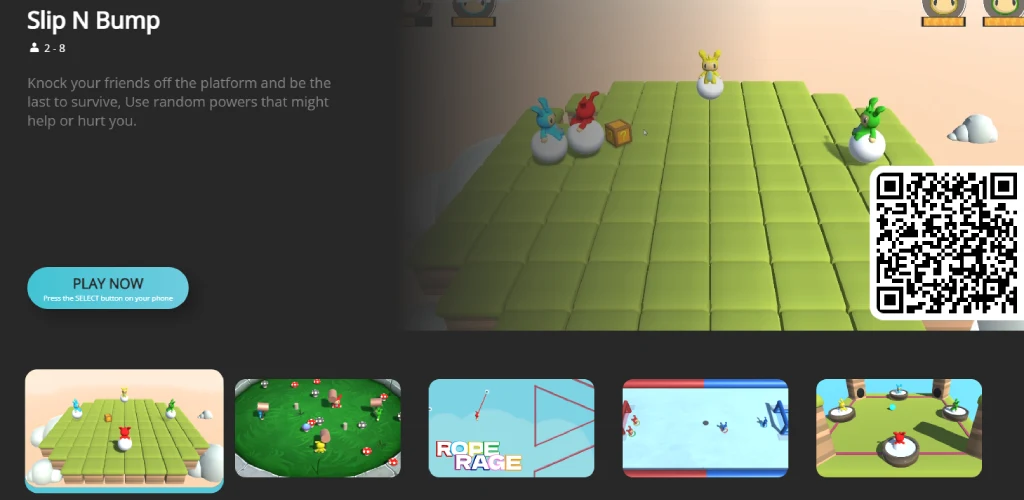
PlayCloud is a virtual hosting application designed to turn your mobile phone into a wireless game controller while streaming games directly to a bigger screen. Because all available titles are stored in the cloud, you can enjoy a wide variety of interactive entertainment without taking up local storage space on your device. Whether you want to host a game night for family or connect with friends for a multiplayer session, the app provides a straightforward setup process that gets you into the action quickly.
What You Can Do
⭐ Access a library of over 150 games spanning puzzle, action, adventure, MOBA, RPG, and shooting genres, with new titles added every month.
⭐ Stream games across multiple devices including phones, tablets, laptops, and smart Android TVs, using advanced streaming technology to switch screens seamlessly.
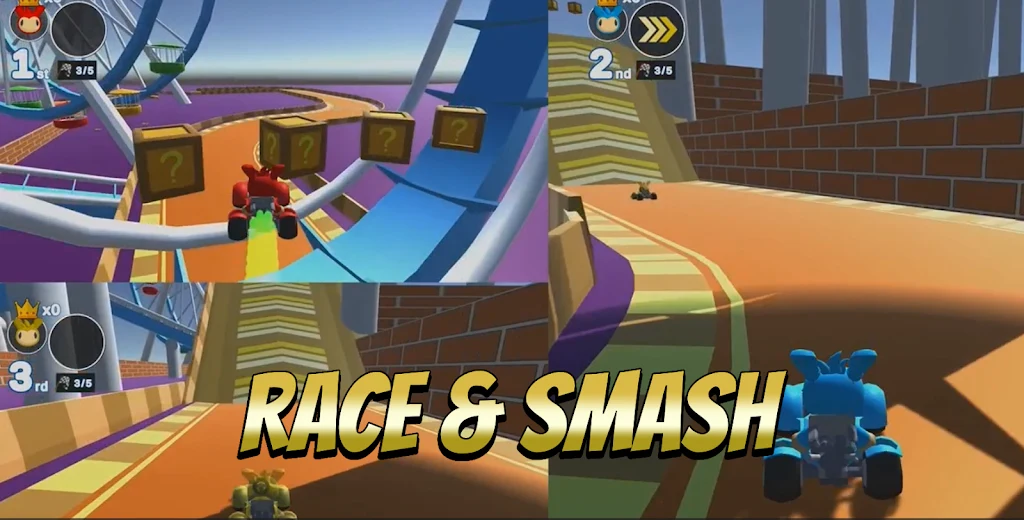
⭐ Play cooperatively, tackle party games, or enjoy local and online multiplayer sessions supporting up to eight players.
⭐ Meet new players by posting challenges, joining battles, and chatting within the community.
⭐ Share your scores on social media and climb leaderboards to track your gaming achievements.
Using the App
Getting started with the platform is designed to be simple and quick. You begin by scanning a room's QR code using your phone's camera or connecting manually with a connection code. Once connected, your phone transforms into a controller, allowing you to select and play games directly. For the best visual experience, connecting your host computer or device to a TV using an HDMI or DisplayPort cable is recommended.
Why It May Appeal
✅ The application is completely free to use and offers party games suited for family gatherings and game nights.
✅ Built-in cloud storage ensures that playing numerous titles will not drain your device's internal storage.
Things to Consider
❎ A stable connection and compatible display setup, such as connecting a computer or streaming device to a TV via HDMI, are necessary for optimal big-screen gameplay.