

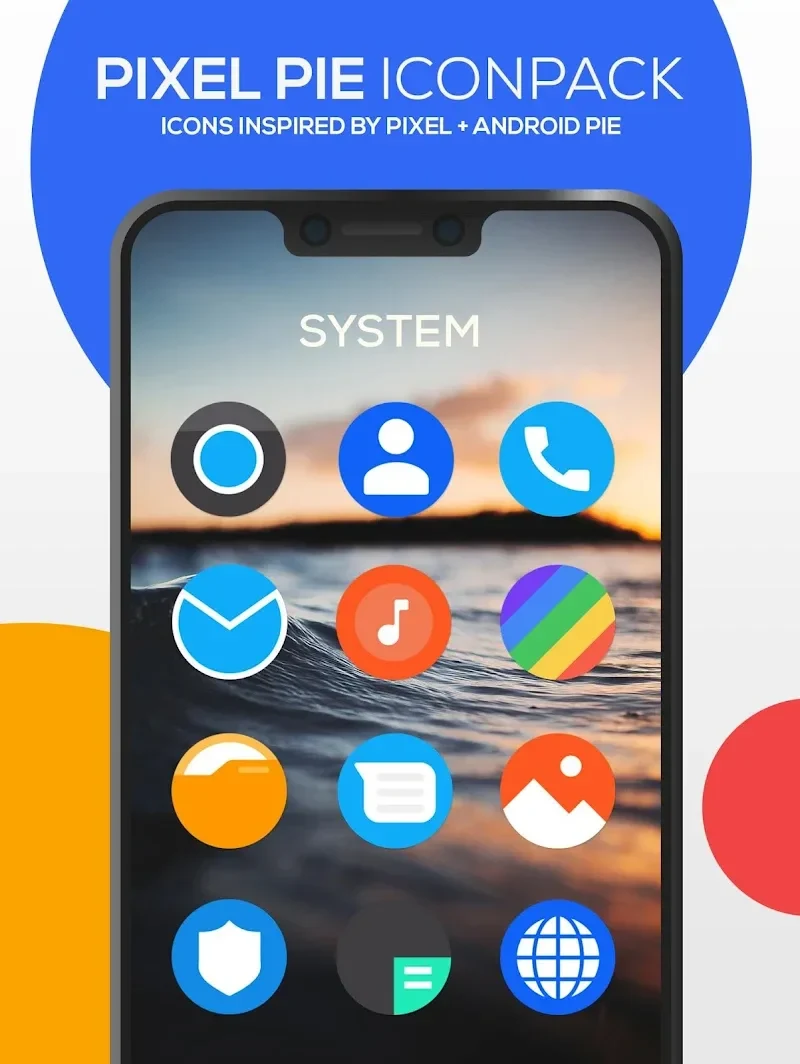
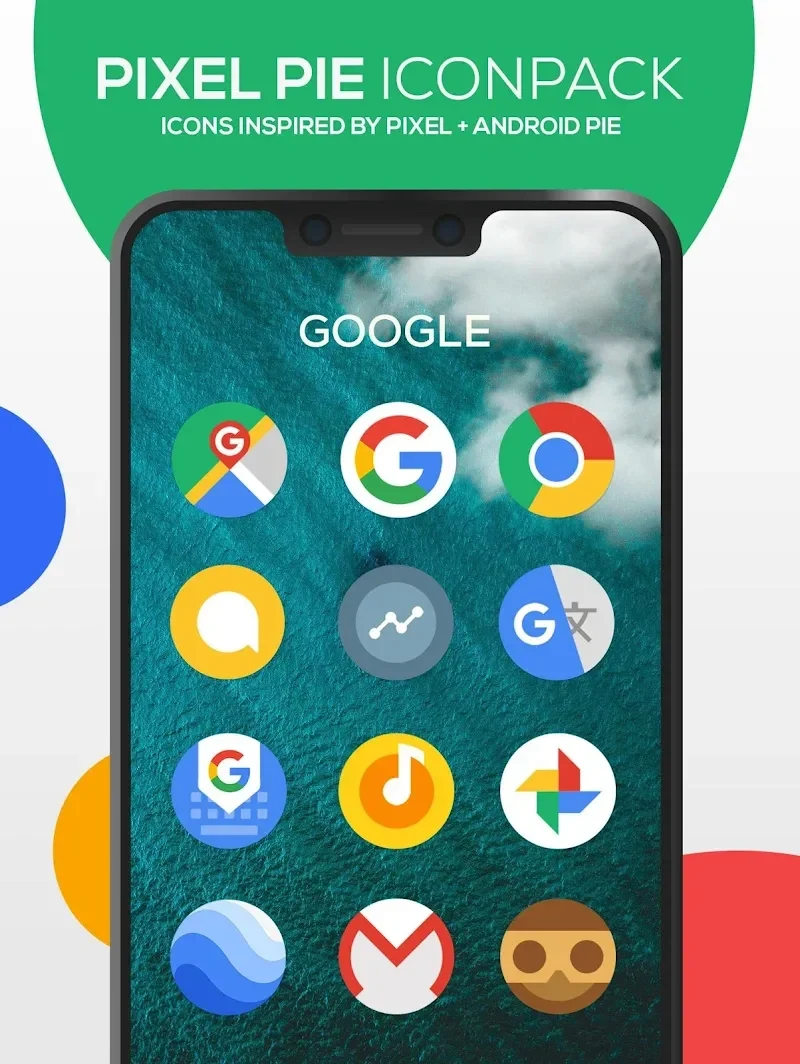
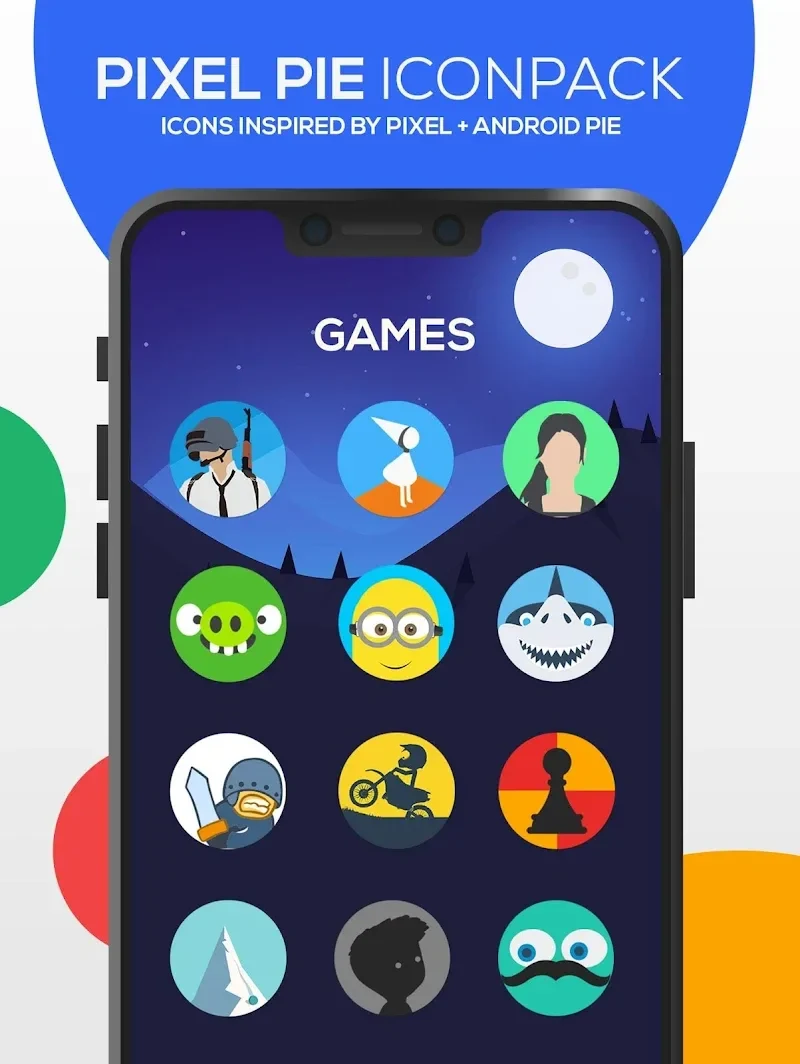
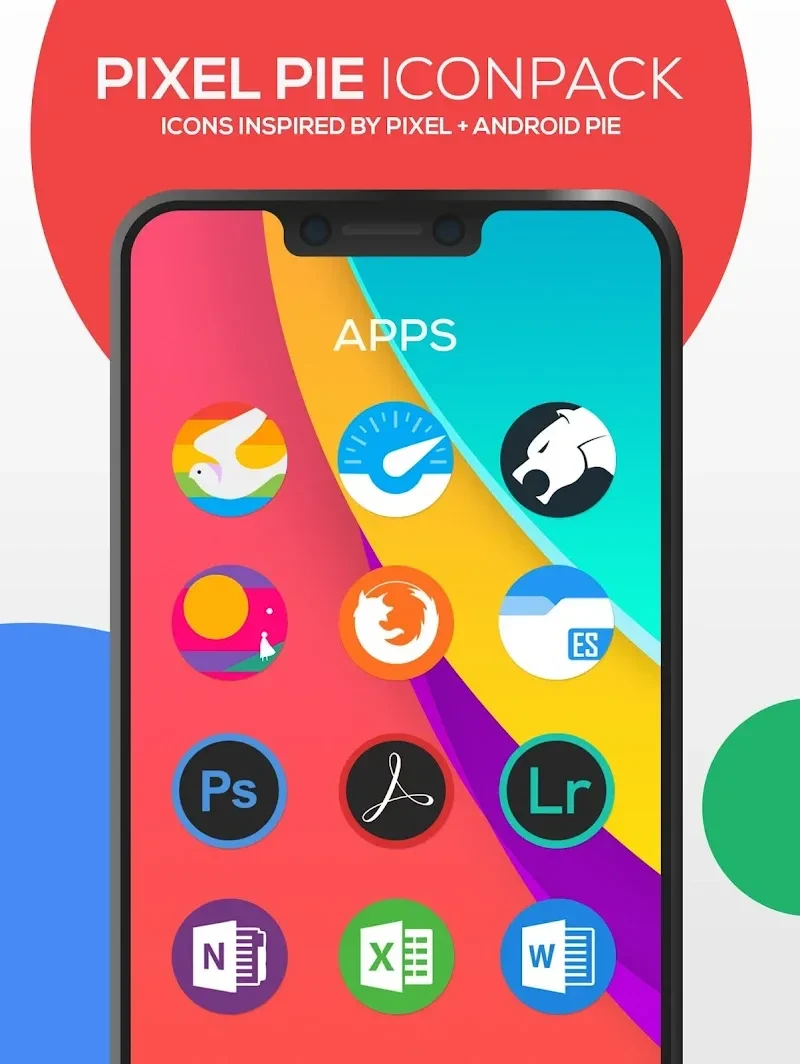
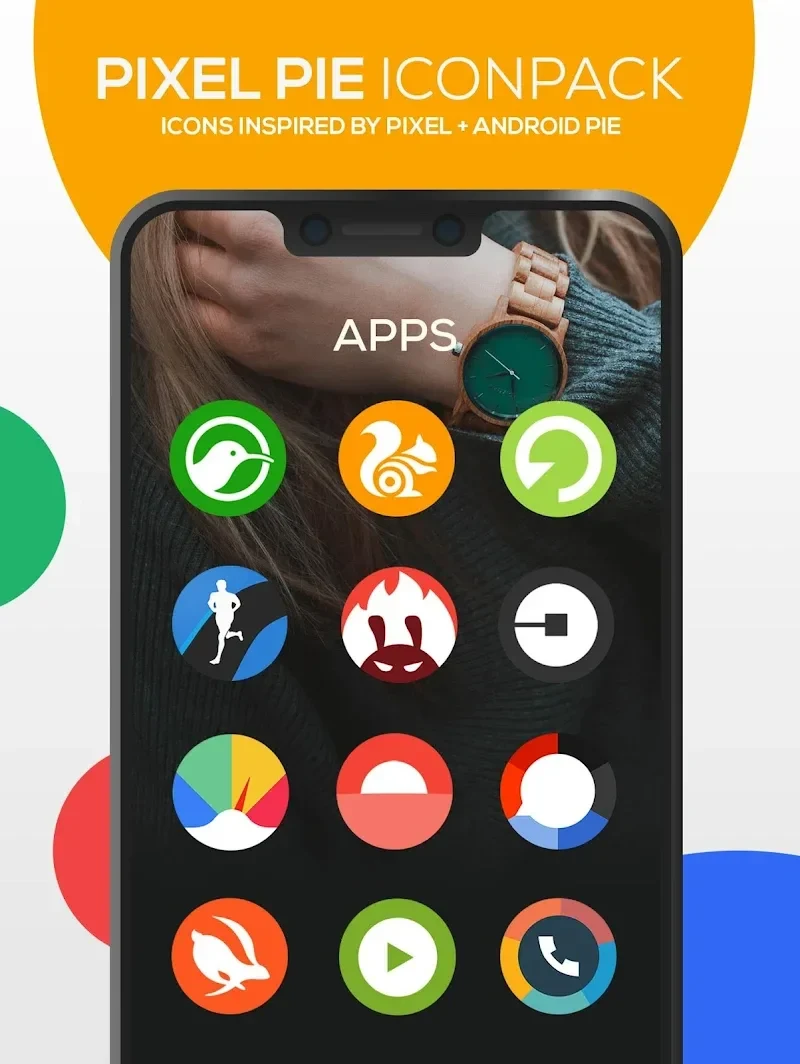
Pixel Icon Pack helps you give an Android home screen a more consistent look without having to find a replacement for every app yourself. Its library contains more than 5,200 icons in a colorful Pixel Flat style, covering both widely used apps and less common utilities. You can search for a particular app or browse by category when choosing icons. Wallpapers are also included, so the pack offers another way to coordinate the screen around its icon designs. For apps without a dedicated replacement, automatic masking helps their icons fit the overall style.
Finding an icon in a large collection
The size of the library makes its browsing tools important. Pixel Icon Pack groups icons by type, and the source describes an A–Z arrangement as well as category filtering. A search field lets you enter an app name or related keyword instead of scrolling through the full collection. The supplied description also mentions search conditions such as color and size. Together, these options offer different ways to narrow the selection: you can start with the app you want to change or browse for a design that suits your screen.
A coordinated Pixel Flat look
The icons use a shared visual approach rather than a mixture of unrelated styles. Their Pixel Flat design, color palette, and detailed graphics are intended to give app shortcuts a consistent appearance. With thousands of choices, the pack offers room to select icons for familiar social apps as well as everyday utilities. The included wallpapers extend that customization beyond the shortcuts, though the source gives little detail about their individual designs or how they are applied.
Coverage beyond dedicated icons
Not every installed app will necessarily have its own custom icon. Pixel Icon Pack addresses that gap with automatic masking, which gives otherwise unchanged icons a Pixel-style treatment. This is useful when you want the home screen to look more unified but use an app that is not represented in the library. The pack also describes day-based icons that change with the current date on supported launchers; that behavior should not be assumed to work with every launcher.
Updates, help, and practical caveats
The icon collection receives additions, including designs informed by user feedback, and the app has a built-in FAQ for questions about applying or changing icon packs. A user review notes that searching for an icon while changing it individually produced different results through different launchers, even when the icon appeared to be present. That report does not establish how every launcher behaves, but it is a useful caveat if a search fails to show an expected match.