
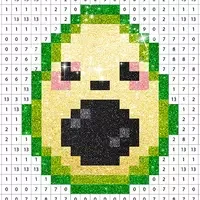



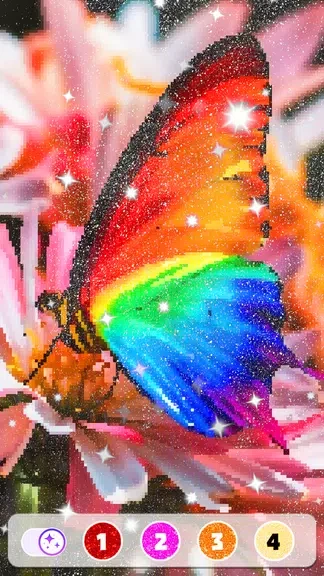
Pixel by Number™ - Pixel Art helps users turn numbered color palettes into finished 2D pixel artwork, offering a creative activity that can also provide a relaxing way to spend time. The app includes more than 10,000 free pixel art images across a wide range of topics, so users can select ready-made designs instead of starting from a blank canvas. It also supports personal projects through a camera feature that pixelates photos, while completed pictures can be shared on social media.
Choose from a broad pixel art collection
The main library contains over 10,000 pixel art pieces, giving users many subjects and styles to explore. Designs cover a range of topics, and seasonal artwork lets users color images connected with different holidays. Finished festive pictures can become part of a personal collection rather than being limited to a single coloring session.
Color with number-guided tools
To work on a design, users tap a number in the palette and apply the matching color to the corresponding areas. The Bucket tool can help fill larger sections, while the Magic Wand is available for easier coloring tasks. Together, these options provide alternatives to filling every pixel individually and make the basic number-coloring process more convenient.
Turn photos into pixel projects
The app’s camera feature allows users to pixelate their own photos and then work with the resulting image as a personal art project. This personalization option complements the ready-made library by letting users create artwork from pictures they choose themselves.
Save and share completed creations
After coloring an image, users can share their creations on social media with one tap. This gives the finished artwork a purpose beyond the in-app collection, whether the design came from the built-in library, a seasonal selection, or a pixelated personal photo.