

Pinterest Video Downloader is designed to save videos, photos, and GIFs from Pinterest using a copied link. Users can paste a link into the app’s search box and download the linked media, with available video resolutions giving them a choice based on their network environment and device storage space.
Download media from a Pinterest link
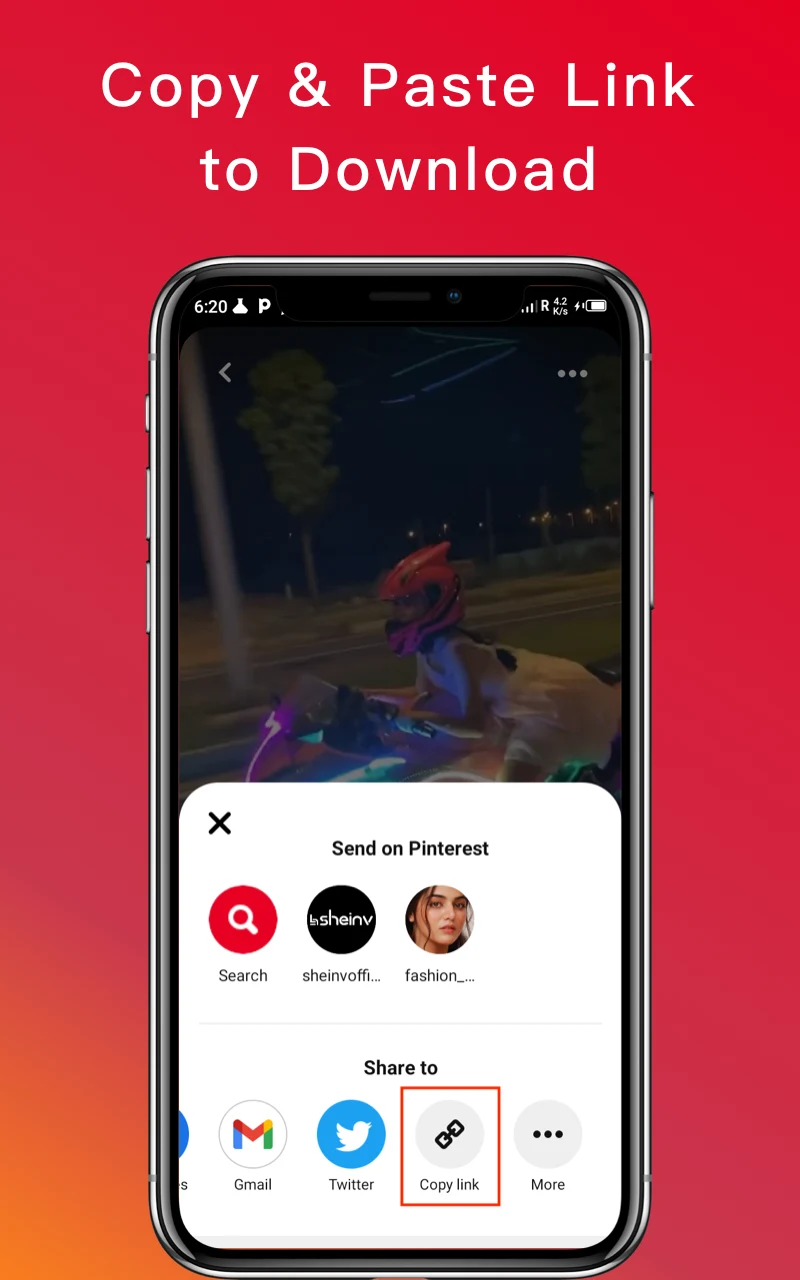
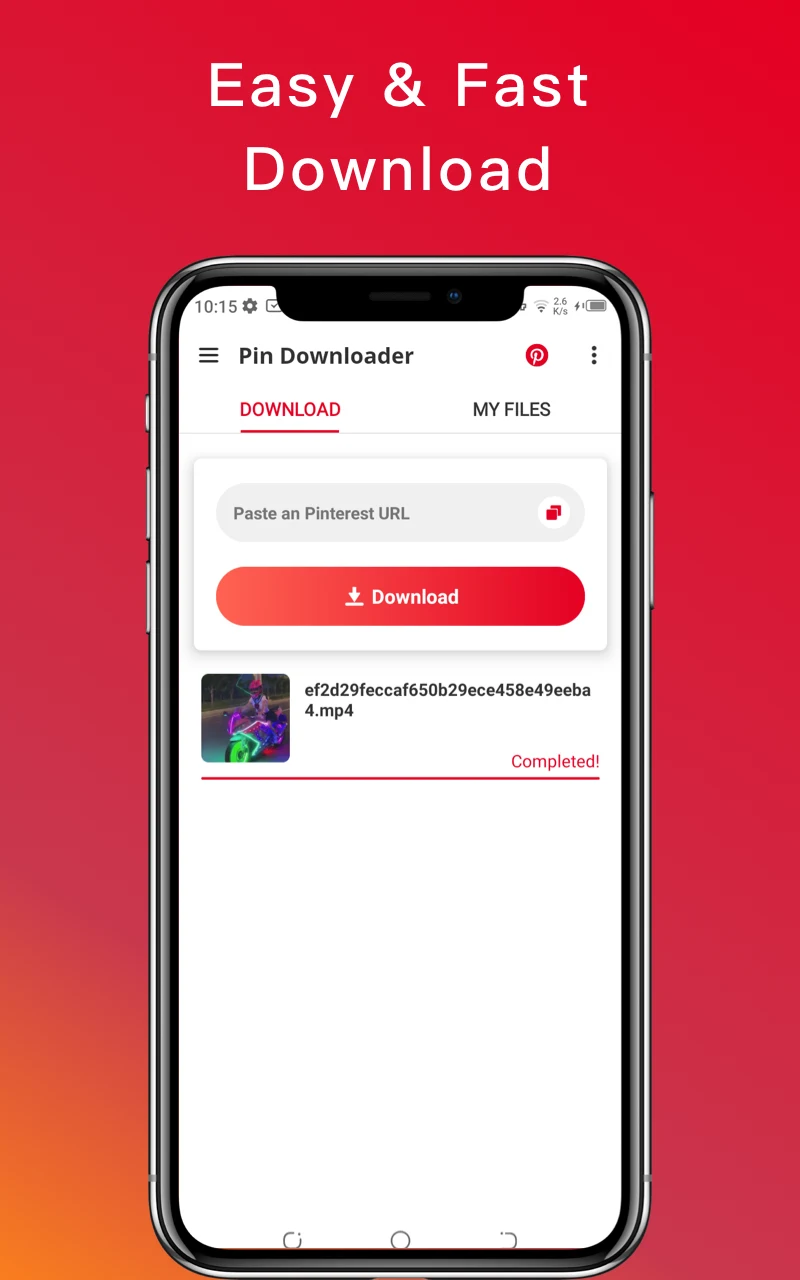
The documented workflow begins in Pinterest: select a video, photo, or GIF and copy its link using the share option or the three-dot menu. In Pinterest Video Downloader, paste that link into the search box and start the download. This link-based process is the app’s central function; the provided instructions describe copying and pasting a link rather than searching Pinterest content within the downloader.
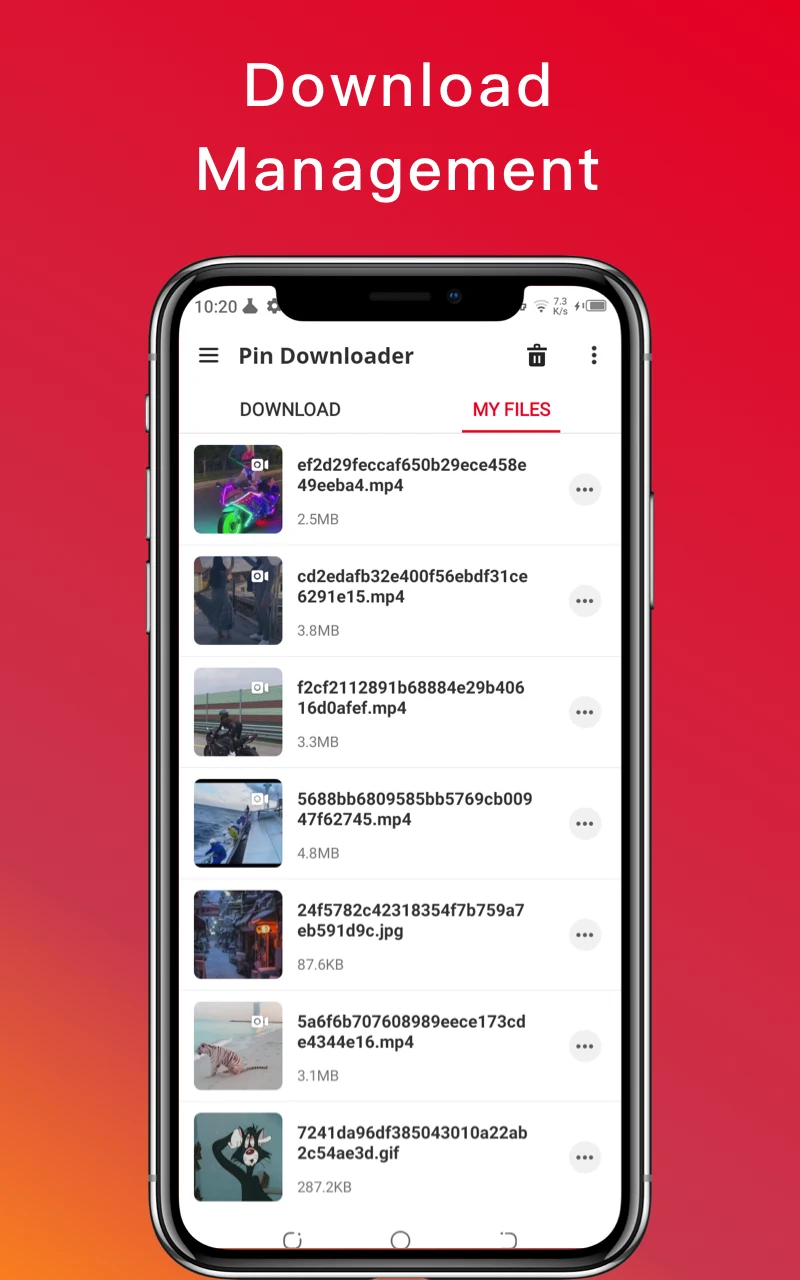
The source says the app can save videos, images, and GIFs, and also refers to files more generally. It describes downloaded media as being saved to the device and says the step-by-step instructions lead to media in the gallery. The app is therefore presented as a way to keep selected Pinterest content on the device for later access, rather than as a Pinterest browsing or publishing tool.
Choose a video resolution
For video downloads, the source describes support for multiple resolutions. Users can select a resolution according to their network environment and available storage space. It also describes the available quality as dependent on what is offered for the media, rather than specifying particular resolution levels or guaranteeing a particular result for every link.
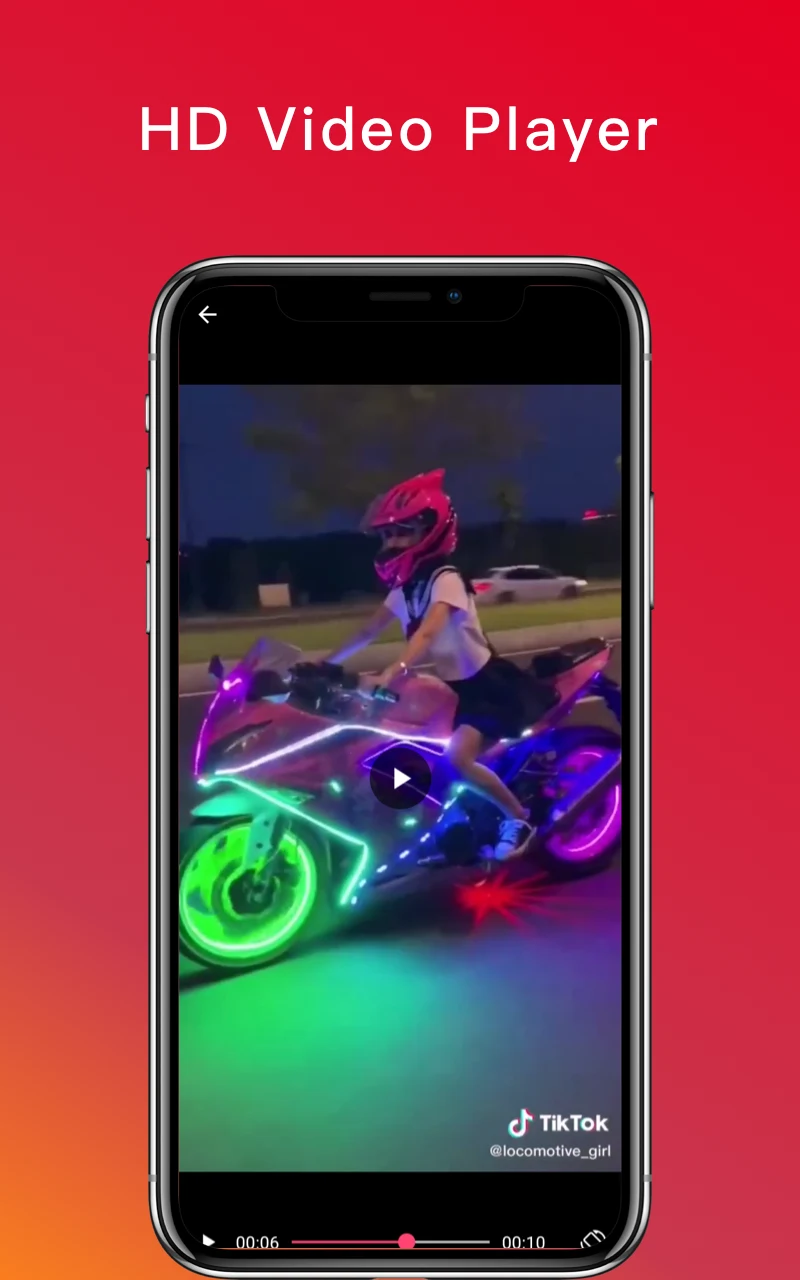
Downloaded videos can be played back in the app, and the source describes playback as high quality. It does not detail playback controls or list supported formats, so the documented scope is limited to watching videos after download. Photos and GIFs are also among the media types the app is described as saving, but no additional image or GIF controls are specified.
Interface and guidance
The app is described as having a simple interface with a search box for entering copied links. Its instructions explain the basic sequence: copy a Pinterest link, paste it into the downloader, and start the download. A beginner’s guide is also mentioned as help for new users. The source does not provide further detail about the guide’s contents or describe additional search, queue, or download-management controls.
The source makes conflicting statements about whether an account is needed: it describes using the app without extensive registration, while its FAQ distinguishes public from private Pinterest boards. The public and private board requirements are covered separately below; the link workflow itself does not establish that every kind of Pinterest content is accessible without logging in.
Editing and sharing downloaded videos
Beyond downloading, the source describes simple editing tools for Pinterest videos. Users can add annotations before sharing, and the description also mentions changing a downloaded file’s name. It does not explain the available editing options in detail, so no particular trimming, effects, or other editing functions can be confirmed from the supplied information.
The app is also described as allowing users to share favorite videos with friends or relatives through services including Facebook, WhatsApp, Instagram, Google+, and Pinterest. These sharing options are presented as supporting tools for downloaded videos; the source does not specify the exact sharing steps or say that the same options apply to every media type.
Additional access and privacy controls
The description says users can set a PIN code or password for the app. This is presented as an access control for the app itself, not as a feature that changes the Pinterest link or download process. No further details are given about how the code is set up or what recovery options are available.
Overall, the documented purpose is straightforward: use a copied Pinterest link to save supported media, choose a video resolution where available, and use the described playback, editing, and sharing tools. The source does not specify exact resolution values, file formats, or further technical requirements, so those details should not be assumed.