


Pinster Advanced Downloader is a user-friendly tool for saving Pinterest videos and images to a device. Its main task is to turn a Pinterest link into a downloadable file: users copy the address of the content they want, paste it into the app, choose the desired quality, and begin the download. The app also provides queue management with pause, resume, and retry controls, making it possible to handle several downloads more conveniently. After saving, users can review videos and images, arrange files, create slideshows, set images as wallpapers, crop or stitch pictures, and share media with friends.
How do you download a Pinterest image or video?
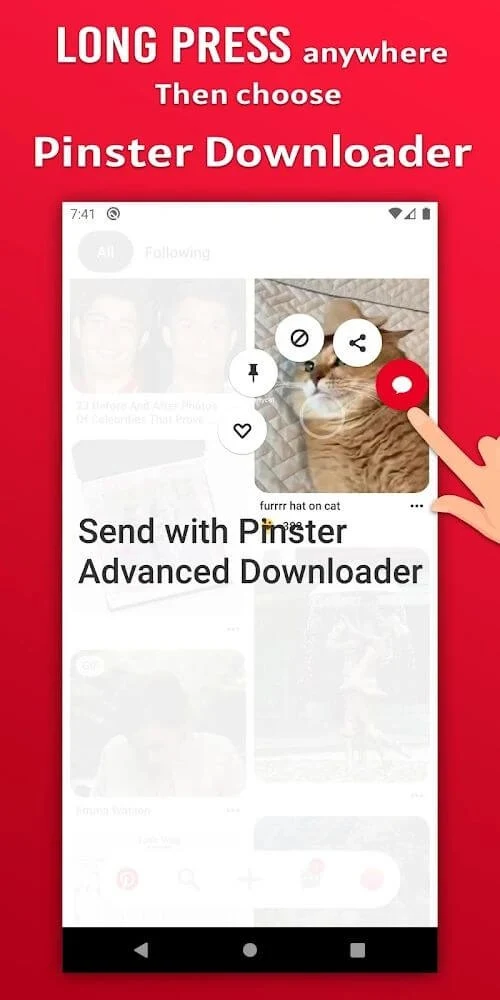
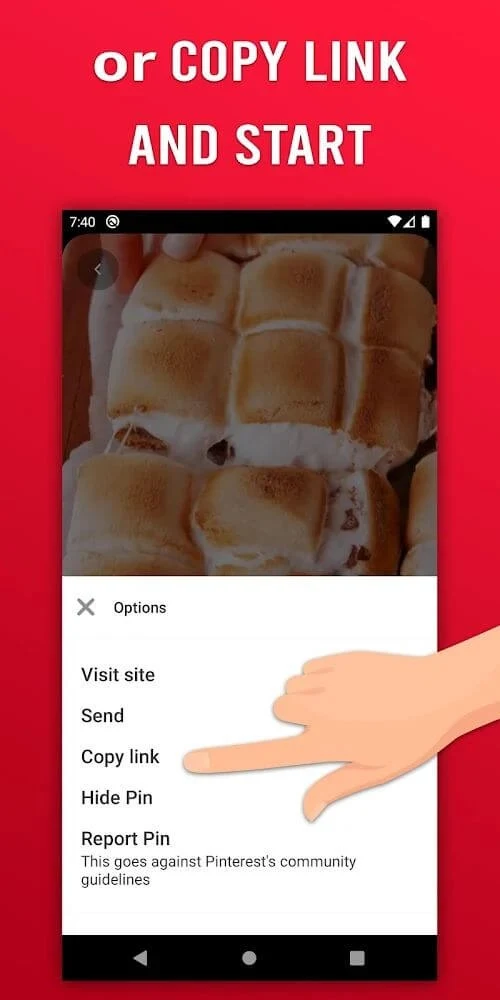
The basic process starts in Pinterest or on its webpage. Find the image or video you want, copy its complete URL, then open Pinster Advanced Downloader and paste the link into the provided box. After selecting the download option and, where available, the preferred quality, the file is saved to the device. The source instructions emphasize copying every character of the URL, since an incomplete address may cause download problems.
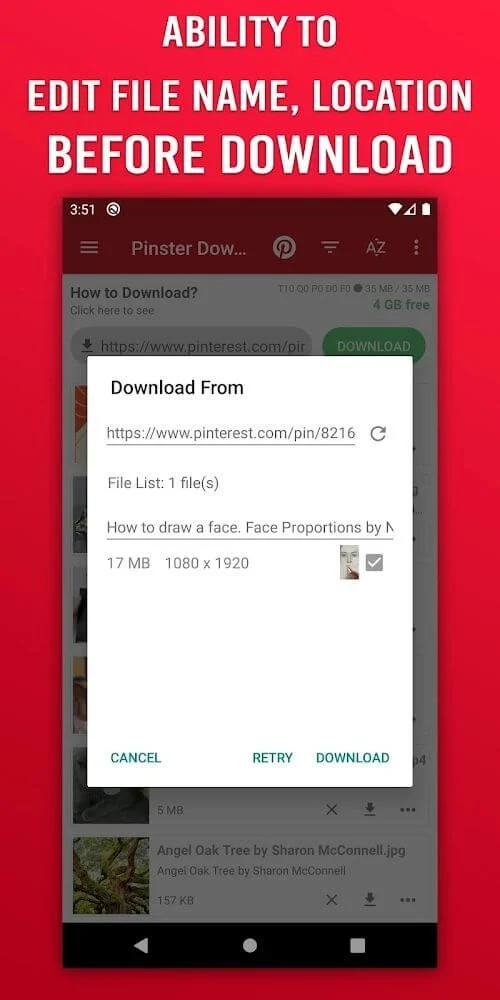
Before the download begins, the app allows users to change the file name and location. A shorter, memorable name can make later searches easier, while a chosen folder can help keep saved content organized. The source also advises using a stable internet connection for smoother downloading.
Can you manage several downloads at once?
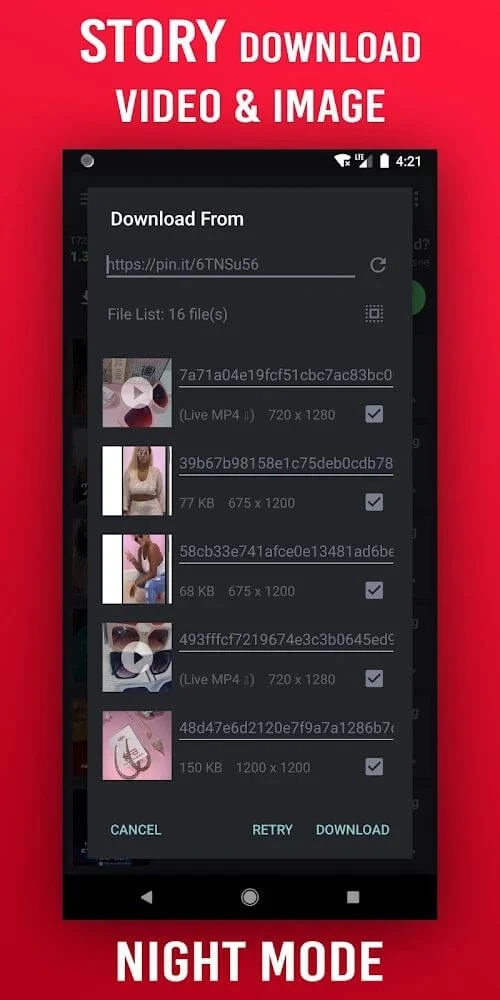
Pinster Advanced Downloader includes a download queue for handling multiple items. Users can pause an active download, resume it later, or retry an item when necessary. The source also describes automatic recovery after connection drops, along with multithread acceleration and no artificial speed cap. These functions are aimed at making larger or repeated download tasks easier to control rather than requiring every item to be handled separately.
Downloaded files can be categorized by moving them into different folders, including folders based on subject or color. The app can also synchronize saved photos with the mobile device’s photo library, and the source states that users can choose a custom folder or an SD card location. This gives users more control over where downloaded media is kept.
What can you do with saved images and videos?
Saved videos can be watched inside the application, where they are arranged in chronological order for later review. The app also supports image slideshow presentations, described in the source as a carousel for favorite images and videos. Because the downloaded content is stored on the device, the source says users can view the videos and images without a network connection.
Images can be set as wallpapers with a single tap. Users can also crop and stitch images to adjust them to their preferred appearance. These editing options are focused on preparing saved pictures for personal viewing or wallpaper use, while the built-in viewing tools provide a way to revisit both images and videos from one place.
How can you share or organize the downloaded content?
The app lets users rename files before saving them and sort images into folders. Once content has been transferred to the photo collection or Gallery, it can be shared with friends through services named in the source, including Facebook, Instagram, Twitter, and WhatsApp. The sharing function is therefore useful for users who save Pinterest media mainly to send it to other people.
Users should consider the rights attached to the content before sharing or using a downloaded video publicly. The source specifically advises responsible use and says that copyright-protected videos should not be used publicly. This is an important part of deciding whether the app fits a particular download purpose: it is suited to people who want convenient access to Pinterest media and organization tools, but the way saved material is used remains the user’s responsibility.
Who may find this downloader useful?
Pinster Advanced Downloader may suit Pinterest users who regularly save images, videos, GIFs, or short-form content and want more control than simply viewing it online. Its combination of link-based downloading, quality selection, queue controls, custom file naming, folder organization, offline viewing, wallpaper settings, image adjustments, and sharing tools covers several stages of handling saved media.
It is especially relevant for users who want to build a local collection of Pinterest content, review downloads later without a connection, or move selected files into a photo library. The clearest workflow is to copy a complete Pinterest URL, paste it into the app, select the desired download settings, and then organize or share the resulting file according to its intended use.