
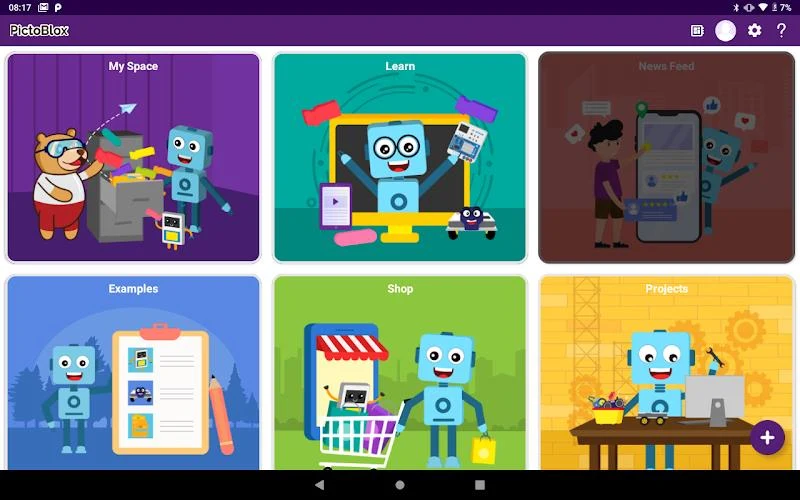
PictoBlox is a block-based educational coding app that helps beginners learn programming by assembling visual modules instead of writing every instruction from scratch. Its tutorials introduce core coding ideas while allowing learners to build programs, games, animations, and interactive projects through a clean, simple interface.
Learning programming concepts
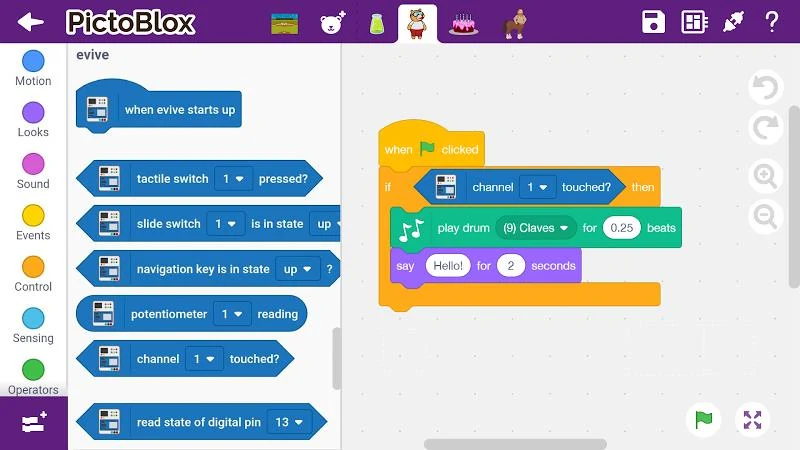
The learning material covers logic, algorithms, sequencing, loops, and conditional statements. These topics provide a structured introduction to how programs are planned and executed. The drag-and-drop workflow lets users stack coding blocks to create programs without having to manage complex syntax at the beginning.
The source also describes PictoBlox as suitable for people without prior programming experience. Tutorials are intended to guide learners through the process, while lectures from professionals are presented as another way to explore programming and related technologies in more depth.
AI and machine learning projects
PictoBlox includes lessons and project options related to artificial intelligence and machine learning. Users can explore face recognition, text recognition, speech recognition, and the training of machine learning models. AI-based games are also mentioned as a way to apply these concepts in a practical project.
These activities are connected with broader skills such as creativity, logical reasoning, critical thinking, and problem-solving. The app therefore presents coding as a way to make interactive work while learning how technology-driven systems operate.
Robotics and connected hardware
Hardware interaction is a central part of the app's described capabilities. Dedicated extensions support DIY and Internet of Things projects, including controlling Scratch projects through Bluetooth from a mobile app. The listed hardware includes actuators, sensors, display modules, NeoPixel RGB lights, robotic arms, humanoid robots, and related devices.
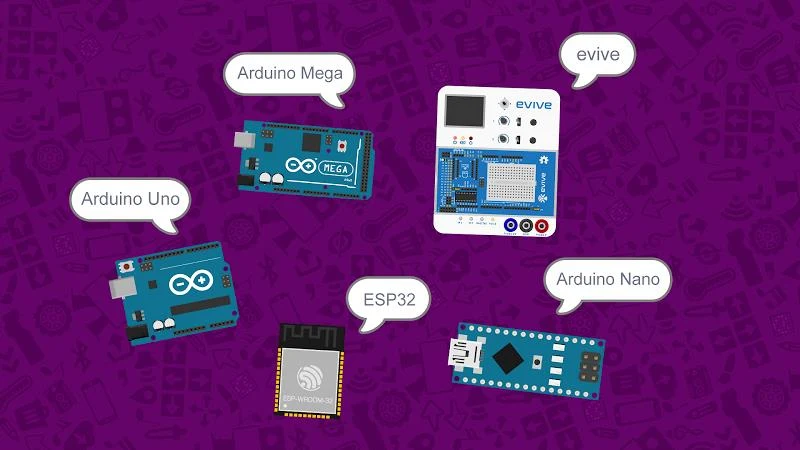
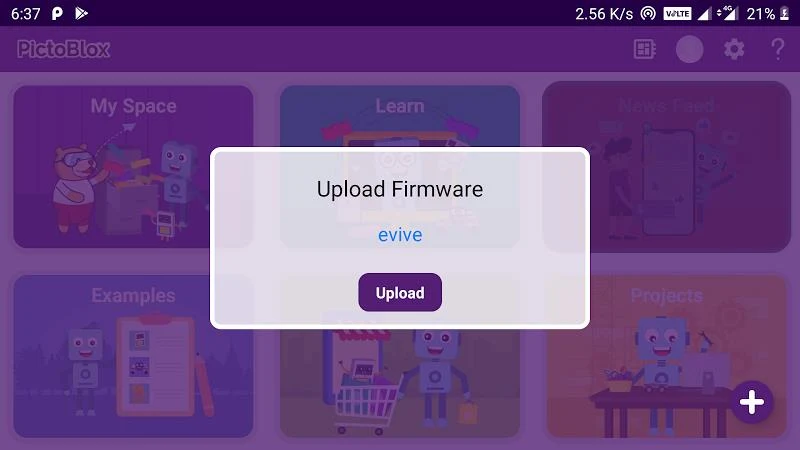
The material also identifies robotics programming and IoT connectivity as supported project areas. It specifically names evive, Arduino Uno, and similar boards among the types of hardware that can be controlled. These extensions allow coding exercises to be connected with physical components rather than remaining entirely on screen.
Creative and advanced project options
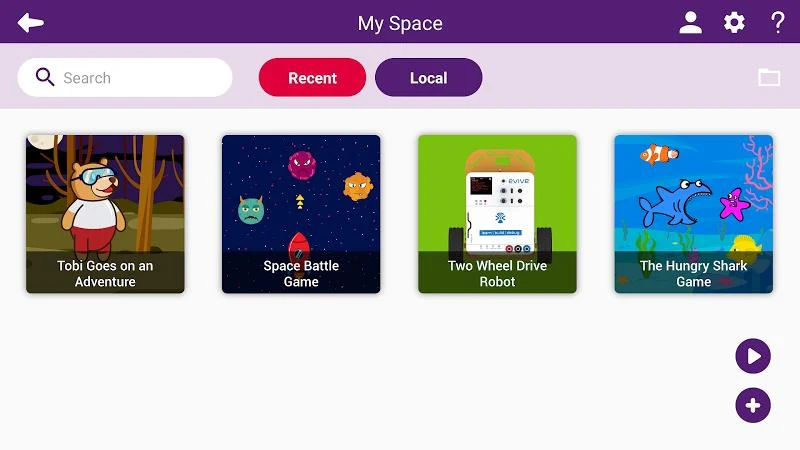
Beyond robotics, PictoBlox can be used for interactive games, stories, animation, and other interactive media. It also describes support for augmented and virtual reality development, giving users another project direction alongside AI, machine learning, and hardware programming.
For learners who want to move beyond visual blocks, Advanced Mode supports coding with Arduino IDE and Python according to the supplied information. The source describes the app as having a free version as well as a paid version with additional advanced features and tools. It also states that the learning experience does not include ads or pop-ups.