

Overview
PicArt is a photo editing app for enhancing images with filters, colorful text, effects, frames, and stickers. After importing a suitable photo, users can adjust its appearance, emphasize the main subject, and create a more distinctive visual style. The app also supports batch editing, so saved editing actions can be applied to multiple photographs instead of repeating the same work manually. Alongside its photography tools, PicArt includes AI-assisted image options and a video editor for short clips. Finished creations can be exported to a device, printed, or shared through supported social and messaging services.
What You Can Do
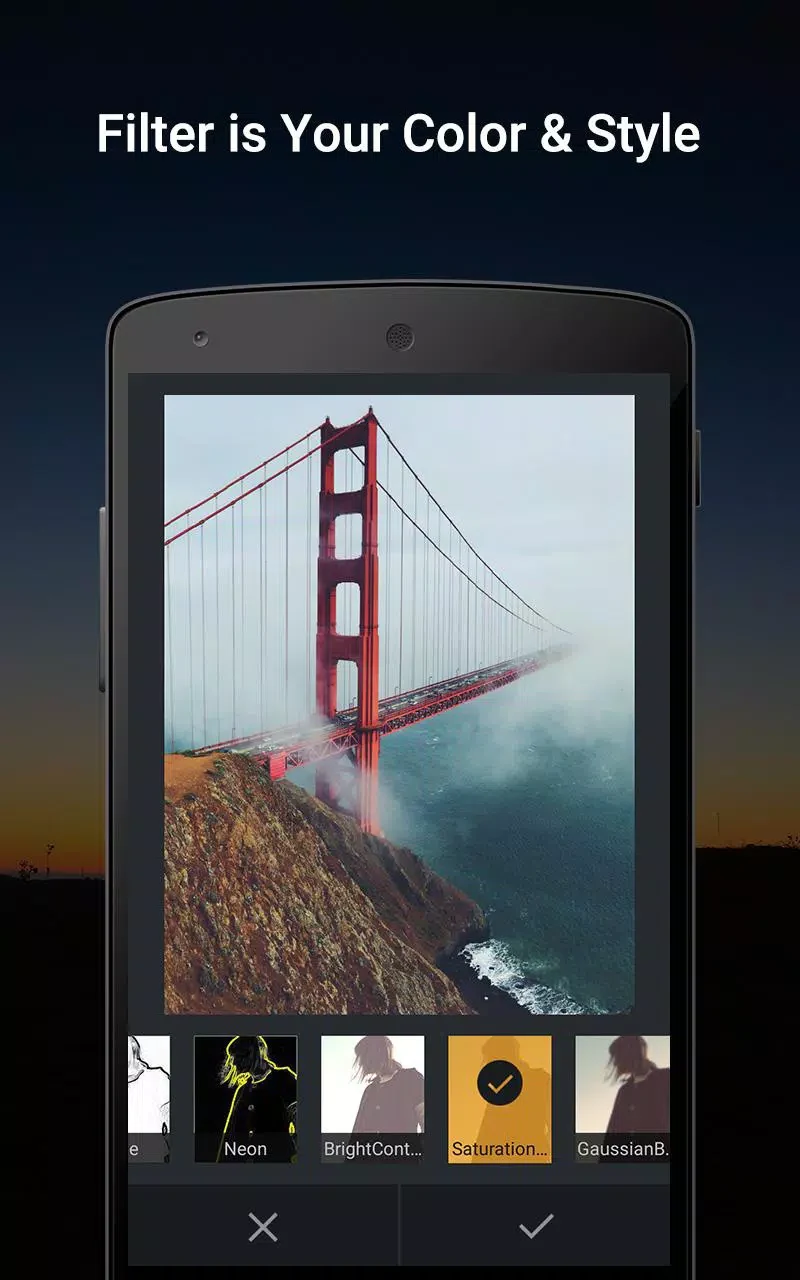
⭐ Apply distinctive filters to an image to change its overall look quickly and give a collection of photos a more consistent appearance.
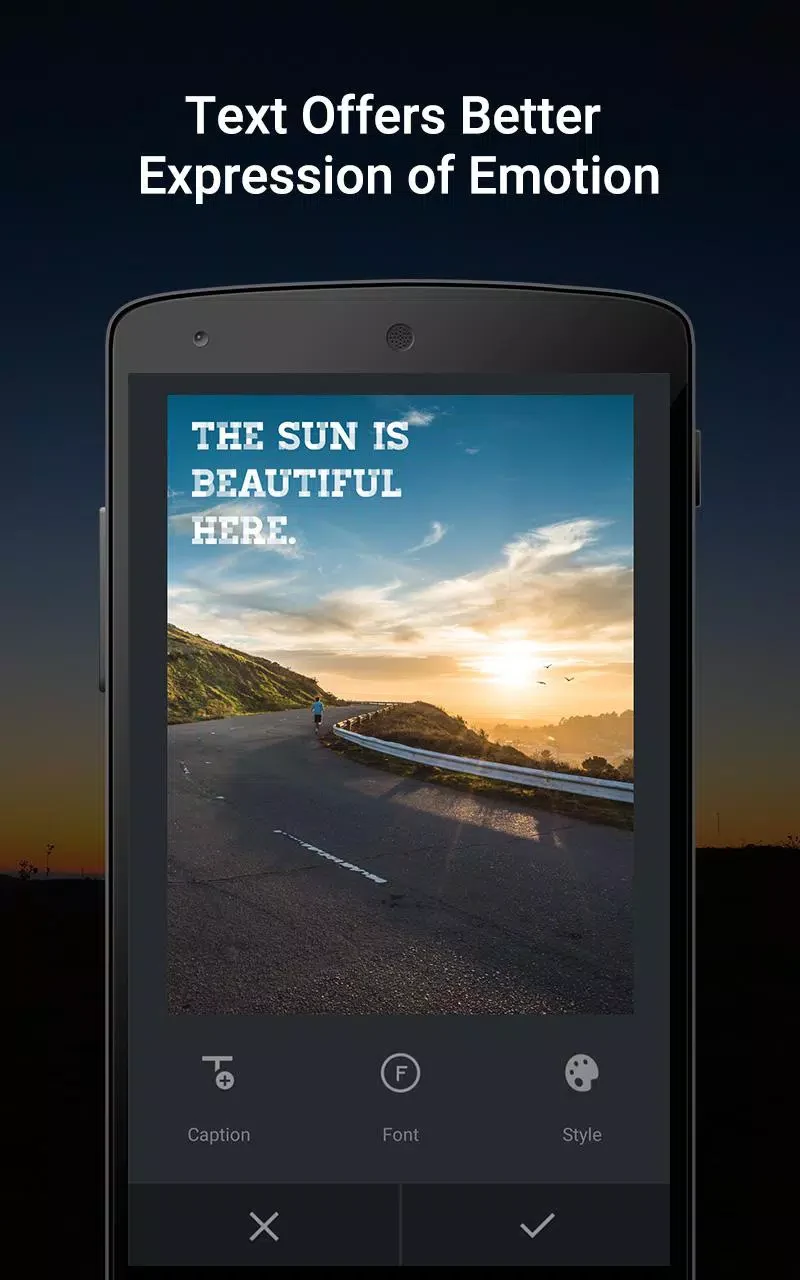
⭐ Add text using different fonts and colors, with shadow controls to make lettering more prominent. PicArt also includes character lines for creating more stylized text arrangements.
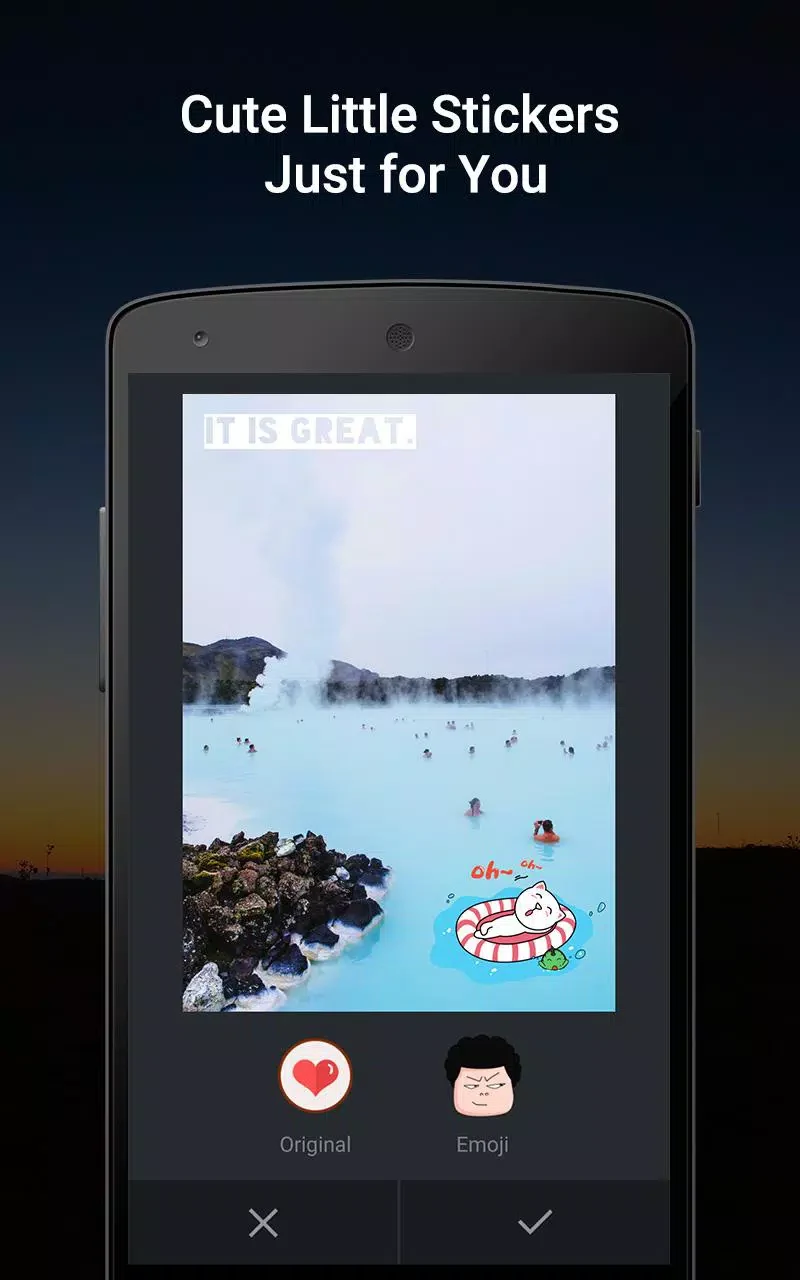
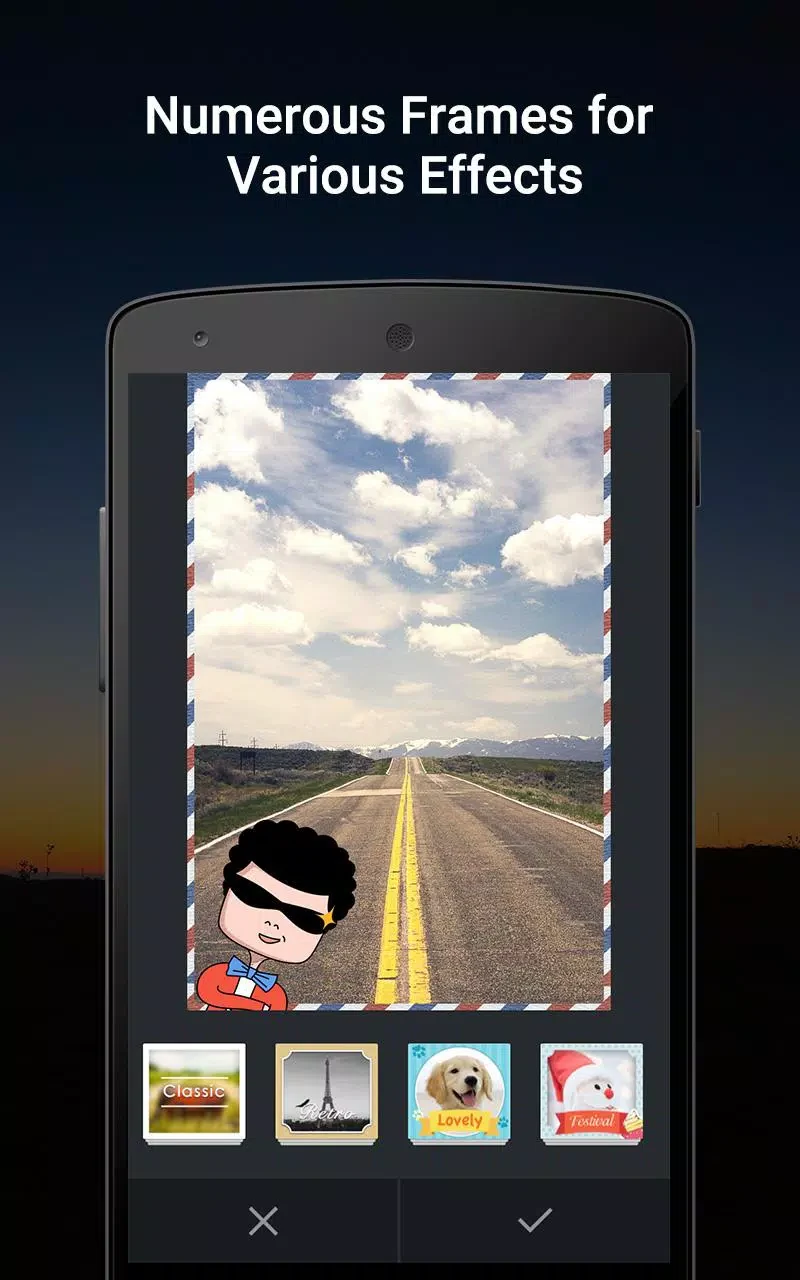
⭐ Decorate photos with frames, themed collage frames, and stickers. These additions can help build a specific visual theme without leaving the editing workspace.
⭐ Use the AI toolkit to enhance details, reduce the appearance of blur, and upscale images. The source also describes tools for basic face replacement, AI avatars, and custom backdrops.
⭐ Edit videos by trimming clips, adding overlays and captions, and changing the aspect ratio for short-form videos and reels. The source states that videos can be exported without watermarks.
⭐ Save editing actions and apply them to several photos through batch editing. This is useful when multiple images need the same treatment or a consistent appearance.
Using the App
To begin, add an image by dragging it onto the canvas or selecting an Add Image button. The editing options include controls for image noise and color, while the frame collection lets you choose a preferred border or design. Text is added through the Add Text controls, then adjusted from the text options in the lower-right area; multiple text components can be placed on one image. When the result is ready, use the share, save, or print option. Photos in the library are sorted by date, making recent work easier to locate, and the app supports exporting high-resolution images.
PicArt can also connect finished work with services named in the source, including Instagram, Facebook, Twitter, Tumblr, Flickr, WhatsApp, and Line. The final description additionally mentions saving creations to Dropbox for broader access.
Why It May Appeal
✅ Batch editing reduces repetitive work when several photographs need the same style.
✅ Photo, AI, and video tools are available within the same editing app, which can be convenient for users creating mixed visual content.
✅ High-resolution export and multiple sharing destinations provide several ways to use finished images outside the editor.
Things to Consider
❎ PicArt offers many editing categories, so users looking for only a basic filter tool may find the broader collection of text, decorative, AI, and video controls more than they need.